

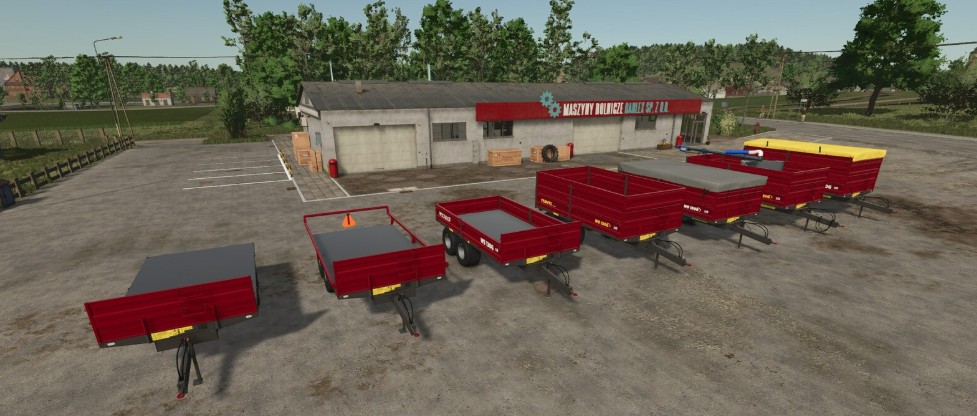
Weckman WS 130G v 1.0


Weckman WS 130G is a versatile tipping trailer designed for everyday farming tasks. Built by the Finnish manufacturer Weckman Steel, the WS 130G offers a practical design, and can be easily adapted for bulk transports as well as for moving pallets and bales.
This mod offers three capacities from 5.6 m³ to 18.4 m³. On some configurations sides can be opened for bale and pallet loading. You can also choose not to have sides at all, or a handy frame for easy and safe transport for 125 cm round bales. In addition, you can equip the tipper with a filling auger from Jussi-Tuote to make filling the seeder easier and faster. Both seeds and fertilizer can be filled from the same trailer thanks to the partition wall included in the auger package. Other optional accessories include different cover options and a trailer hitch.
In addition, you can choose from numerous sticker options from different years throughout the production period of the trailer model in question. A Tuhti option is also available, as the trailer was sold domestically under the Tuhti brand until 2022.
This mod supports Vertex Design’s Interactive Control for opening the sides and cover, folding, etc. However, the IC is not necessary and all functions can also be controlled with default keyboard commands.
Price: $15,000 (Default)
Capacity: 5,600 – 18,400 liters
– Configurations for bale and pallet transport.
– Tension belts and choise of covers.
– Trailer hitch.
– Choise of wheels.
– Interactive Control.
Credits:
Agrogaatti


