

FNT Livemap v1.0.1.0


This mod is a tool for dedicated servers. It exports the live state of the farm so that external tools can show an interactive map, and it posts chat messages that the server admin places in a file.
Exported to the server’s modSettings folder every few seconds:
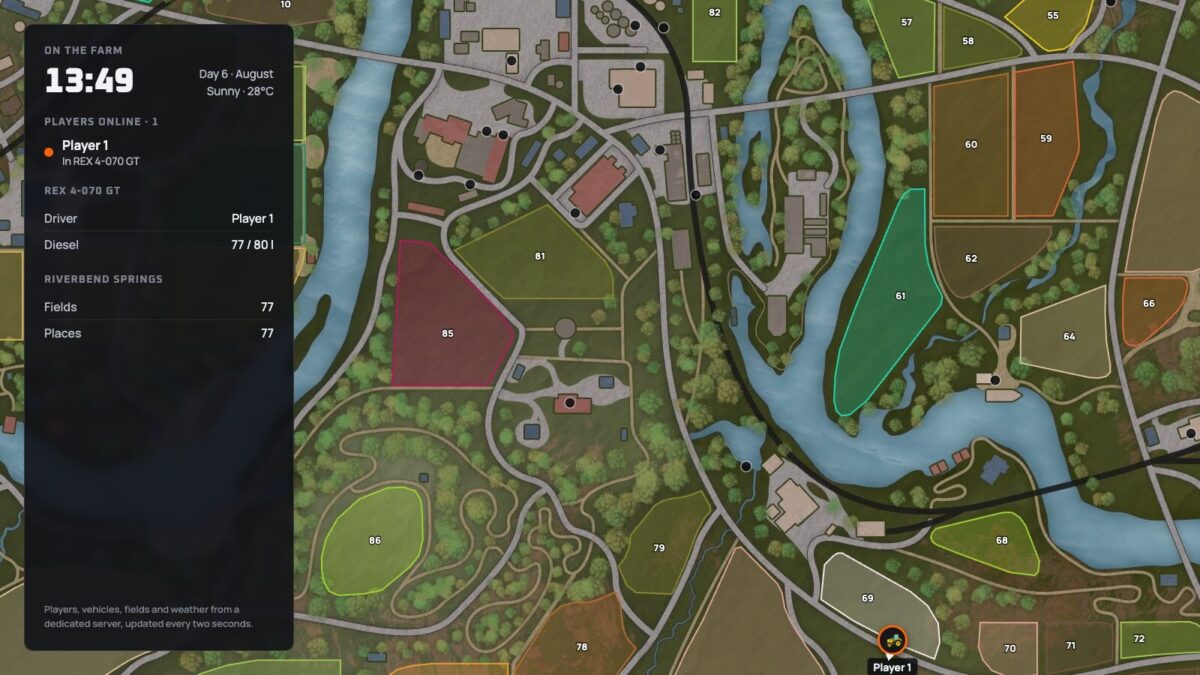
– Players and the vehicles they drive
– Vehicles and trains with their drivers and loads
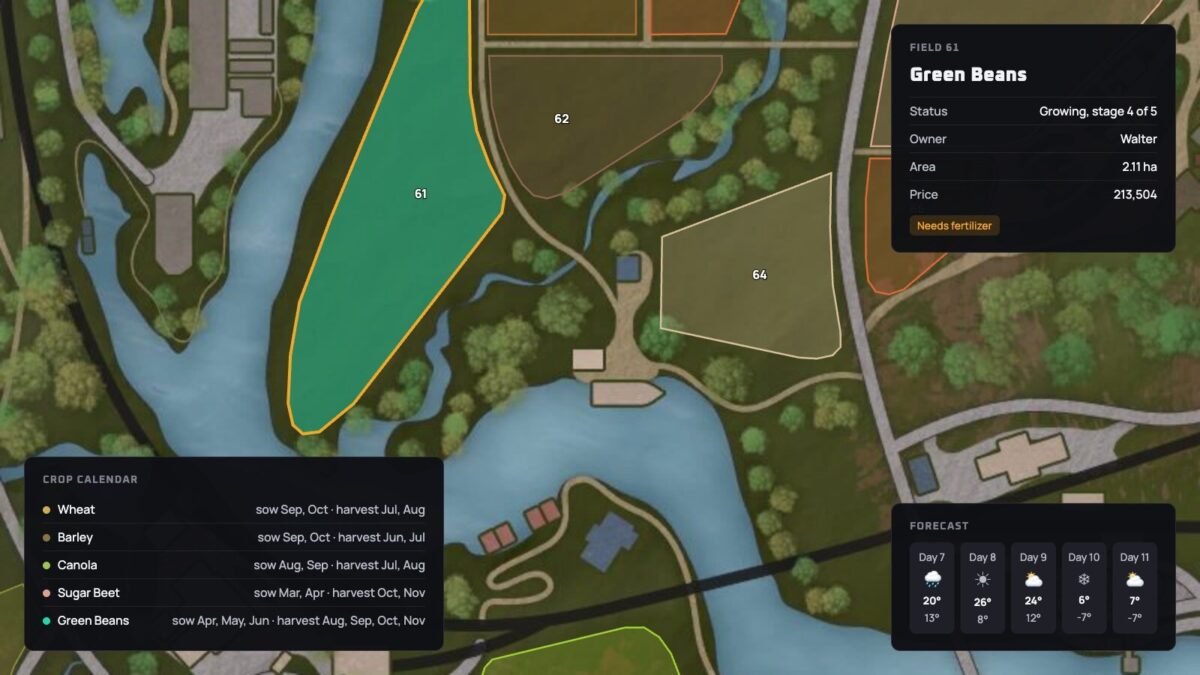
– Fields with crop, growth stage and owner
– Sell points, productions and other places
– Running contracts
– Weather, forecast and crop calendar
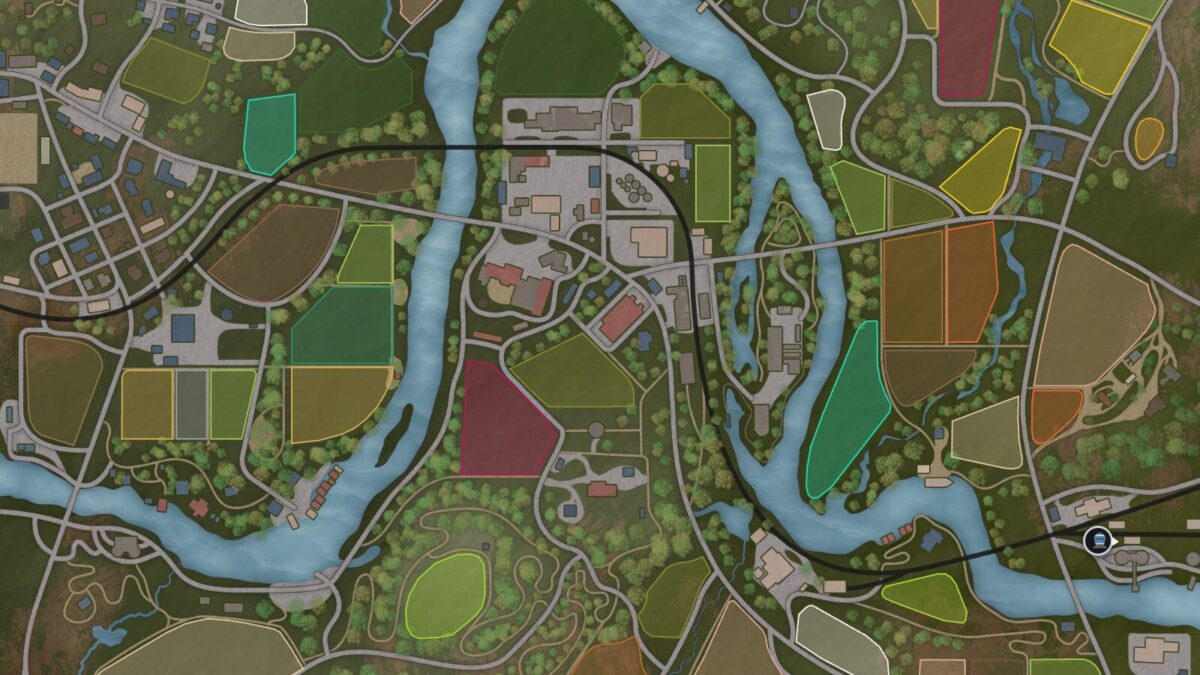
– The map’s overview image
The mod only runs on a dedicated server and does not change the gameplay. Players who join download it automatically and need no setup.
Changelog 1.0.1.0:
– A vehicle without a shop entry no longer stops the vehicle export
– Chat messages are also posted while the server has no farm
Credits:
Fragnet


