

Porcupine Mountains Michigan v1.0.1.3


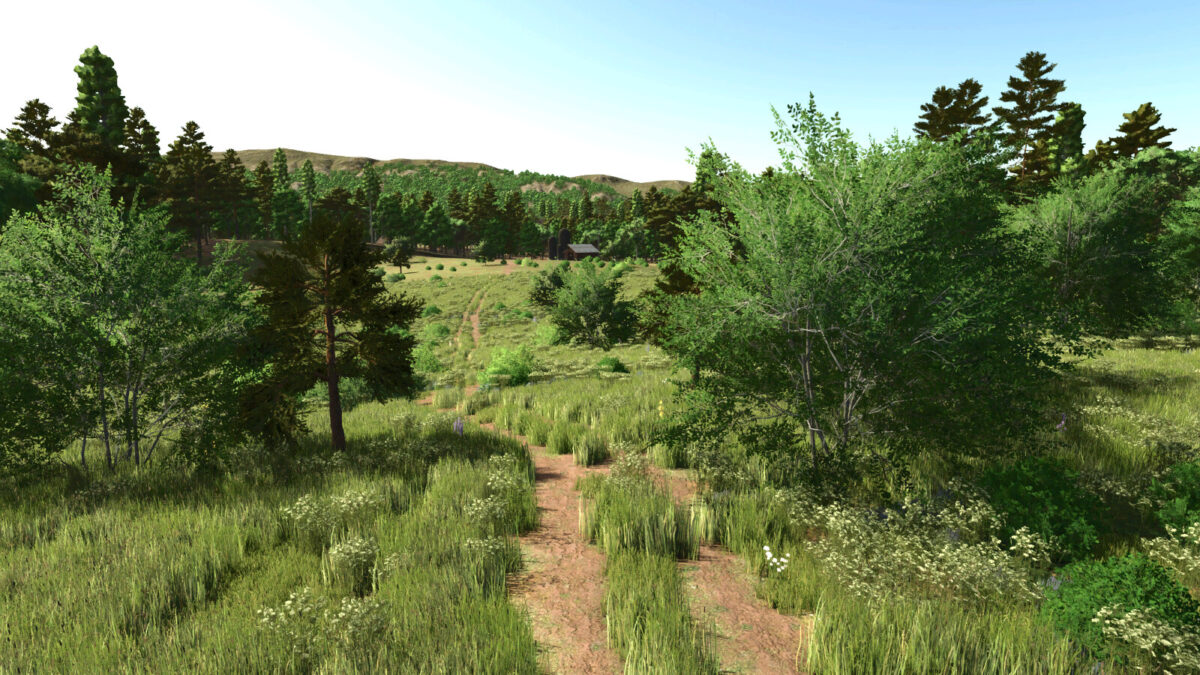
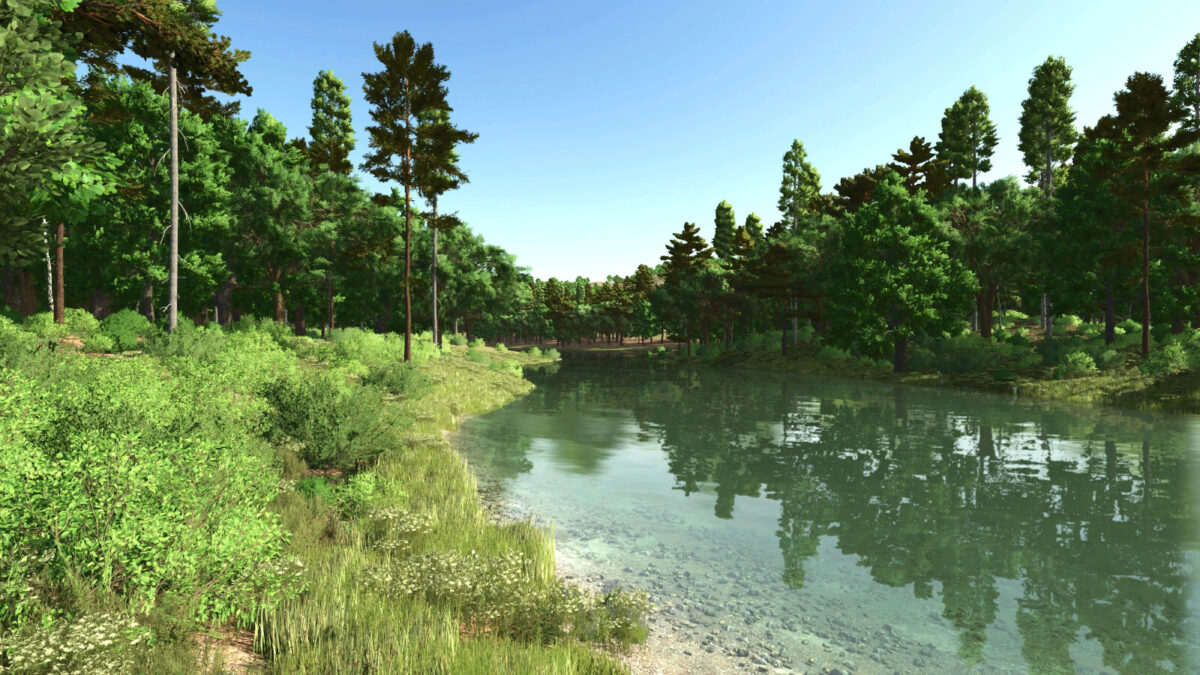
Welcome to the wilds of the Porcupine Mountains in the Upper Peninsula of Michigan. Here you will be met with many challenges. Difficult terrain, extreme weather and vast empty wilderness.
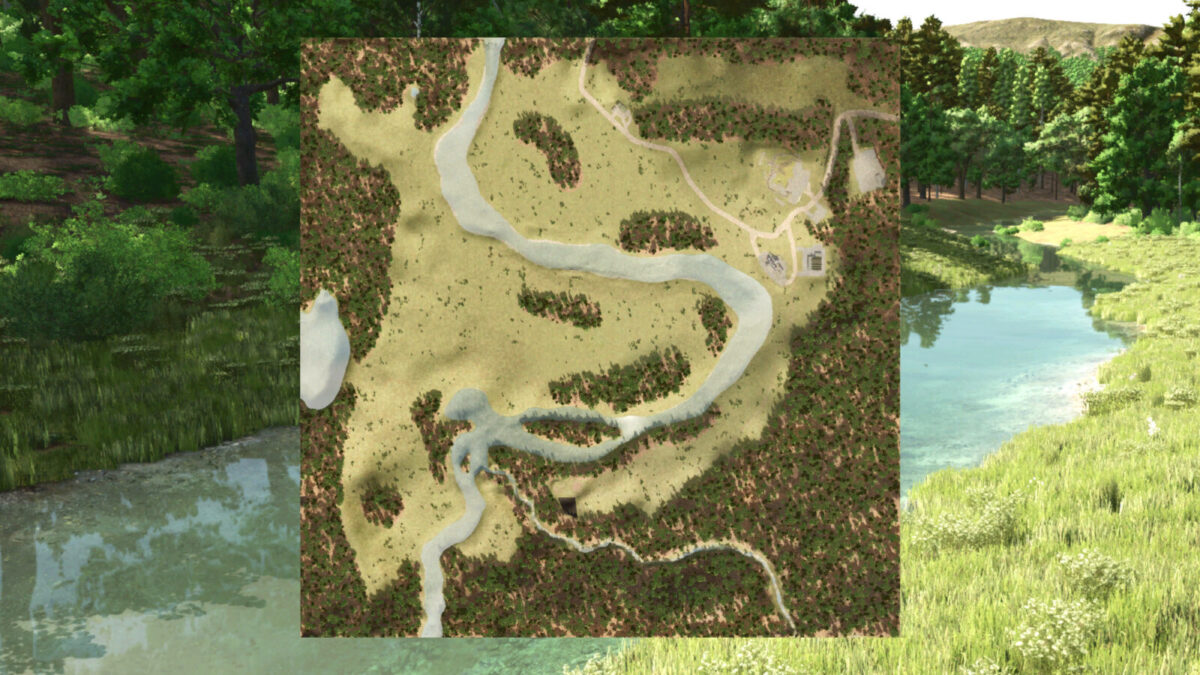
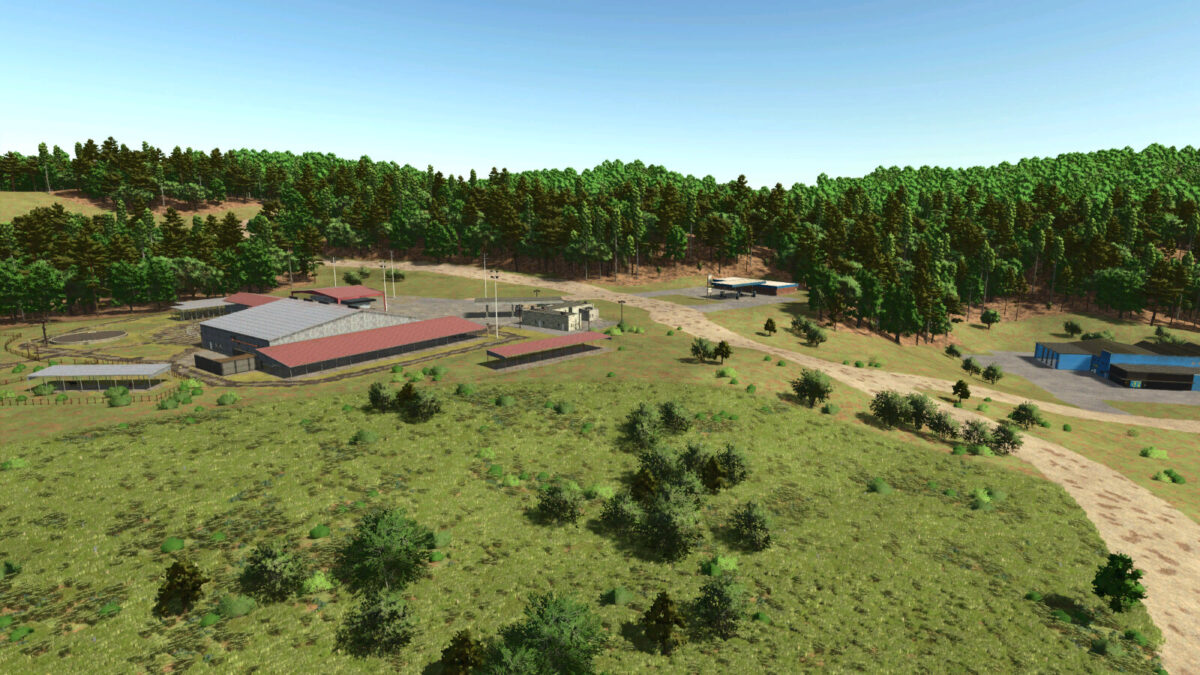
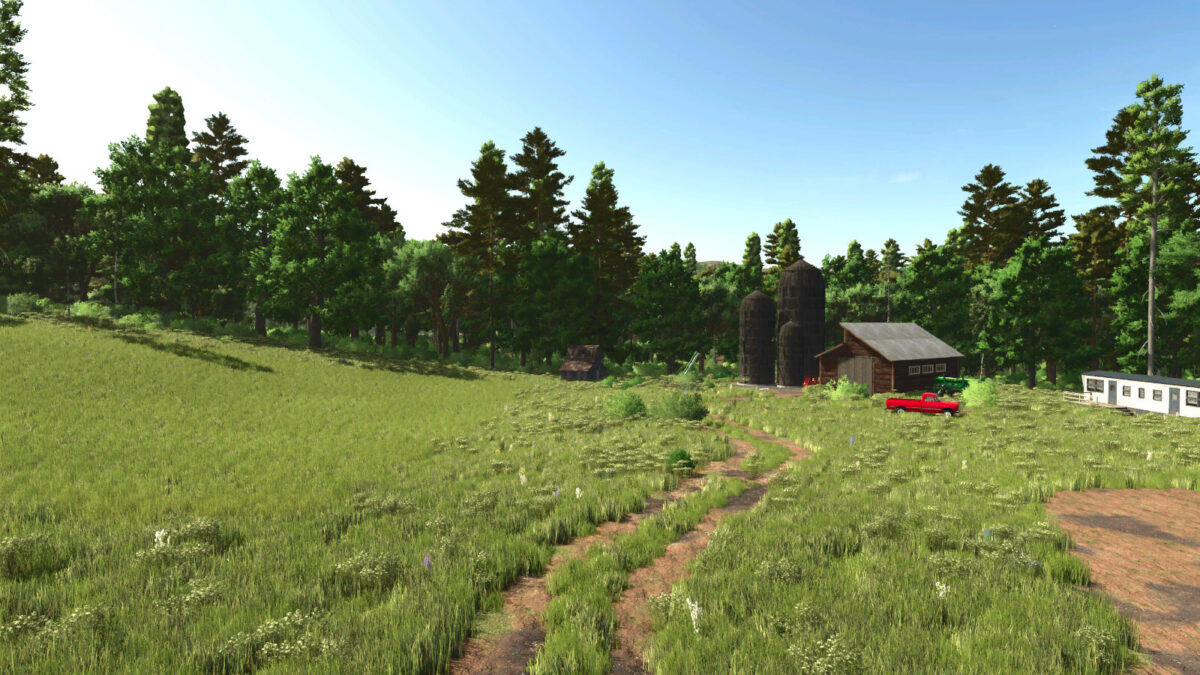
This is a start from scratch/survival style map. You have inhereted a small amount of property with a small trailer house, a shed, a silo and some heavily used equipment.
There is one small field of field grass on the property. You have all the equipment needed to cut and bale it into hay to get some income. There is also a constructable log cabin on the property that if you provide the proper materials you will be able to build a nice home.
At that point you can sell your trailer for some extra cash. You can harvest trees to provide the needed wood for the cabin and there is a sawmill you can buy to produce other materials needed. Materials you cant produce or choose not to produce can be bought at the warehouse.
There is a very small town area where you can buy and sell things. There is tons of forestry if that is the route you choose to go or there is plenty of open space to plow fields and expand your farms. There is NO traffic on the map which gives you the opportunity to make roads where ever you want. There are 50 collectables on the map.
There are 58 available farmlands and 1 field.
There are a couple of buying points and selling points on the map.
Here is a list of production/sell points that can be found:
– Saw mill
– Grain elevator sell point
Buy points:
– Animal trader
– Gas station
– Warehouse
– Vehicle dealer
New/updated features:
New crops include:
– Alfalfa
– Clover
– Flowering catchcrop
– Green rye
– Rye
– Spelt
– Silage maize
– Triticale
– Vetched rye
– Winter wheat
– Winter barley
Features new/updated:
– Added ground deformation
– Row crop system
– Additional ground angles
– Stubble destruction
– Updated corn textures
– Custom planting and harvest calendar
– More paintable textures added
– New crops able to be fed to animals
– Silos and bunkers accept new crops
– Updated some production points to accept new crops
– Cusotm weather patterns to match the location
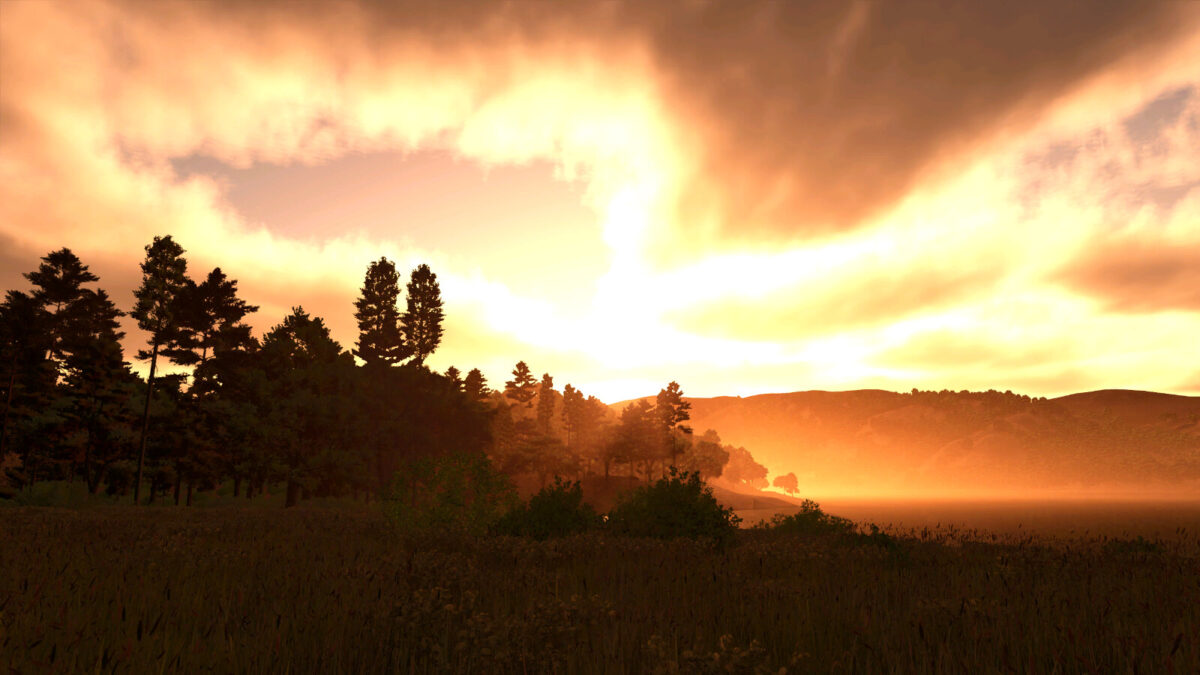
– Custom sunrises and sunsets
– Very dark nights
– Custom lighting
– Custom tornados
– Productions have been modified with increased capacities and production outputs
– The map has a custom animal.xml. Cows dont produce milk until after 27 months and goats dont produce milk until after 12 months to make things more realistic
I hope you all enjoy the map and good luck out there.
I would like to give special thanks to InsaneSimGuy for letting me use his silo for the farm.
Change log 1.0.0.1 (Does not require new save)
-Fixed meadow being able to be endlessly mowed
-Fixed field grass not growing past stage 04
-Reduced crop density to improve frame rates
-Adjusted sunrises and sunsets so the green sky isnt such an intense green.
-Adjusted night coloring so it gradually gets darker and then lighter as the moon is near the horizen
-Adjusted vescosity of mud so it is much softer
-Moved deadwood mission spots away from map edges so all trees are accessable.
-Fixed some crop calendars
Change log 1.0.1.1 No new save required
-Fixed yields for grain crops when swathing
-Made stubble height higher so stubble destruction is more evident
-Added more paint textures for gravel
-Dairy cattle can now be purchased at 24 and 28 months for a premium price
-Goats can now be purchased at 13 months for a premium price
Change log 1.0.1.2 No new save required
-Fixed floating lights near the dealership
-Adjusted ground deformation for dirt texture so it is not so aggressive
Change log 1.0.1.3
-Fixed rain effect
Credits:
Papes_Farming_Mods


