
FS22 Maps

Southern Lands Map v 1.0

Southern Lands Map v 1.0

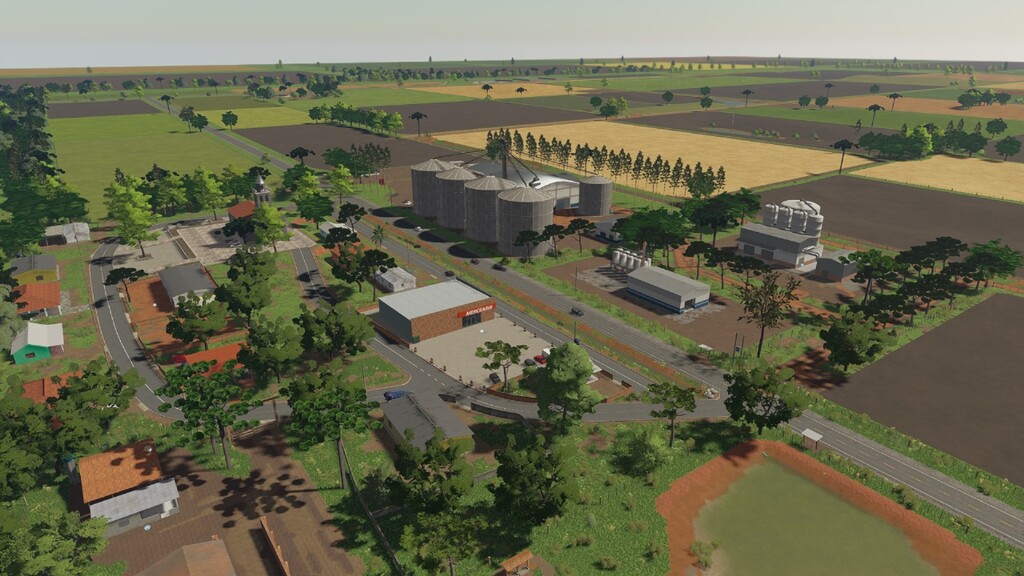
– Two cereal sales points, a market, animal and bales sales, cotton and wool sales, a sugar factory and a cereal mill
– A gas station and two workshops, one at the gas station and one in the store
– A sawmill and a rice milling factory, it is also possible to plant eucalyptus
– A variety of wood used in Brazil for timber extraction
– Three additional crops, including black beans and two varieties of rice, with the possibility of harvesting up to two crops per year taking advantage of Brazil’s tropical climate, where it is possible to produce crops throughout the year, alternating between crops
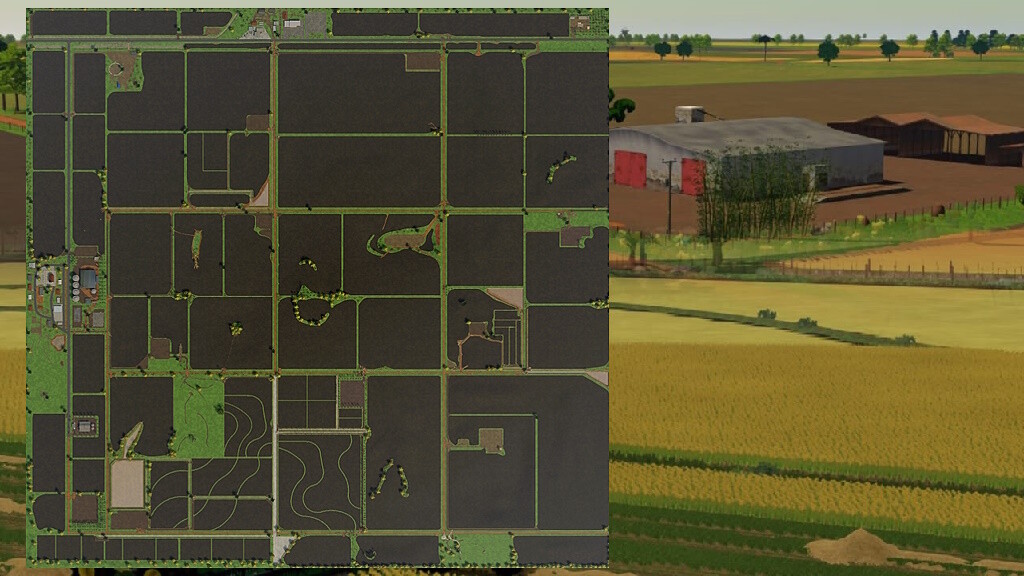
– The map has 13 headquarters already installed spread across the map and some fields with irrigated rice

Credits:

naimog mod e M L Modding

How to install FS22 Maps?
Firstly find a mod which you like and want to download. Then download a mod to your PC. Mods are usually in .zip format file. But sometimes it can be in .rar. If a mod file is a .zip format no needed additional actions. If a file is in .rar, then you must unarchive mod with software like WinRar or Zip7. Windows 10 users no need to use software for archives, Win10 itself has a feature to unarchive files.
The next step is to find mods folder in your PC. Usually, it is in Documents/My Games/Farming Simulator 25/2025. Open the "mods" folder and put downloaded .zip archive or unarchived .rar file to this folder.
Last step. Enjoy of FS25 mods!

Leave a Reply

Your email address will not be published. Required fields are marked *