

XL Farms X1 Map v 1.0.2.2


– Total field size: 276.82
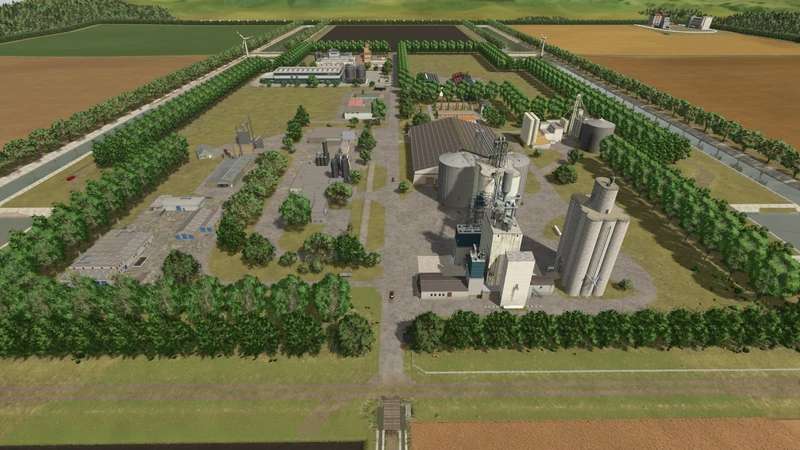
– Large fields for cultivating a variety of crops
– Centralized flat fields – ideal for irrigated rice, potatoes, vineyards, and olive groves
– Dirt roads covering the entire map
– Complete splines – AutoDrive can use them for route planning
– Secondary splines for optimized logistics with CoursePlay and AutoDrive
– Dense vegetation generated using procedural algorithms
– Wind turbine locations for passive income generation
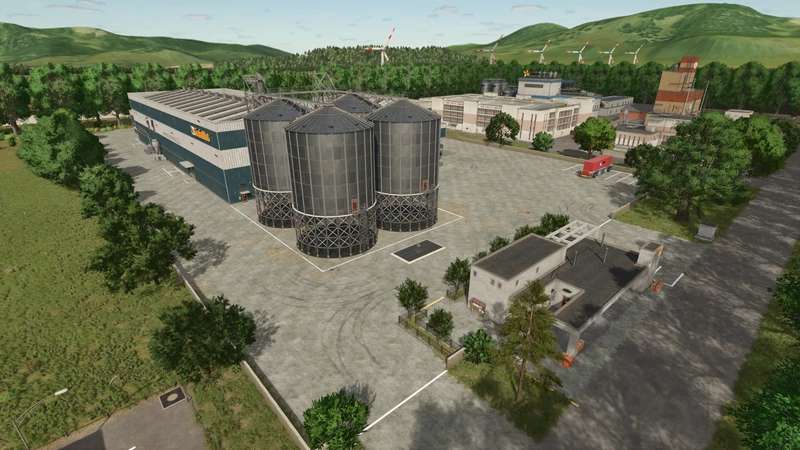
– Main Farm – storage, processing, and expansion space
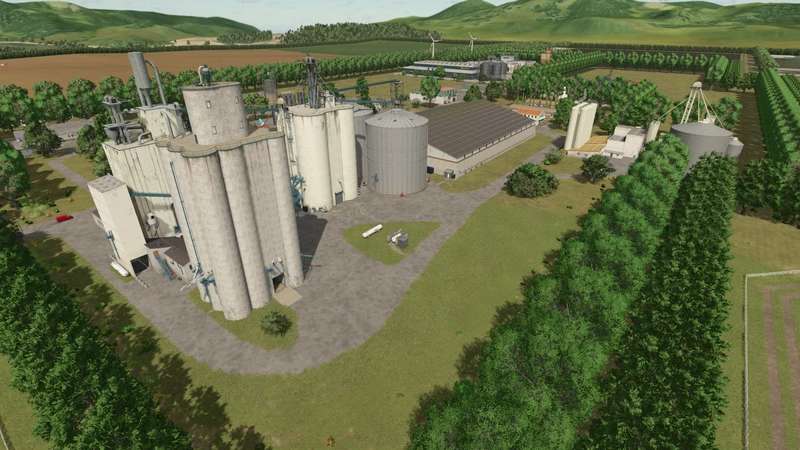
– Central sales point with a grain elevator
– Career Mode Start: One field, a house, garage, workshop, and grain silo
– Edited production chains with increased processing capacity
– Starter vehicles and equipment for operations from planting to harvesting
Version 1.0.2.2:
* Fixed Train Spline
Credits:
XLFarms



Unfortunately, traffic has to be turned off because the AI traffic goes in the middle of the road.