

Whispering Pines v1.0.0.1


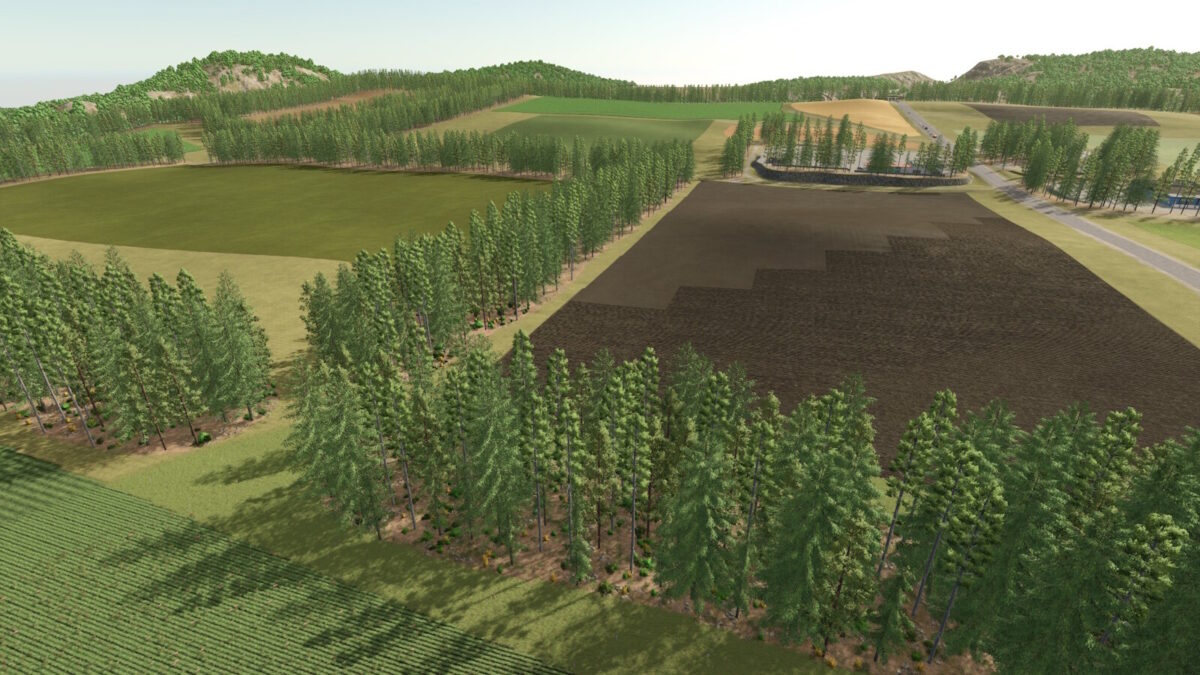
Welcome to Whispering Pines, a peaceful rural map inspired by the quiet farmland landscapes of Michigan. Surrounded by gently swaying pine trees and open countryside, this map offers a calm, immersive farming experience that feels both familiar and refreshing.
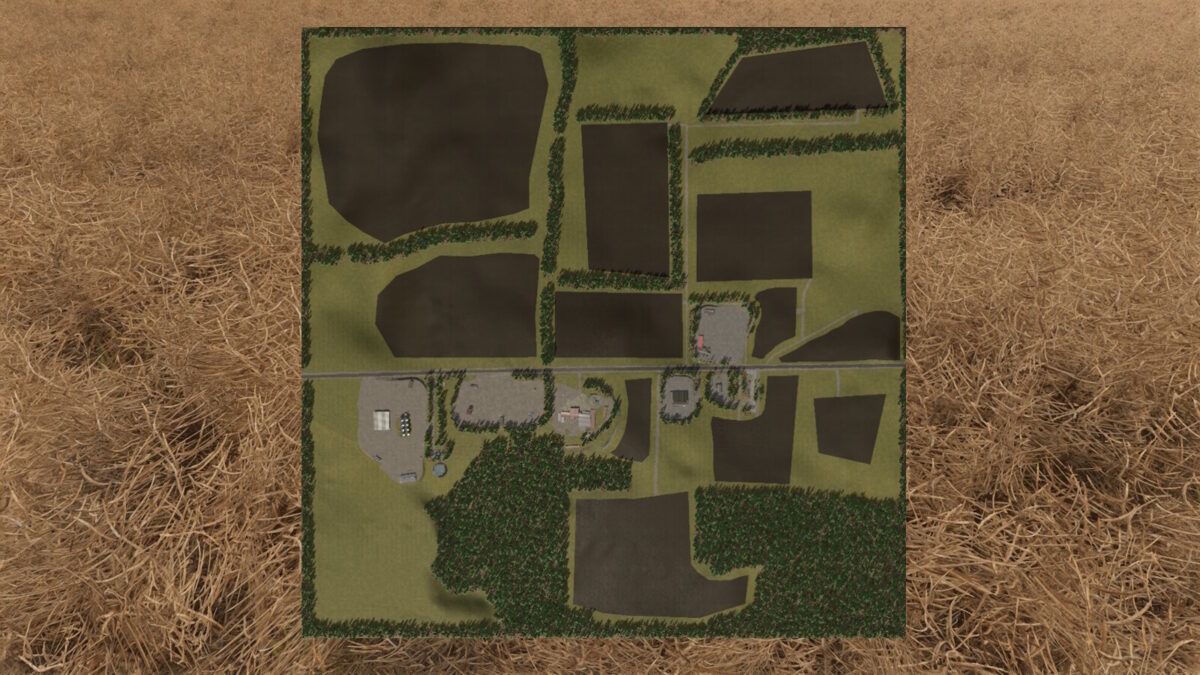
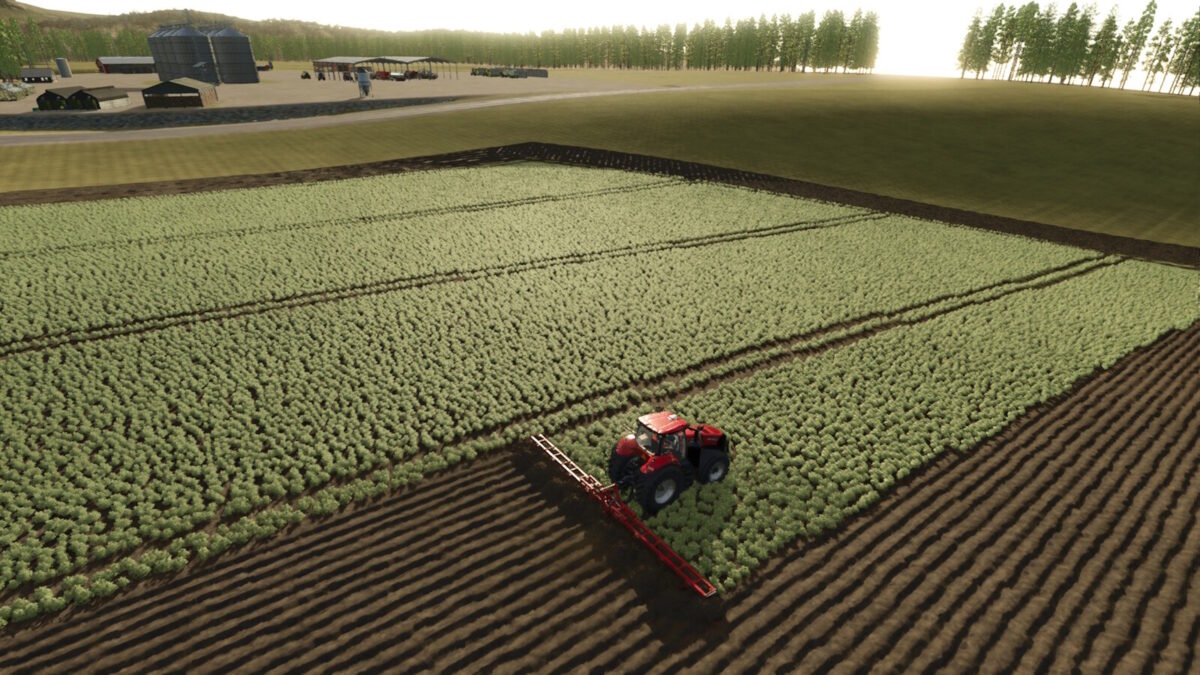
With 12 arable fields ready for traditional crops and 2 dedicated grape fields for vineyard production, Whispering Pines gives you the flexibility to build your farm your way—whether you prefer large-scale operations or a more relaxed, hands-on approach.
Rolling terrain, natural tree lines, and a layout influenced by real Midwestern farmland create a grounded, authentic atmosphere. From early morning fog drifting through the pines to golden sunsets over the fields, every detail is designed to capture the charm of rural life.
Start small or expand big—the land is yours to shape.
-12 Fields
-2 Grape Vinyards
-30 Buyable Plots of Land
-Various In Game Productions
-Object Storage With Increased Capicity
-Lime, Fertilizier and Seed Buy Point on the Farm
Changelog 1.0.0.1: (Save game compatible)
Map updated to for Beans and Alpacas DLC
Credits:
Jmyster,Shantyboys


