

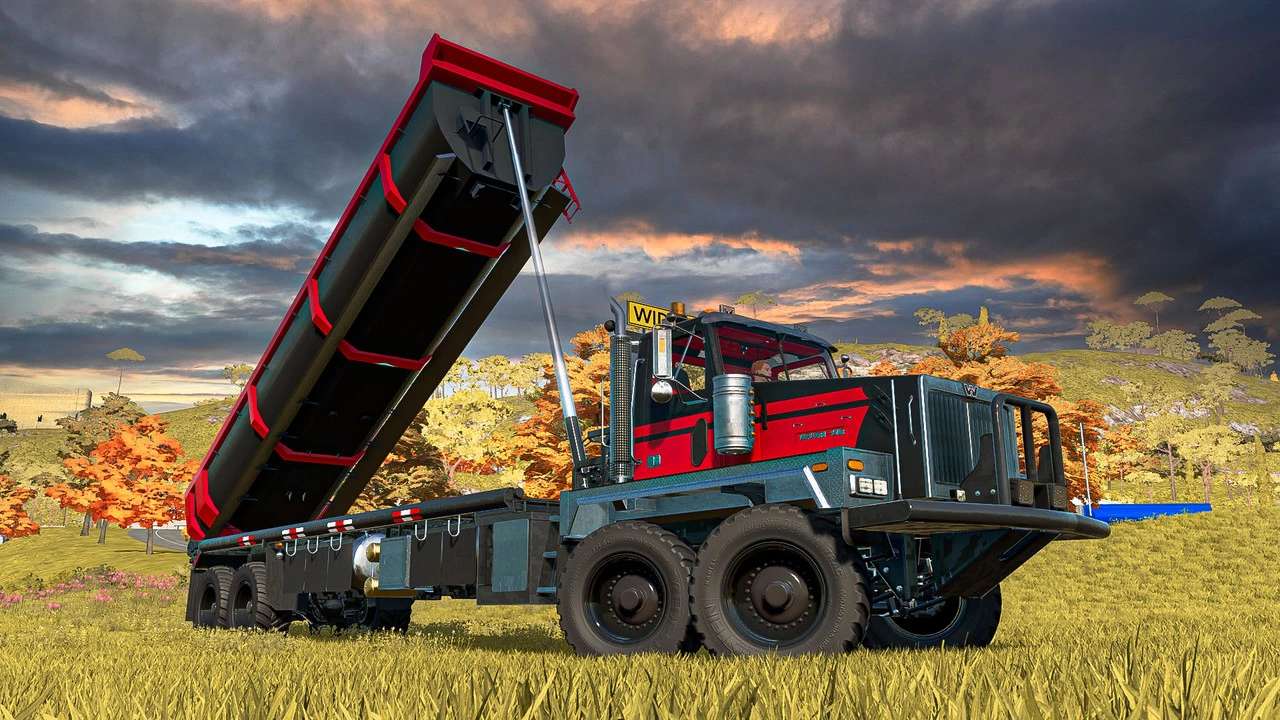
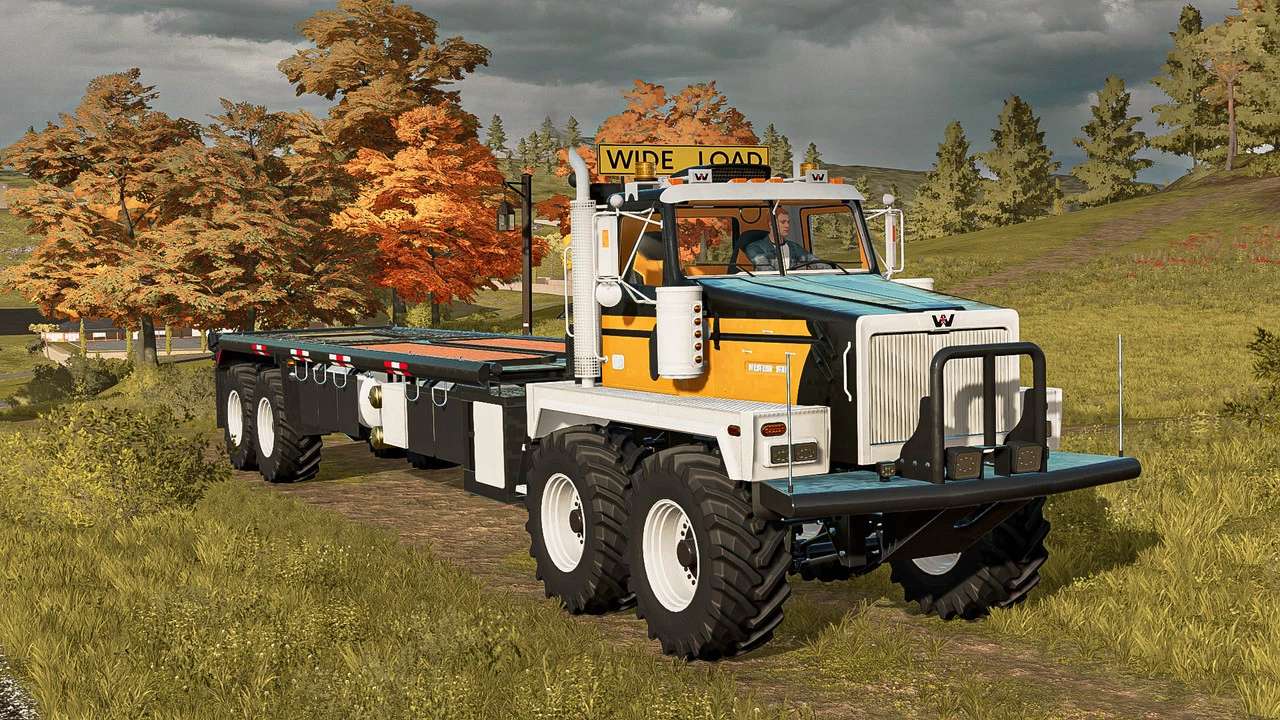
Western Twin Steer Truck v 1.1


Options:
– Body color configuration
– Secondary color configuration
– Design color configuration
– Interior color configuration
– Rim color configuration
– Wheels configuration
– Body color decal configuration
– Front extra light configuration
Bed Type Configuration:
– Stock Bed
– Tipper Bed: Capacity: 48,500 m3
– Liquid Tank: Capacity: 42,000 Litres
– Log Carrier: maximum log length: 10 meters
Interactive Control:
– Radio (On/Off)
– Radio channel (Next/Previous)
– Engine (Start/Stop)
– Cruise control
– Beacon lights (On/Off)
– Turnside worklights (On/Off)
– Worklights (On/Off)
– Highbean lights (On/Off)
– Gooseneck attacher (Fold/Unfold)
Passenger Extension: (optional)
Universal Autoload (required)
Vehicle Years (optional)
Interactive Control (recommended)
Passenger Seat (optional)
Platinum DLC (optional)
Kubota DLC (optional)
Version 1.1:
– Updated modDesc to 80
– Added Interactive Control
– Added autoload for logs, pallets and bales
– Changed filltype to BULK
– Added mipmaps to improve perforance
– Removed all legacy FS19 entries from xml and i3d
– Tidy up of xml and general polish
– Added ball hitch support to rear attacher
– Added connection hose points to rear attacher
– Added illumation to interior cabin radio and CB
– Added support for Vehicle Years
– Added support for Passenger Seat (Kubota DLC required)
– Changed Engine Sound
– Added winch support (Platinum DLC required)
– Price: 118,400 $
– Top Speed: 85 KM/H
– Power: 620 HP
– Diesel Capacity: 360 Litres
– Weight: 11.6 Tonne
– Winch capacity: 8.6 Tonne
Credits:
My GameSteam


