

Way Point GPS v 1.0


WayPoint GPS Beta is a standalone GPS route system for Farming Simulator 25.
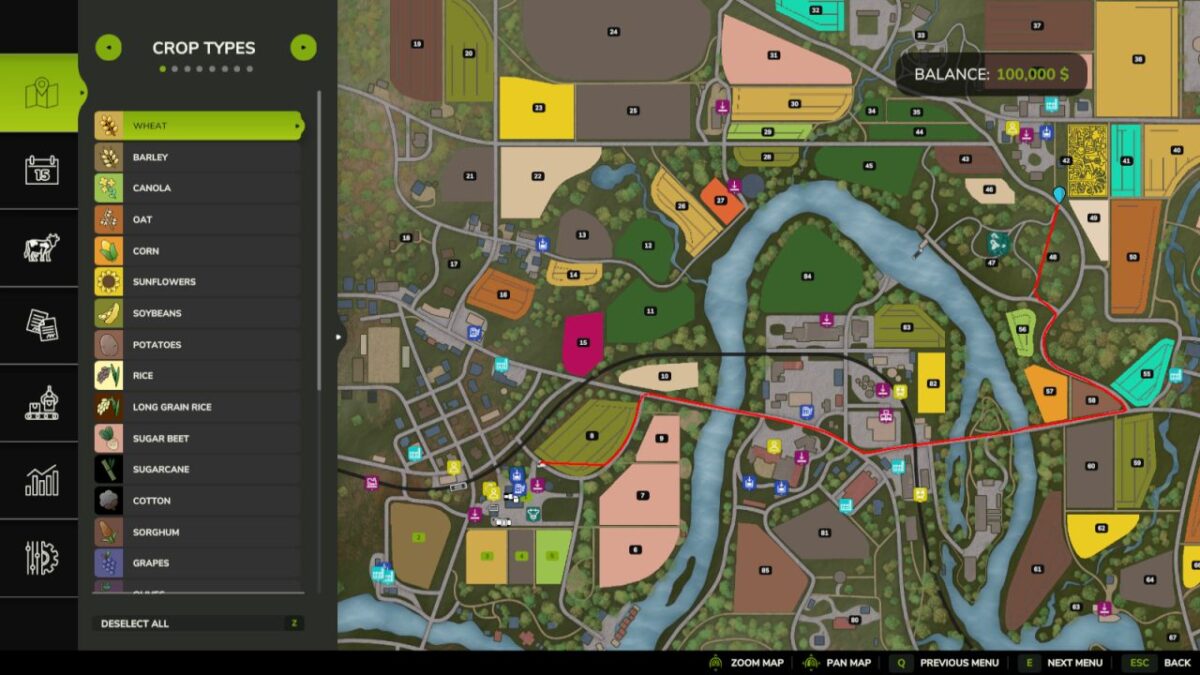
Open the full ESC map, hold CTRL, and click anywhere to set a GPS destination.
WayPoint GPS will draw a route on the minimap and map screen, giving you a clean visual guide without requiring AutoDrive or Courseplay.
This is a beta test release.
It is being released for public testing and feedback before a wider release.
Features:
Standalone GPS route system
CTRL-click destination setting on the ESC map
Route line shown on the minimap and map screen
AI-road-based routing with off-road/last-mile connectors
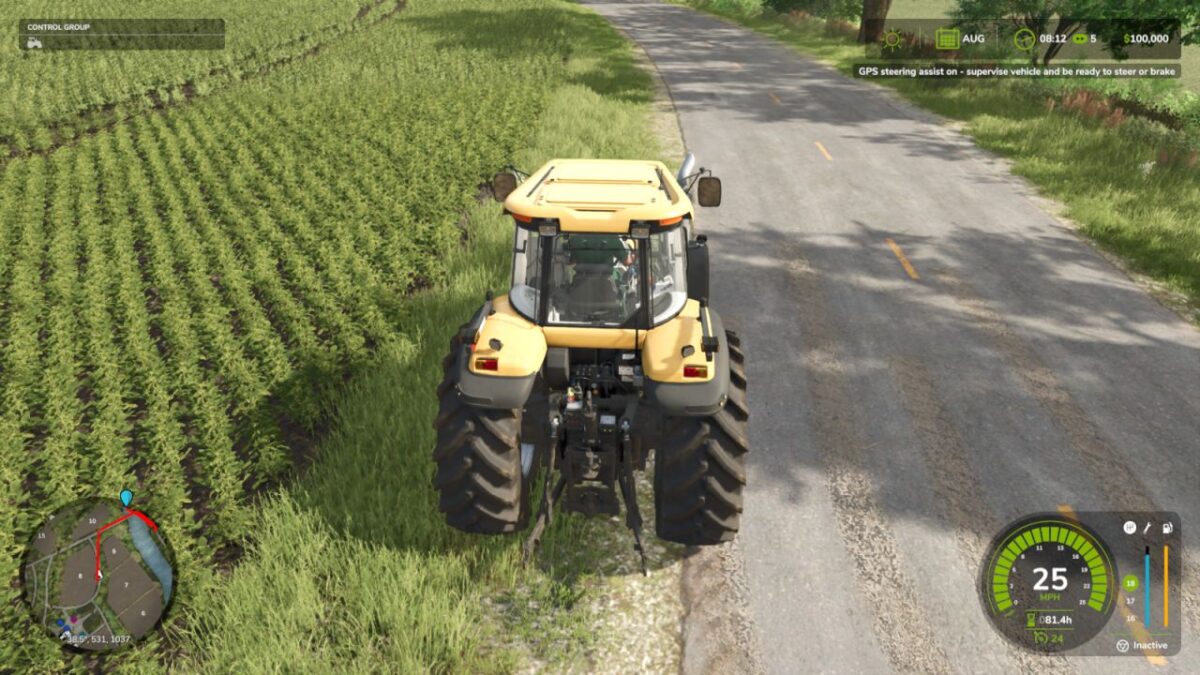
Optional steering assist
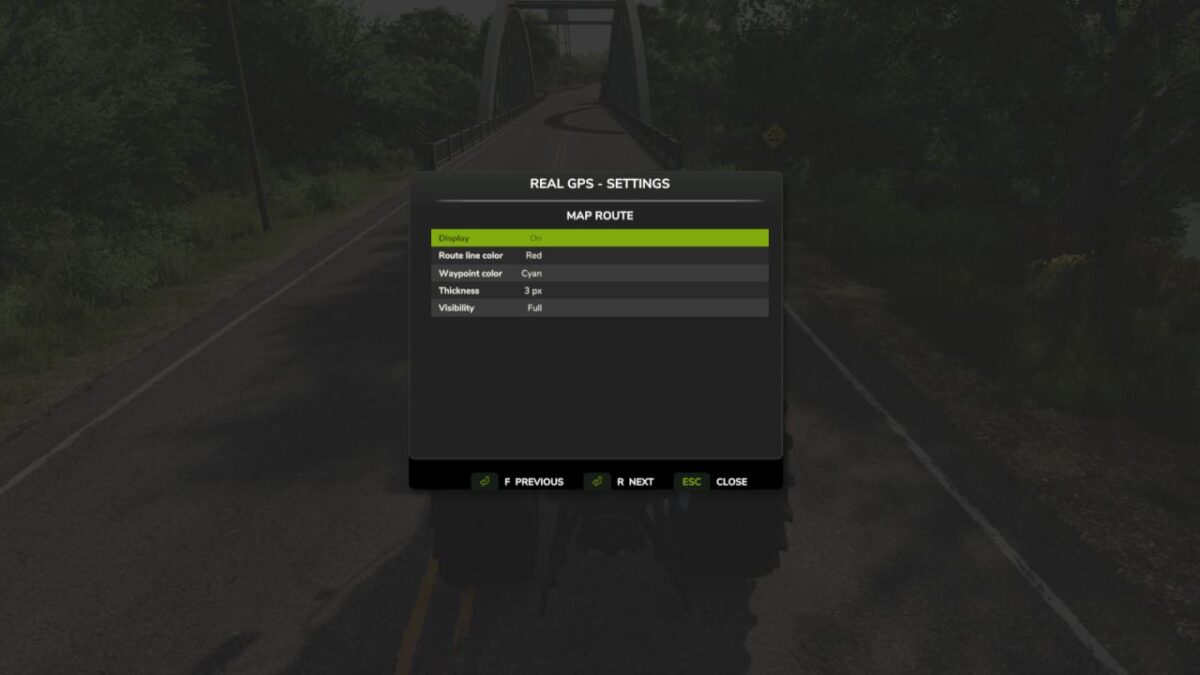
Customizable route line color
Customizable waypoint pin color
Adjustable route thickness and visibility
Bindable controls in the controls menu
Custom GPS waypoint marker
Important:
Pathing is guidance only and may not always be perfect, especially around bridges, islands, ferry crossings, yards, and off road targets.
Steering assist is experimental and is not an autopilot.
Always check the route before driving and stay ready to steer or brake.
Credits:
plutogaming91


