

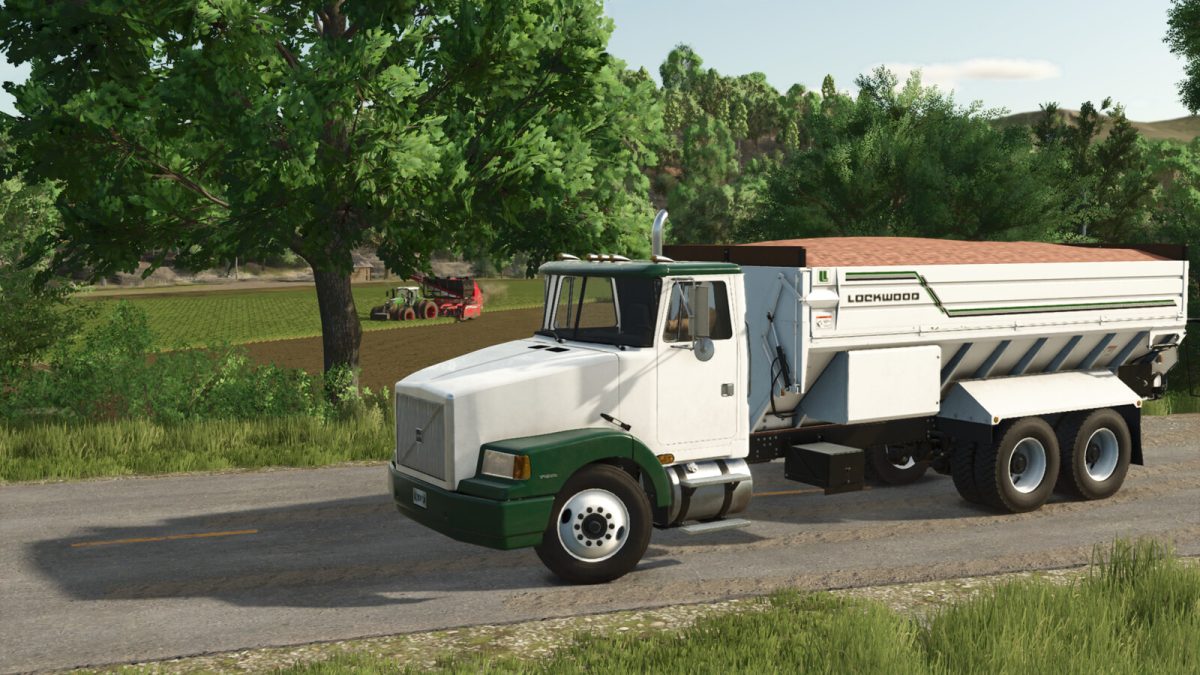
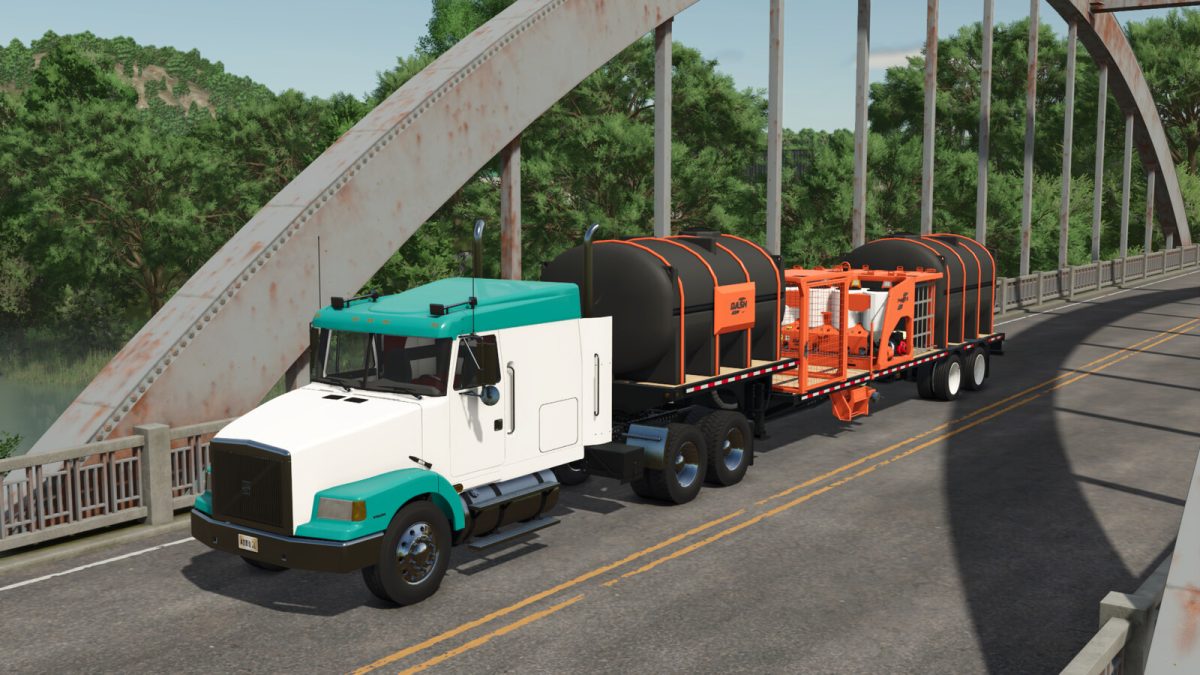
Volvo WIA v 1.0


The Volvo WIA was the first semi truck sold as a Volvo in North America. It came out in the 1980’s and continued production until the late 1990’s when it was replaced by the VNL.
I would like to thank a few people here for their contributions to this mod:
– TheOtherCorey for letting me convert his truck and bring it to Farming Simulator without him I wouldn’t have made this mod
– Slav Jerry for his Sounds which make the truck sound as good as it looks
Volvo WIA:
Category: Trucks
Price: $73,500
Power: 375 hp
Max. speed: 120 kph
– 10 Cab/Frame options including X2 and X3 Bed attachers
– 14 Engine options with N14, 3406 and DD60 options covering 375-650HP
– 16 Wheel and Tire configurations including steering and non steering lift axles
– 4 Grill and Bumper options
– 12 Visor, Horn, Antenna and Beacon options
– 8 Exhaust options
– Wetkit option
– 6 Fairing and Headache rack options
– 9 Rear Fender and Mudflap options
– 2 Fuel tank options
– 2 Lift axle options available with certain frame lengths.
– Colorable options for Main Color, Front Fenders, Roof, Bumper, Grill, Chrome, Rear Fenders, Interior and Wheels.
Other Things to Note:
– Toggleable Exhaust Brake
– X3 frame option can attach basegame Annaburger attachments
– Lift axle functions and sliding fifth wheel on Mouse control
Credits:
Bcbuhler, TheOtherCorey, SlavJerry


