
FS25 Misc

Push Bales v 1.0
Push Bales v 1.0
Push Bales v 1.0

Push Bales v 1.0

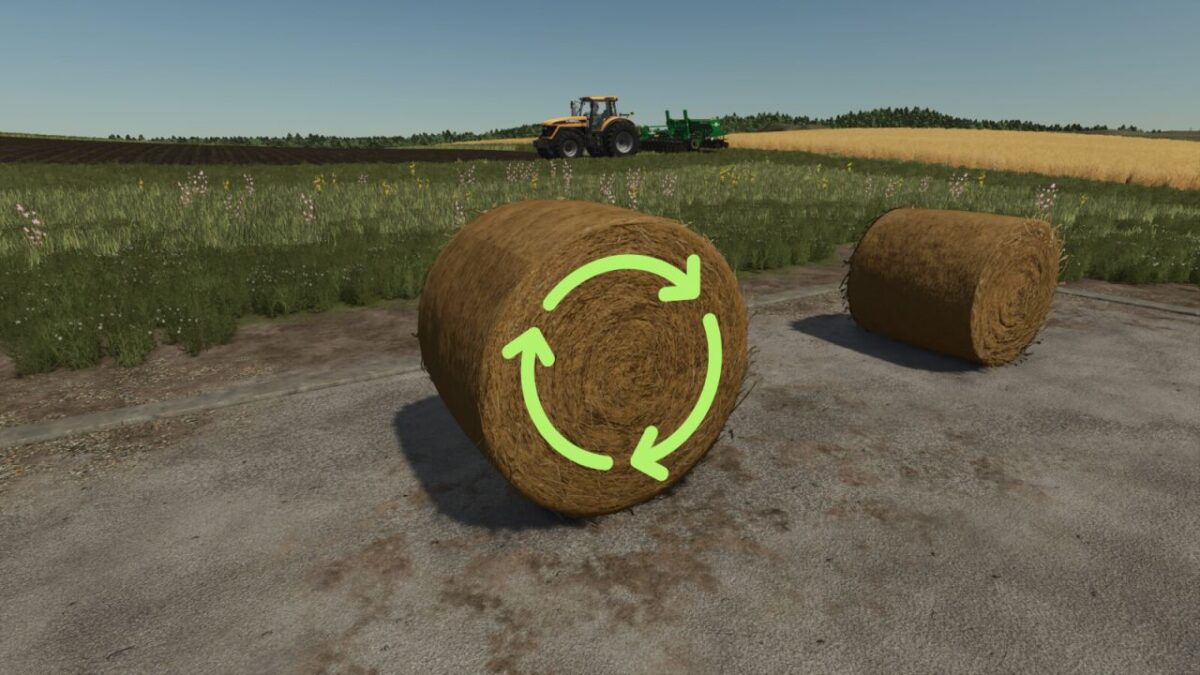
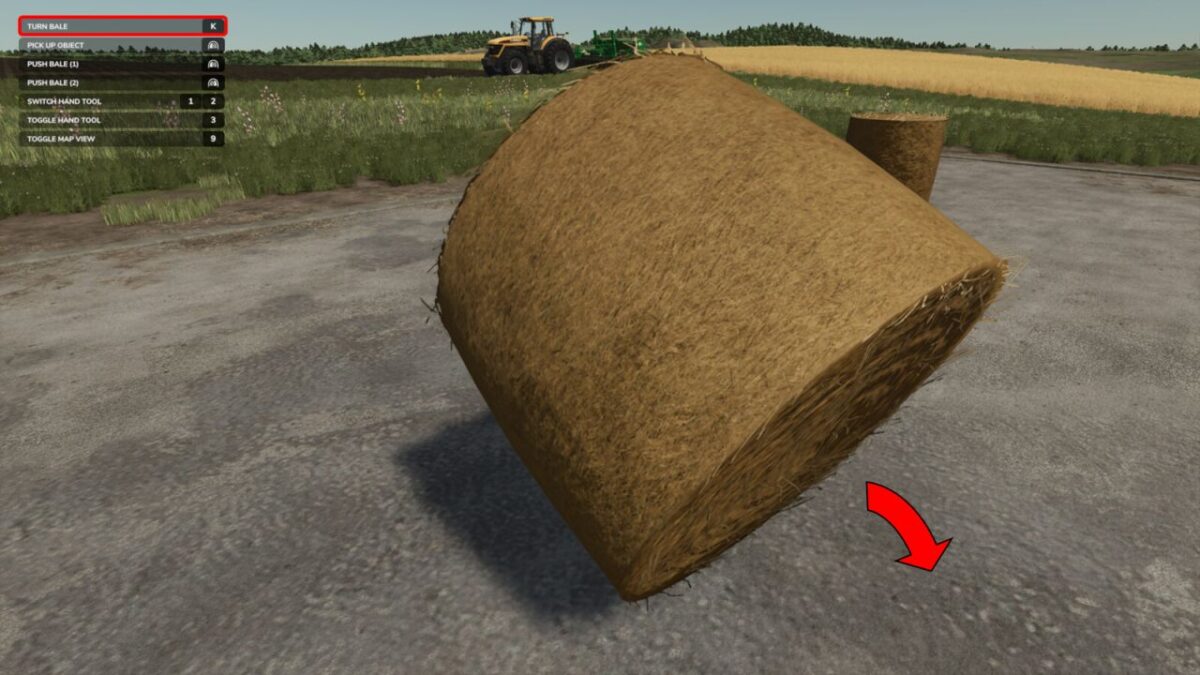
With this mod, you can easily roll your bale slightly to the left or right and (after assigning a key) tip it over.

Do you sometimes have the problem that you only want to roll your bale a small distance?
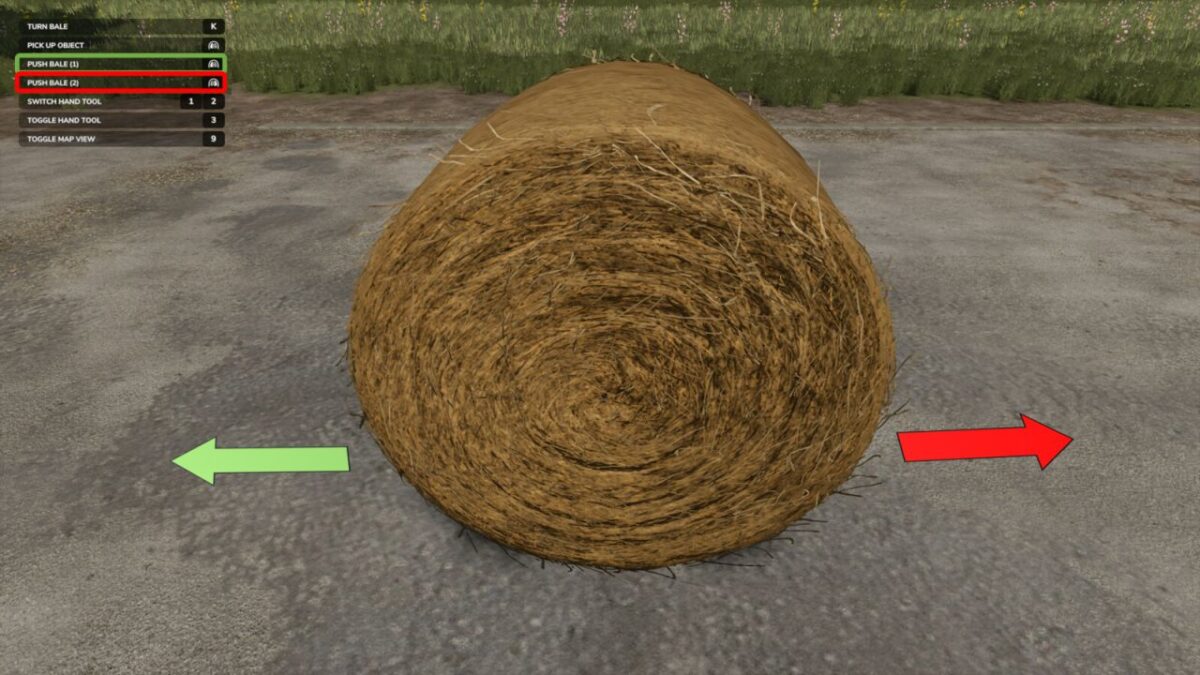
Then this mod is exactly what you need. It allows you to move your bale left or right or forward and backward depending on the direction, with a mouse click.

And here’s how it works:
Look at the bale
In the context menu, two new options should appear: “Move Bale (1)” & “Move Bale (2)” (default keys: left mouse button & right mouse button)
By pressing the respective button, the bale will hopefully move
By assigning a key, you can also tip it over
Multiplayer is NOT supported yet, but it will be added in the first update.

Credits:

x_xmarleyy

How to install FS25 Misc?
Firstly find a mod which you like and want to download. Then download a mod to your PC. Mods are usually in .zip format file. But sometimes it can be in .rar. If a mod file is a .zip format no needed additional actions. If a file is in .rar, then you must unarchive mod with software like WinRar or Zip7. Windows 10 users no need to use software for archives, Win10 itself has a feature to unarchive files.
The next step is to find mods folder in your PC. Usually, it is in Documents/My Games/Farming Simulator 25/2025. Open the "mods" folder and put downloaded .zip archive or unarchived .rar file to this folder.
Last step. Enjoy of FS25 mods!

Leave a Reply

Your email address will not be published. Required fields are marked *