

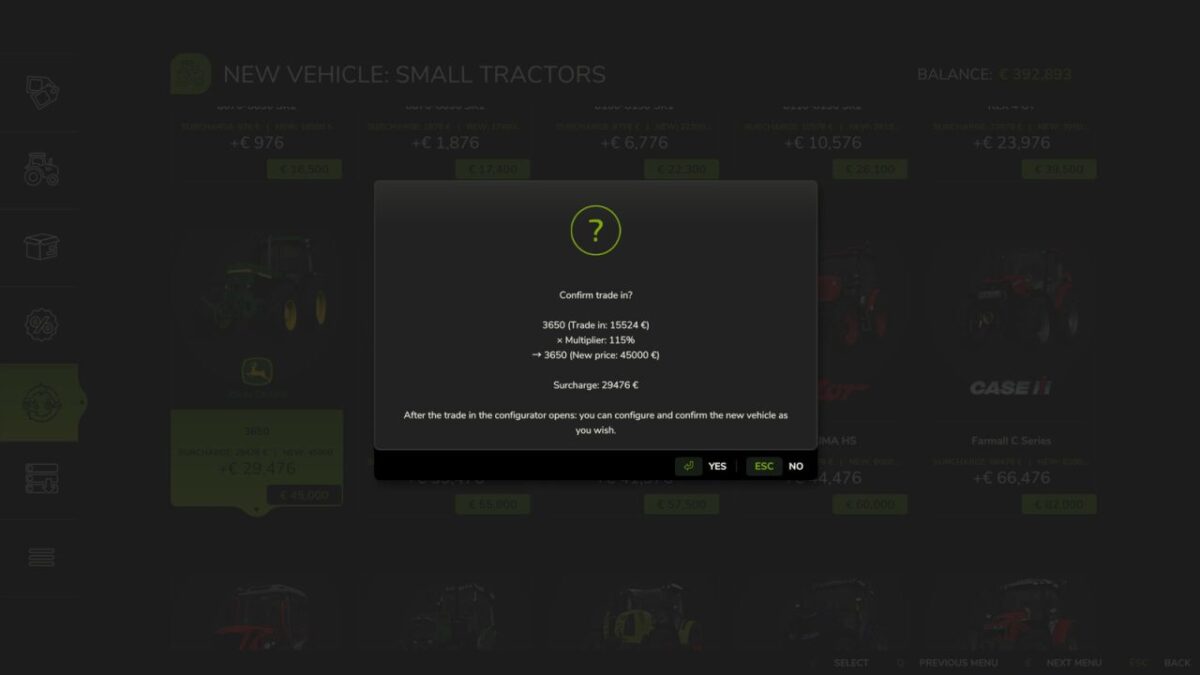
Vehicle Trade In v 1.0.0.1


Vehicle Trade In adds a complete, safe trade in and used equipment system to Farming Simulator 25 and integrates it into the normal vehicle dealer.
Functions:
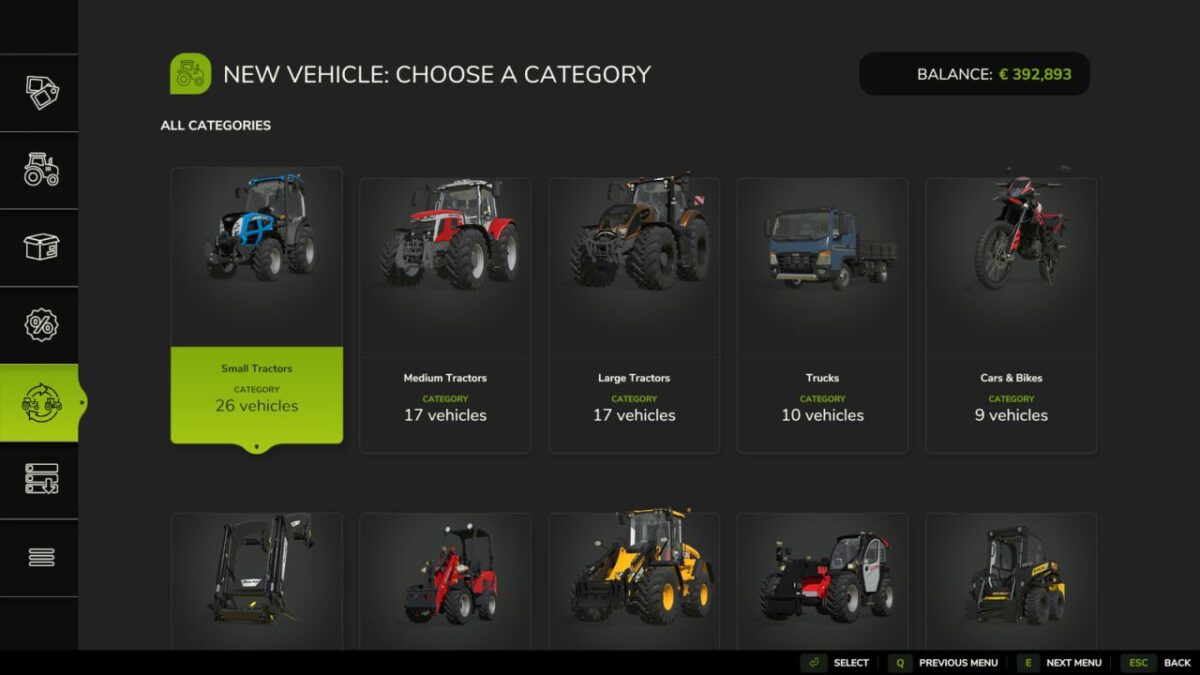
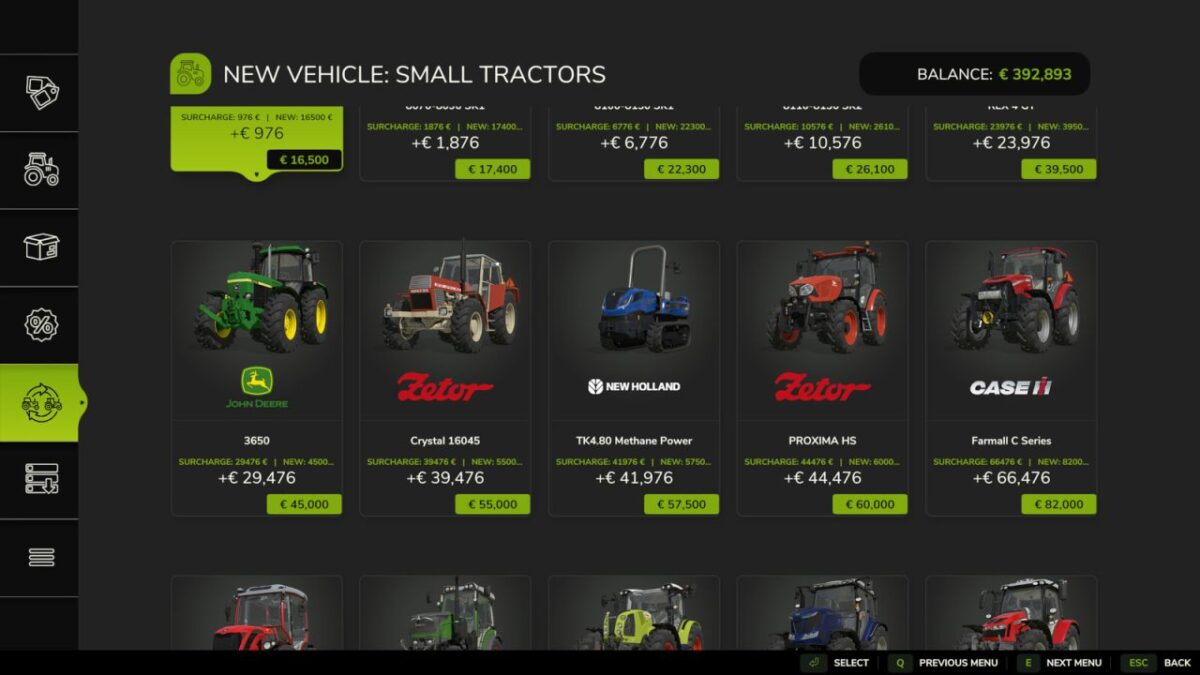
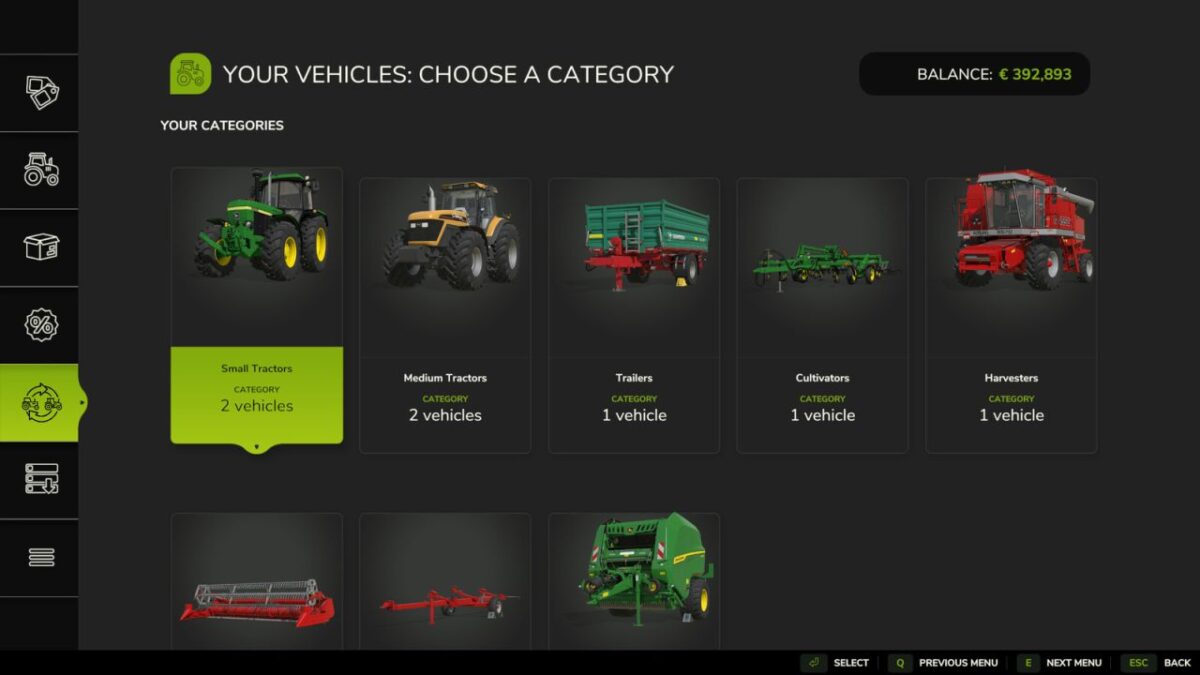
Native dealer page for selecting owned vehicles and replacement vehicles
Trade in value based on purchase price, age, operating hours, damage and dirt
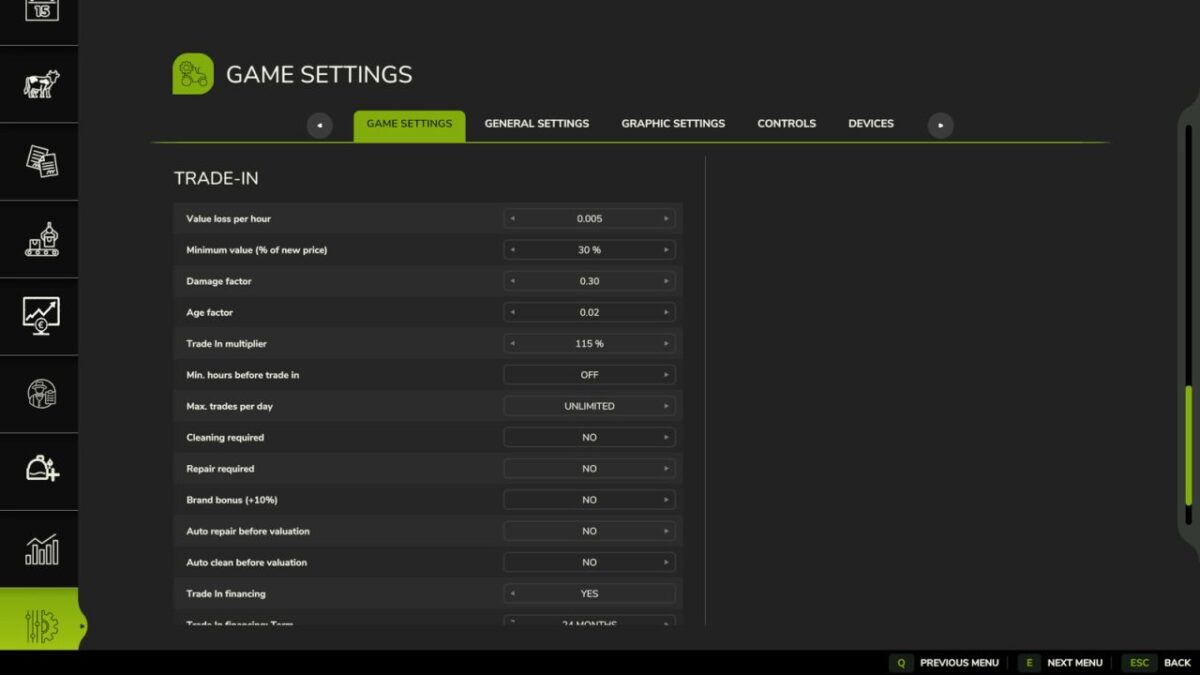
Six stage valuation with configurable factors, minimum value and payout cap
Optional dealer service: repair and clean the vehicle before valuation
Safety checks for attached implements, trailers, loads and unsupported objects
Vehicle configurator after a successful trade, including colors, wheels and license plate
Used market with daily offers, transparent prices, discounts and condition data
Separate LS25 style pages for used market, financing and statistics
Financing plans with interest, installments, remaining balance and contract overview
Statistics for trades, revenue, value loss, averages, records, brands and recent trades
Singleplayer and multiplayer support
Configurable price model, limits, dealer services and financing settings in the game settings, saved per savegame
The configurator can be cancelled with ESC and safely restores the complete unfinished transaction
Financing supports manual installments and full payoff; financed vehicles are protected from trade until paid
Settings, used offers, contracts and statistics are saved and synchronized in multiplayer
Navigation:
Open the normal vehicle dealer and select Vehicle Trade In. The used market, finance and statistics pages have their own footer buttons. Back from an information page returns to the Trade In dealer page.
Version 1.0.0.1:
* Added native dealer pages for vehicle trade ins, the used market, financing and statistics
* Added a safe trade in workflow with a vehicle configurator, ESC cancellation, full rollback and multiplayer support
* Reworked used market valuations based on age, operating hours and damage, with transparent offer data
* Added financing plans, manual installments, full repayment and protection for financed vehicles until they are paid off
* Improved selection highlighting, menu navigation, scrolling separators and detail areas
* Expanded the configurable valuation model, dealer services and transaction limits
* Added persistent savegame storage and server controlled multiplayer synchronization for settings, used offers, financing and statistics
Credits:
Pat95


