

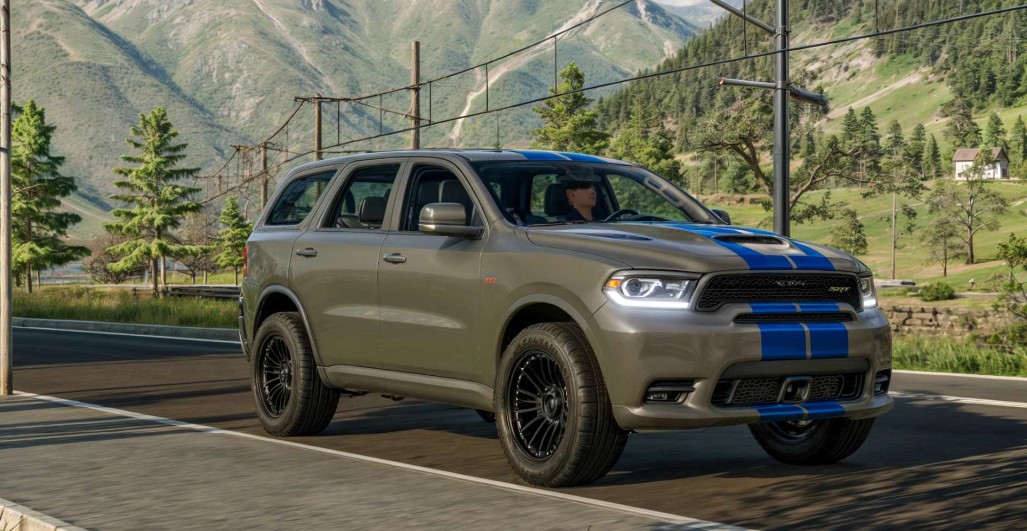
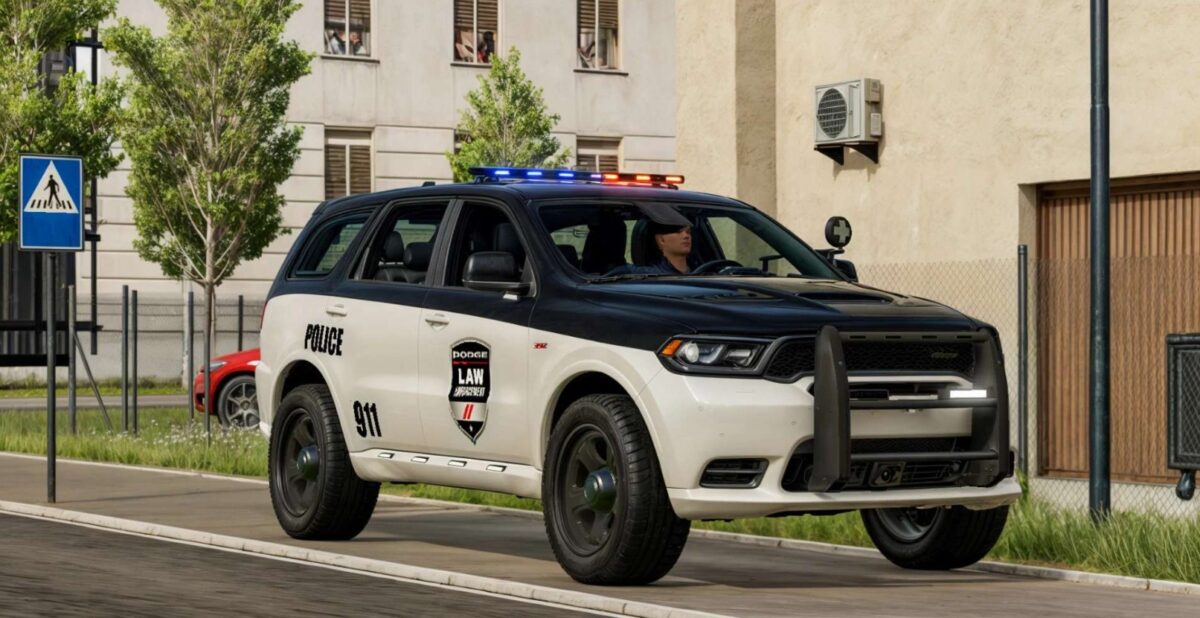
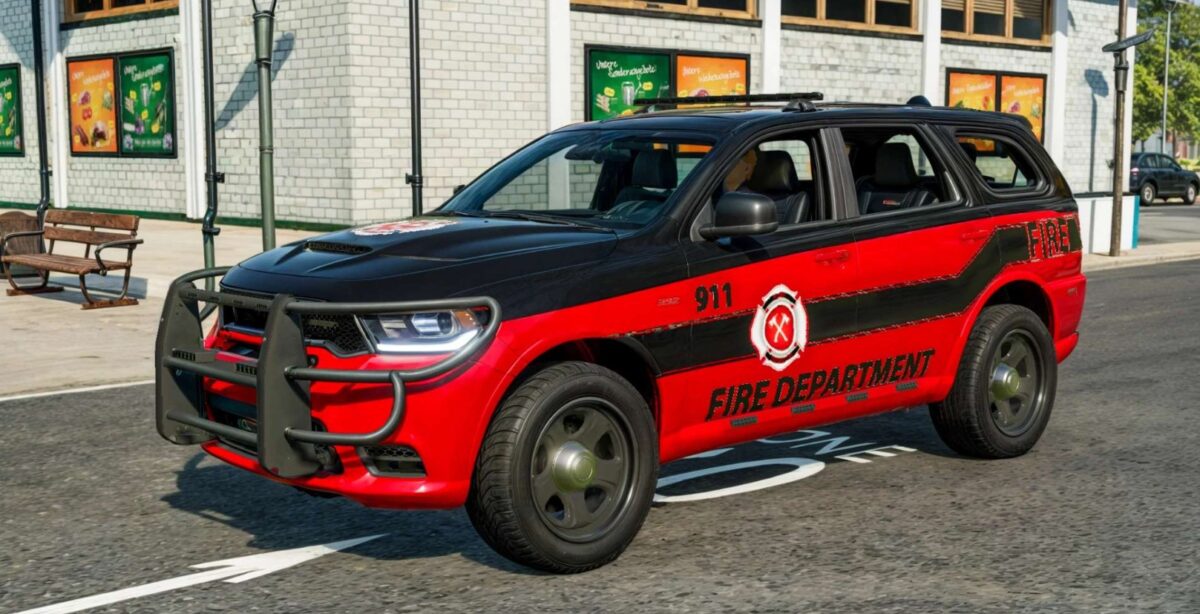
Dodge Durango 2018 v 1.1


Options:
– Body color configuration
– Rim color configuration
– Stripes color configuration
– Rim options: 7 Types
– Motor Configuration: 3 engine sizes
– Police addons configuration
– Police light configuration
– Police front addons configuration
– Police spotlight configuration
Emergency Services Configurations:
– Police
– Fire Department
– Civilian
Emergency Services decal configurations:
– Police
– Fire Department
– Stripes
Interactive Control:
– Hood (Open/Close)
– Trunk (Open/CloseO
– Doors (Open/Close)
– Weapons Box (Open/Close)
Dashboard Live (optional)
Vehicle Years (optional)
Passenger Seat (optional)
Interactive Control (recommended)
Version 1.1:
* Added multiple new Interactive Control features in cabin
* Added support for Passenger Seat (Kubota DLC required)
* Added new Emergency Services options: Police, Fire
* New store and shop icons, updated modDesc to 80
* Adjustments to wheel physics, new engine sounds
* Added new shop options, revised color options
* General polish and tidy up of i3d and xml
* Added support for Vehicle Years
* Added support for Dashboard Live
* Various minor fixes
Credits:
My GameSteam


