

Variable Tip Control v1.0.0.0


Universal script mod for all trailers (vehicleType with the ‘trailer’ specialization).
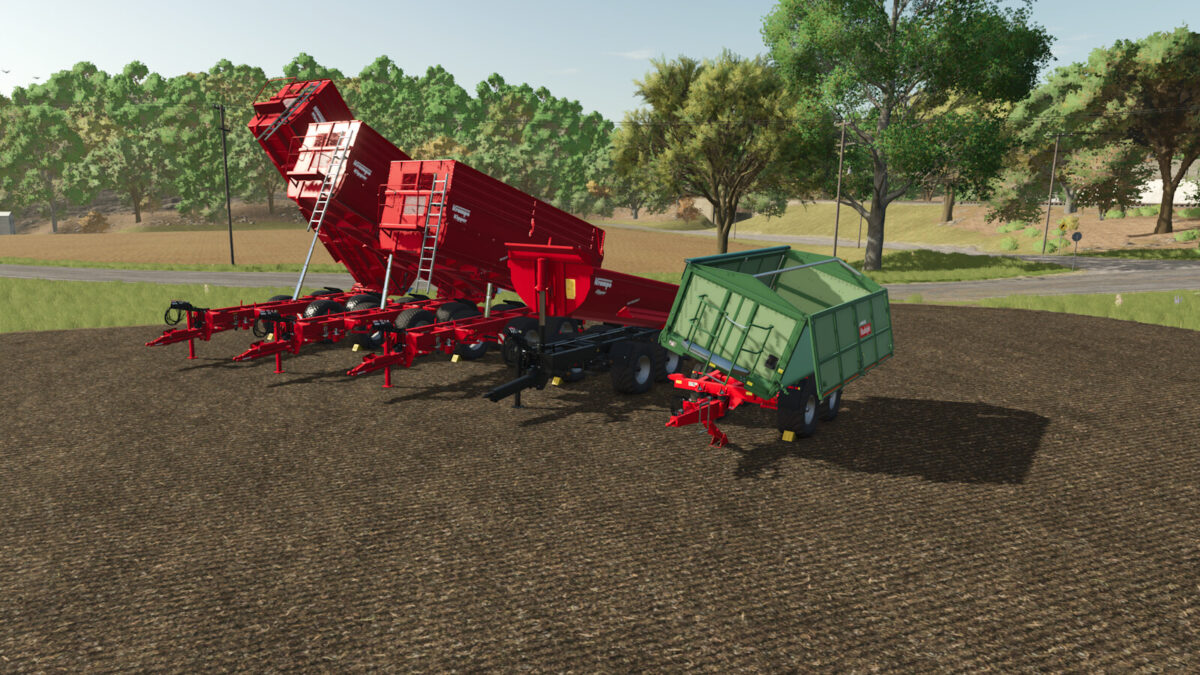
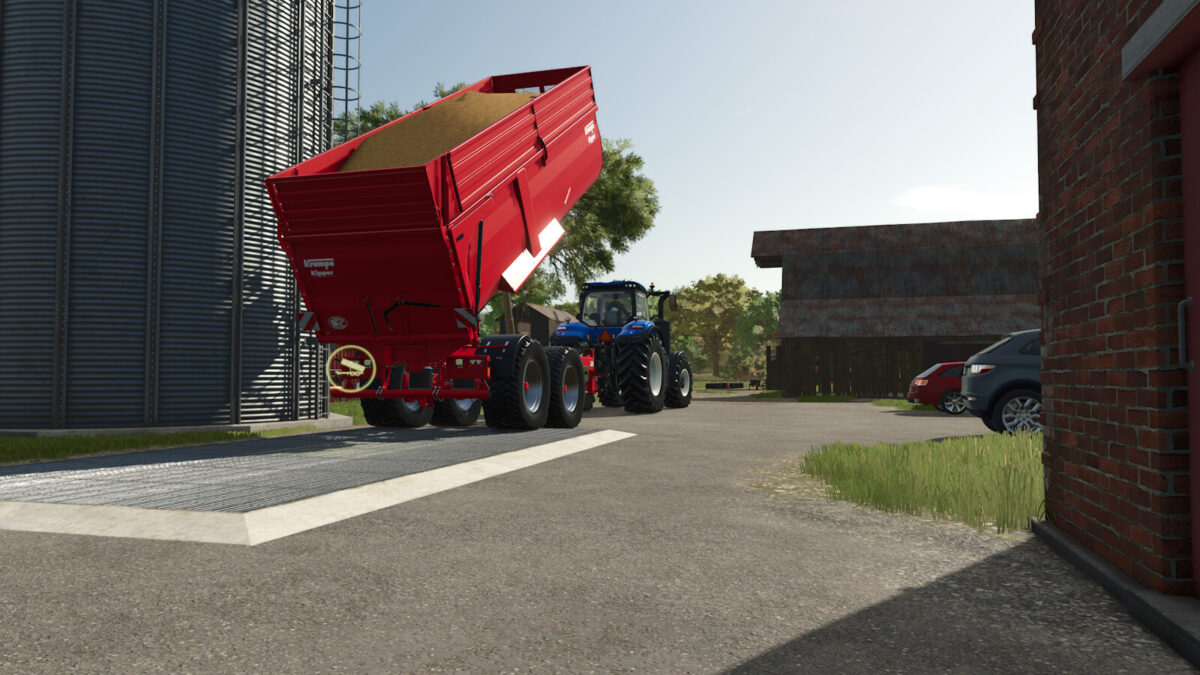
Lets you set the tipping angle of the bed STEPLESSLY via a (analog) input axis – hold to raise/lower.
The set angle is HELD while unloading (key I / Ctrl+I, at triggers or on the ground): the tailgate
opens and the material flows out, but the bed stays at your chosen angle instead of tipping fully.
After unloading the bed stays at the set angle until you lower it again via the axis.
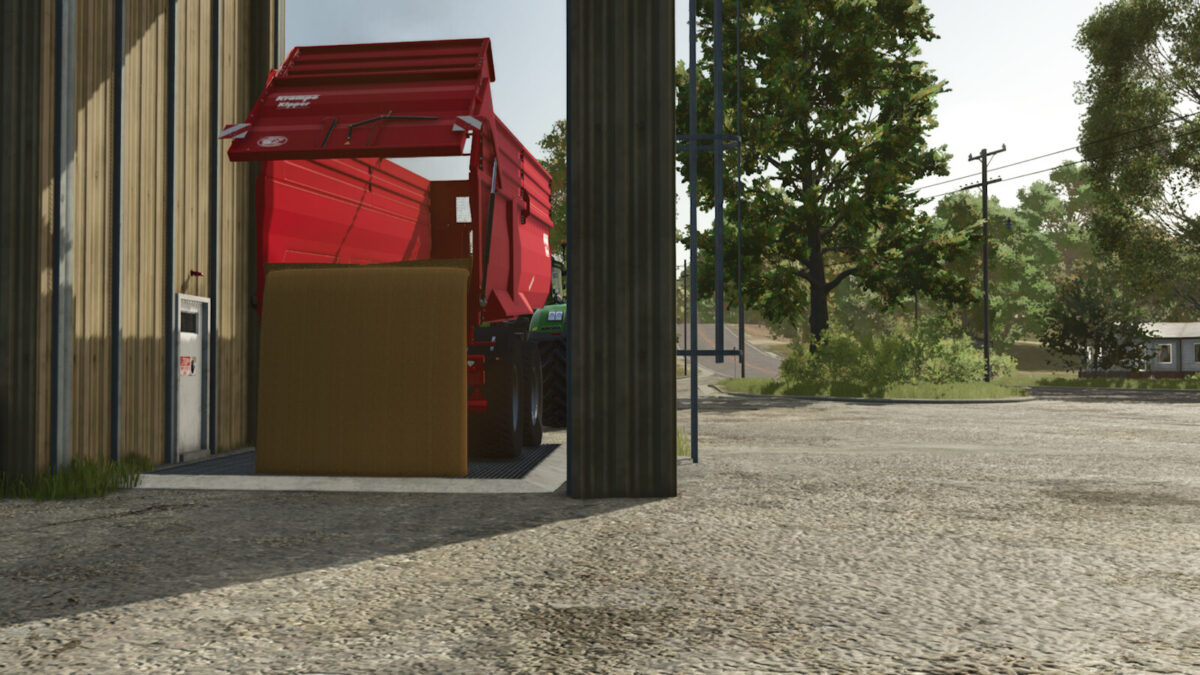
Note: on trailers whose tailgate is baked into the single tipping animation (no separate door
animation), the tailgate only opens as far as the bed angle – the material still flows.
Controls (unbound by default):
– Toggle variable control (per trailer): OFF = normal game behaviour (auto-tips fully when unloading), ON = you control the tipping angle yourself
– Tip angle (bidirectional axis: + raises, – lowers – hold; e.g. a joystick lever, or two keys on the +/- components)
Multiplayer compatible.
Credits:
iChrismo


