

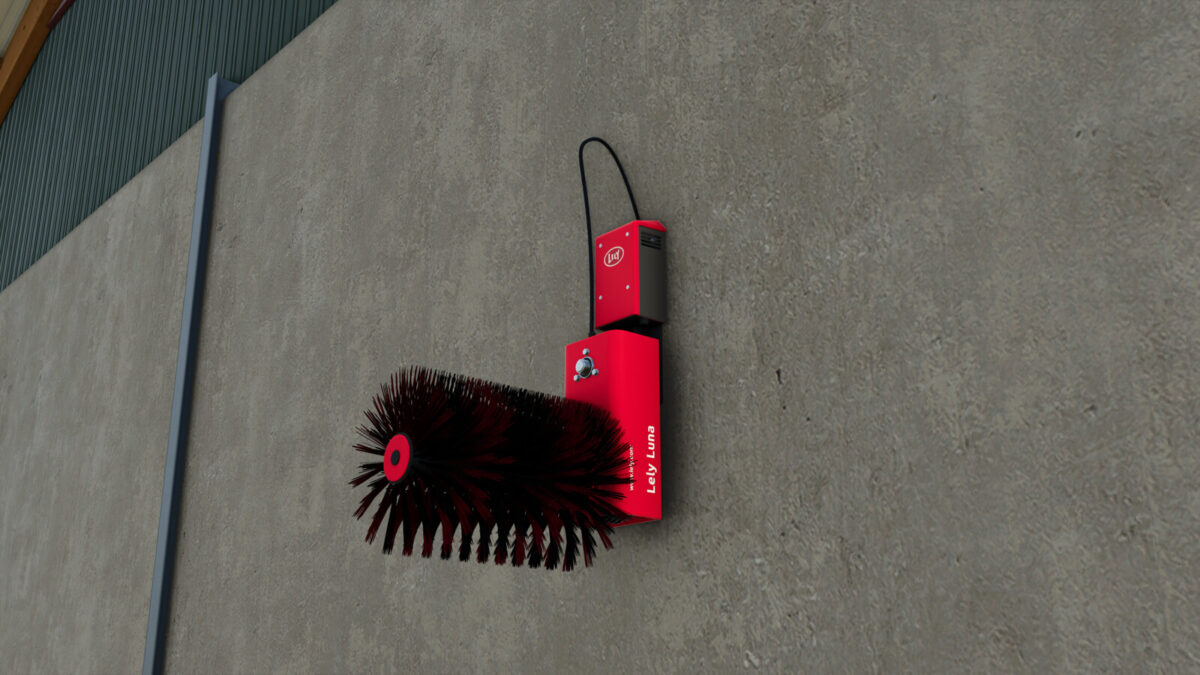
Lely Luna (Prefab) v 1.0


The Lely Luna prefab is designed specifically to enhance the visual appeal of your Farming Simulator 25 maps. This decorative element adds a realistic touch to your farming environment without altering gameplay mechanics. It is a detailed model that reflects the quality and craftsmanship associated with farming equipment, making it an aesthetically pleasing addition to any farming landscape.
The Lely Luna can be placed on a variety of terrain types, allowing for versatile use across different map layouts. Whether you’re looking to fill empty spaces or create intricate farm setups, this prefab serves as an excellent choice for adding depth and character to your virtual farming experience.
– Decorative prefab
– Compatible with various terrain types
– Enhances map aesthetics
– Focuses on realism in farming environments
– Easy to integrate into existing maps
Credits:
Agrar Design Austria


