

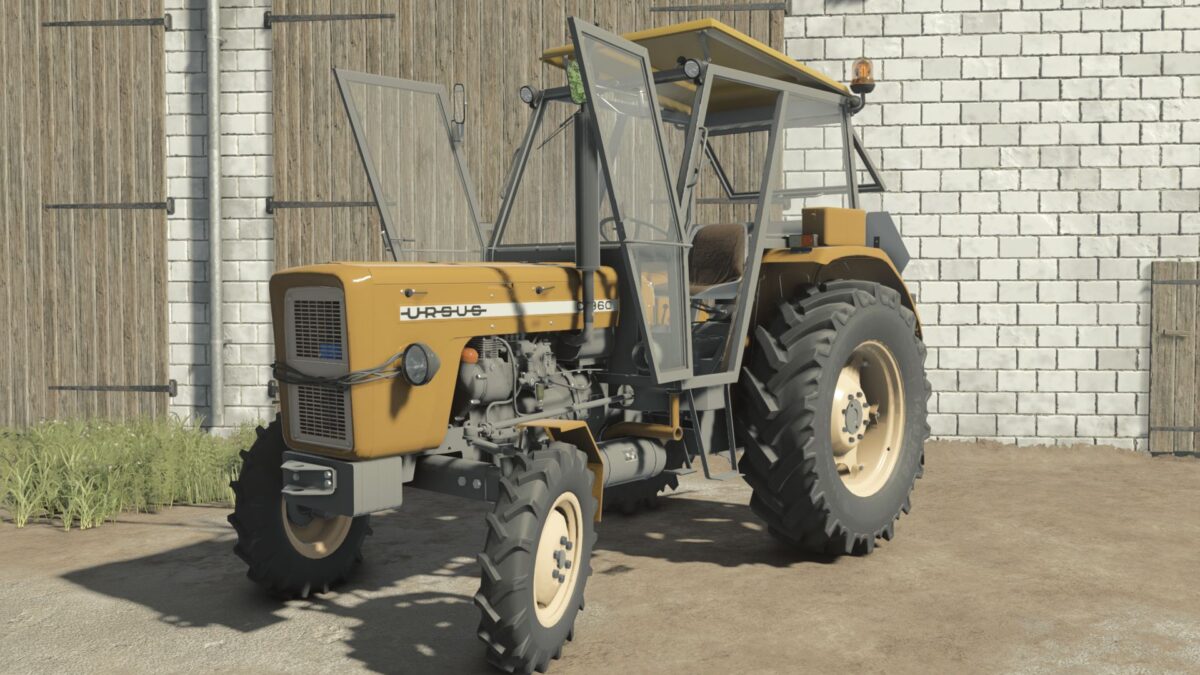
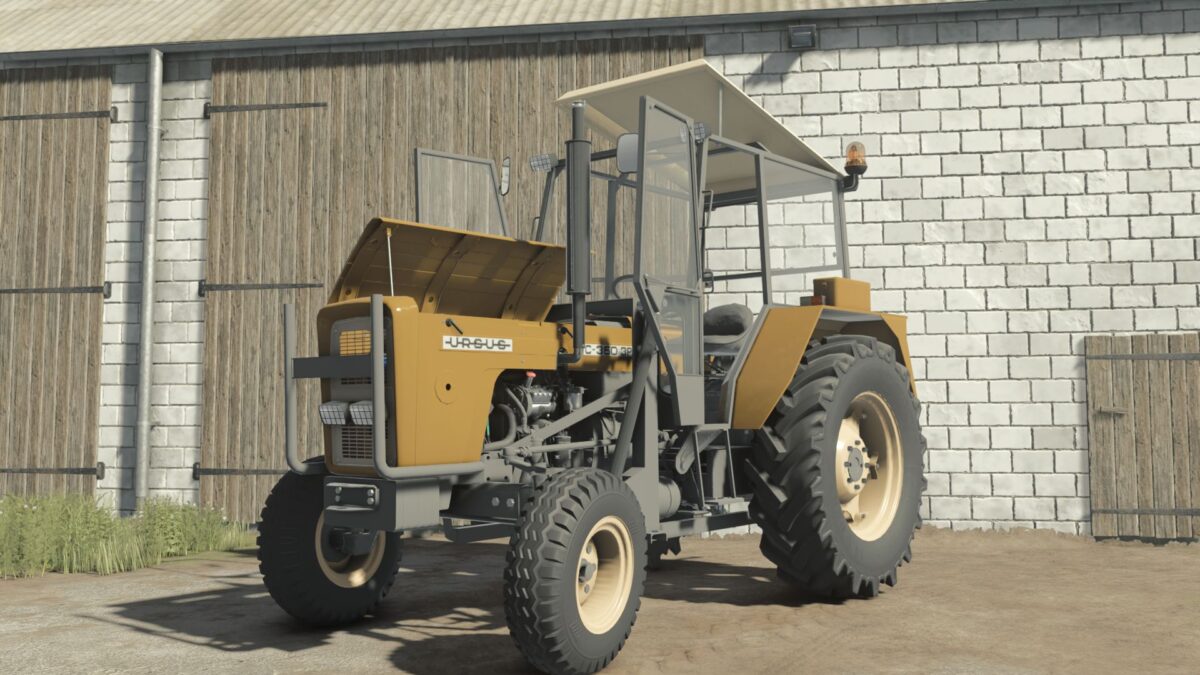
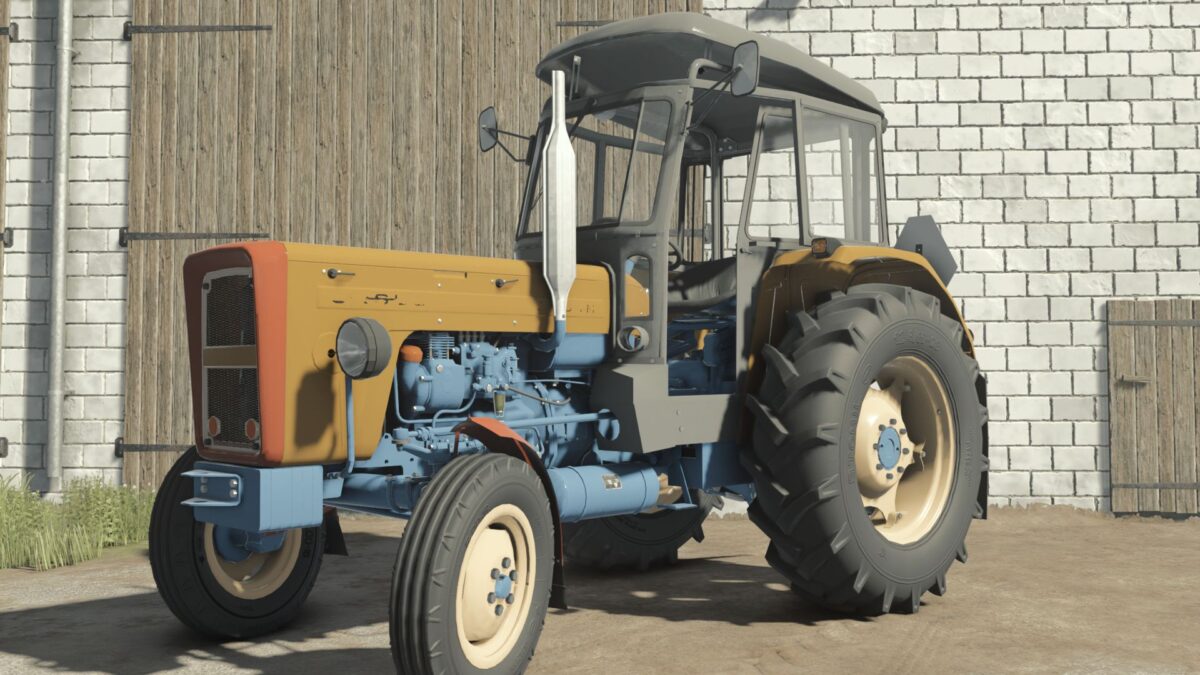
Ursus C355/C360 Pack v 2.0.2.0


The package contains 15 elements with separate sounds.
Ursus C-Series:
Price: 18,000
Power: 45-52[Hp] Version: C355 [4×2/4×4],C355M [4×2/4×4],C360 [4×2/4×4],C360-3P [4×2/4×4] Category: small tractors
Real sounds
Configurations:
Cab
Motor
Reflectors
Rear mudguards
Front splashbacks
Type of tail lamps
Type of front lamps
Type of searchlight
Seat configuration
Type of steering wheel
Wheel attachments
Knob on steering wheel
Stickers
Weights
Silencer type
Compressor type
Oil filter type
Loading type
Air filter type
Front axle type
Bonnet type [Removed|Installed] Fenders
Type of grilles
Fender box
Cables on Lights
Additions on rear short flaps
Warning lights
Additional lighting
Type of supplementary lighting
Rear attachments
Registration plate
Colors
Front loaders:
Tur T261 V1
Tur T261 V2
Bale forks
Pallet forks
Manure forks
Shovel
Rear weight
Version 2.0.2.0:
* Tire Improvements
* Minor Visual Tweaks
* Added Warning Lights to the Front of the Cabins
* Added the Improved Czech Cab [MafiaSolec Style] for the Ursus c360 3p
* Added IC functionality to the Czech Cab [MafiaSolec Style]
Credits:
Miziuu, Driver300, Gracjan26, Prezes, ZlotowkaScammer, Orzech(habett34)


