

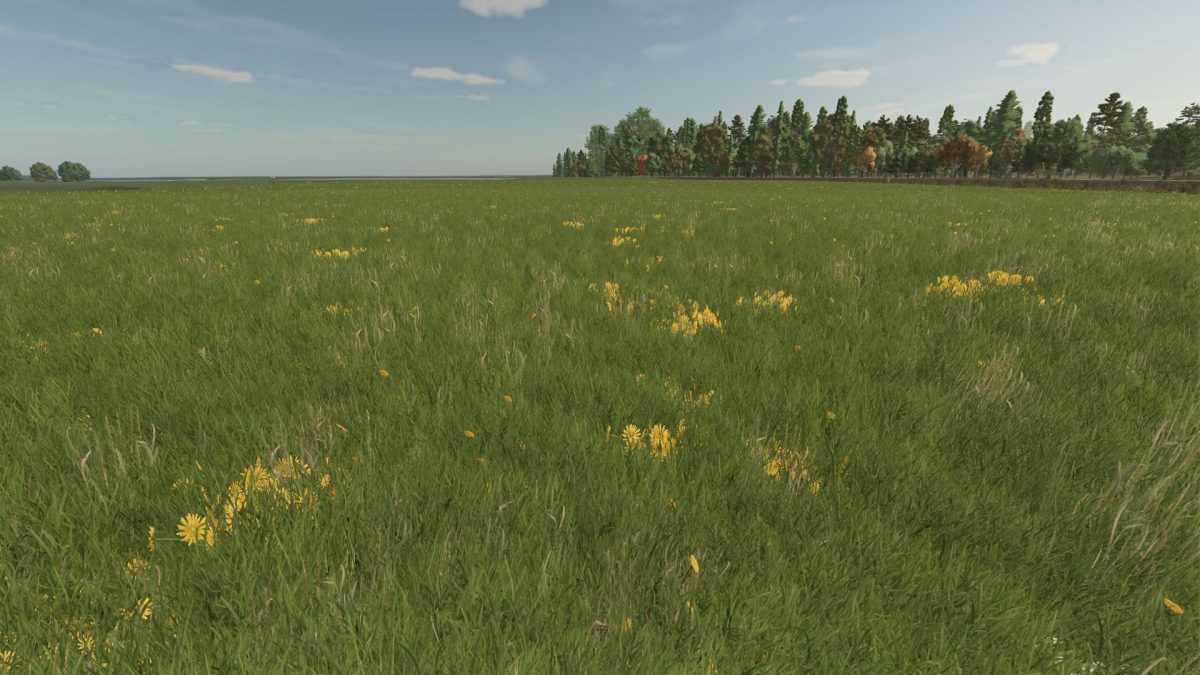
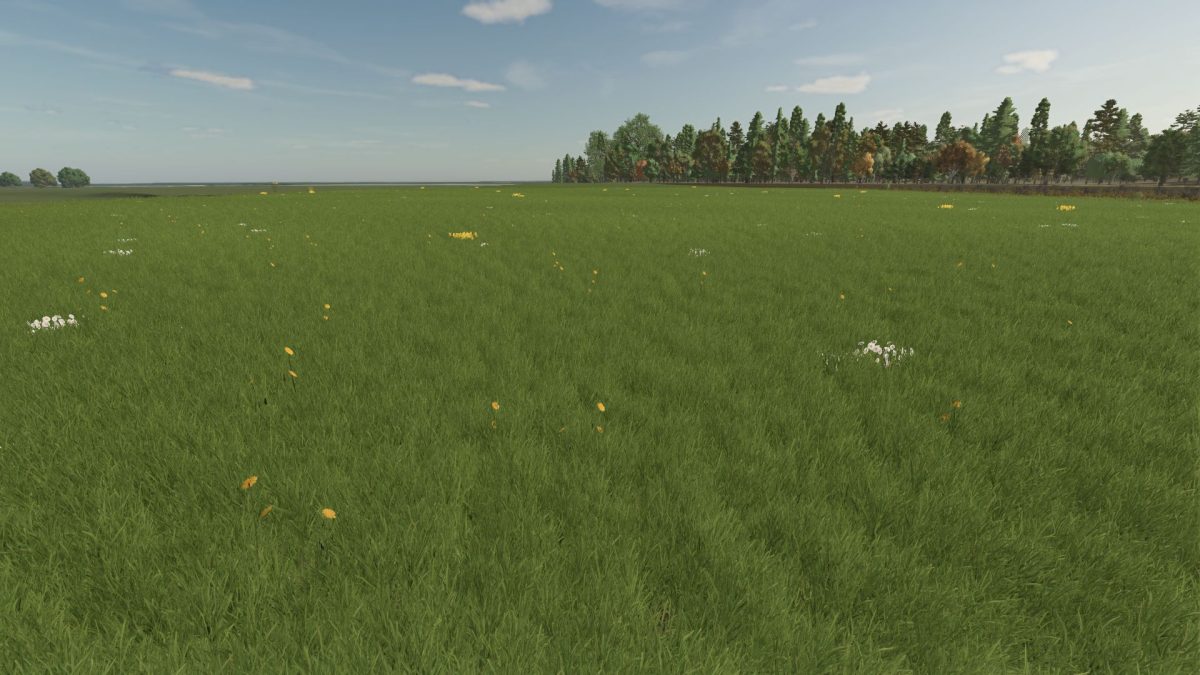
Grass with Dandelions and Daisies v 1.0


This Farming Simulator 25 mod introduces a new grass texture that incorporates dandelions and daisies, enhancing the visual diversity of your fields.
It adds a more vibrant and realistic look to the landscape, giving players a chance to bring an authentic touch of nature to their farms.
The texture has been carefully crafted to blend seamlessly with the game’s environment, utilizing elements from Farming Simulator 22 for improved aesthetics.
This mod provides a fresh option for players looking to diversify their farming experience and create a more colorful setting for their agricultural activities.
– New grass texture featuring dandelions and daisies
– Enhanced visual diversity for fields
– Incorporates elements from Farming Simulator 22
– Seamless integration with the game environment
– Adds realism to farming landscapes
Credits:
MrLackofSkill


