

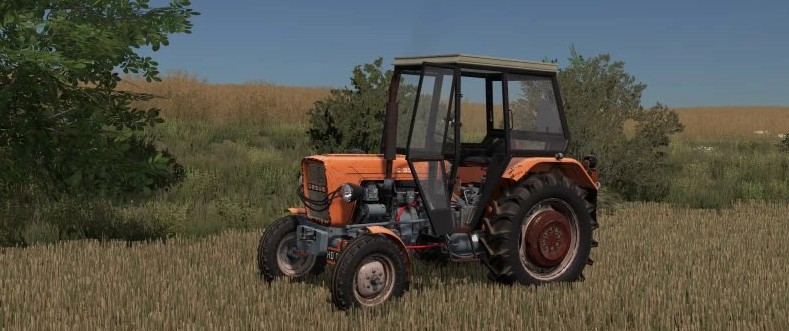
Ursus C330/328 v 1.0


Selectable Configurations:
– Engine Configuration: C330/C330M/C328.
– Wheel Brand: Field/Road Tires and Ursus.
– Wheel Settings: Bald/One like this, two like this/Christmas Trees/Gryzaki and Road
– Cabins: Without/Bed/Tube/Can/Osina and Roof
– Grates: New and 5 old types
– Grill Plate: yes/no
– Front Cables Hanging on Lights: yes/no
– License Plates: 6 Types
– Front Weight: 3 Types
– Mudflaps: Front/Rear/Both
– Front Mudguards: yes/no
– Front Lights: Type 1 and Type 2
– Steering Wheel: New/Old in 3 Types
– Chimney: New in 3 Types and 1 Old
– Clocks (Ignition Switch): new/old
– Accessories: Triangle/Box on Mudguard and Beam for Seat Behind Seat (Butter Butter xd).
– Seat: New/Old + 3 old seat covers
– Hubs: 6 configs
– C328 markings: Without/White/Black
– C330 markings: Without/Silver/Black/White/White 2 type
– Rear weights
Color Configurations:
– Hood and Fenders Color
– Body Color
– Front Grille Color
– Cabin Color
– Rim Color
– Rear Weights Color
– Installation Color
Credits:
Speedy, DawidLs


