

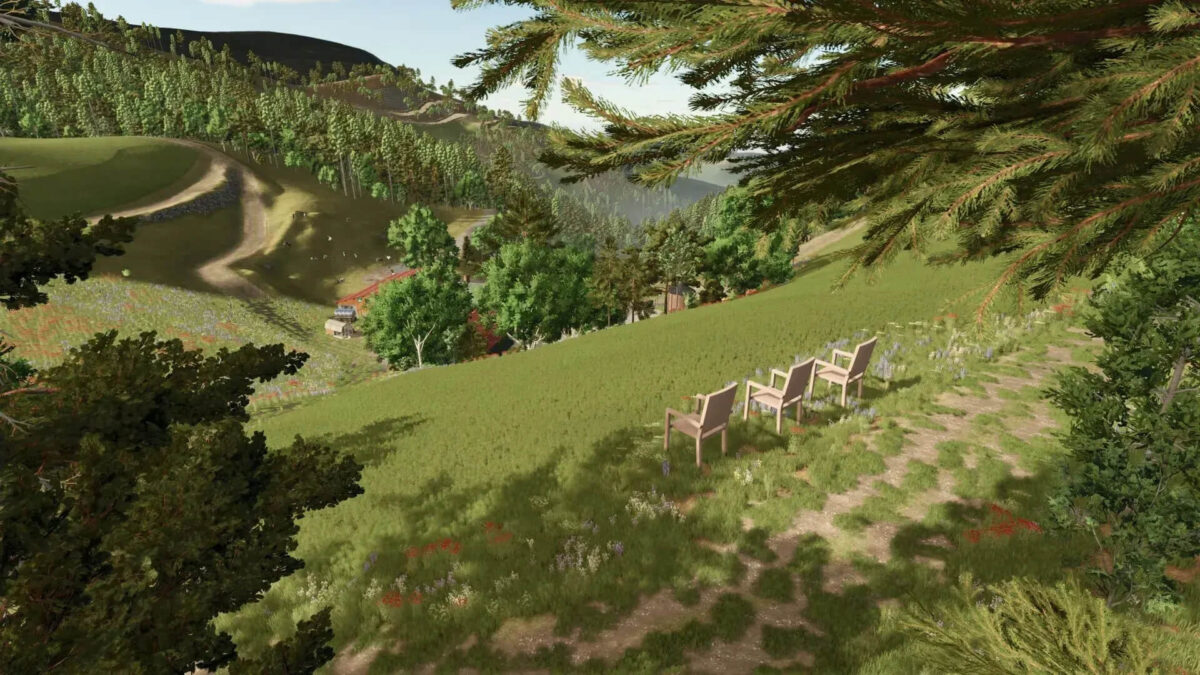
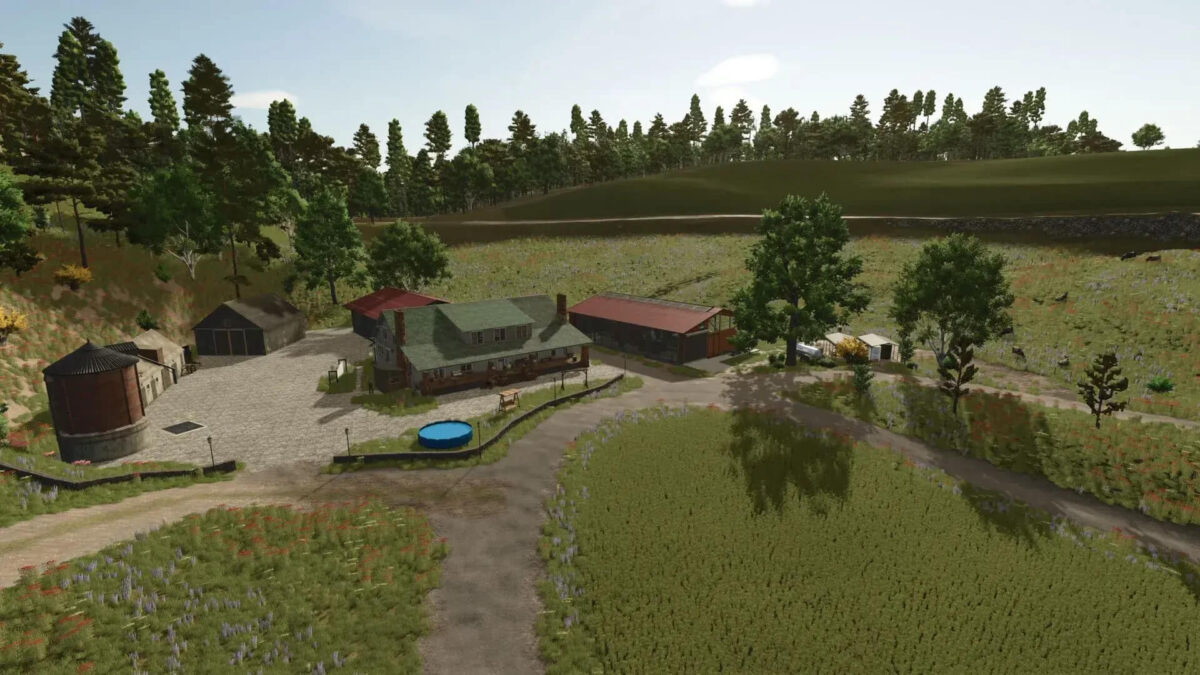
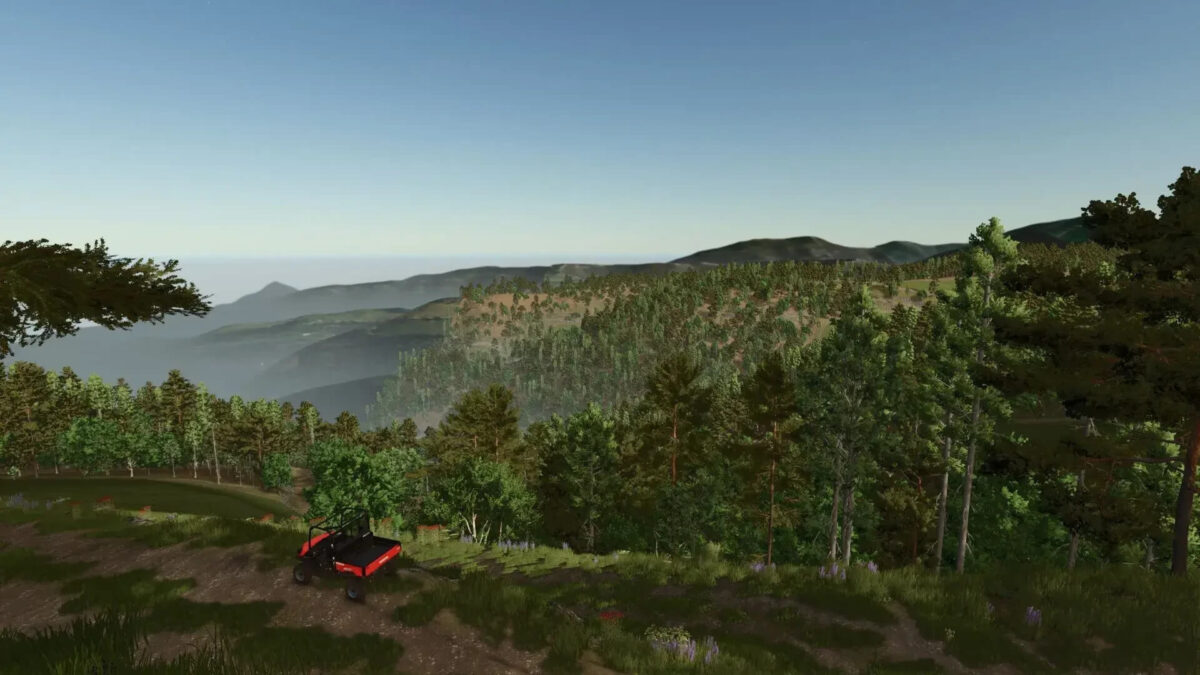
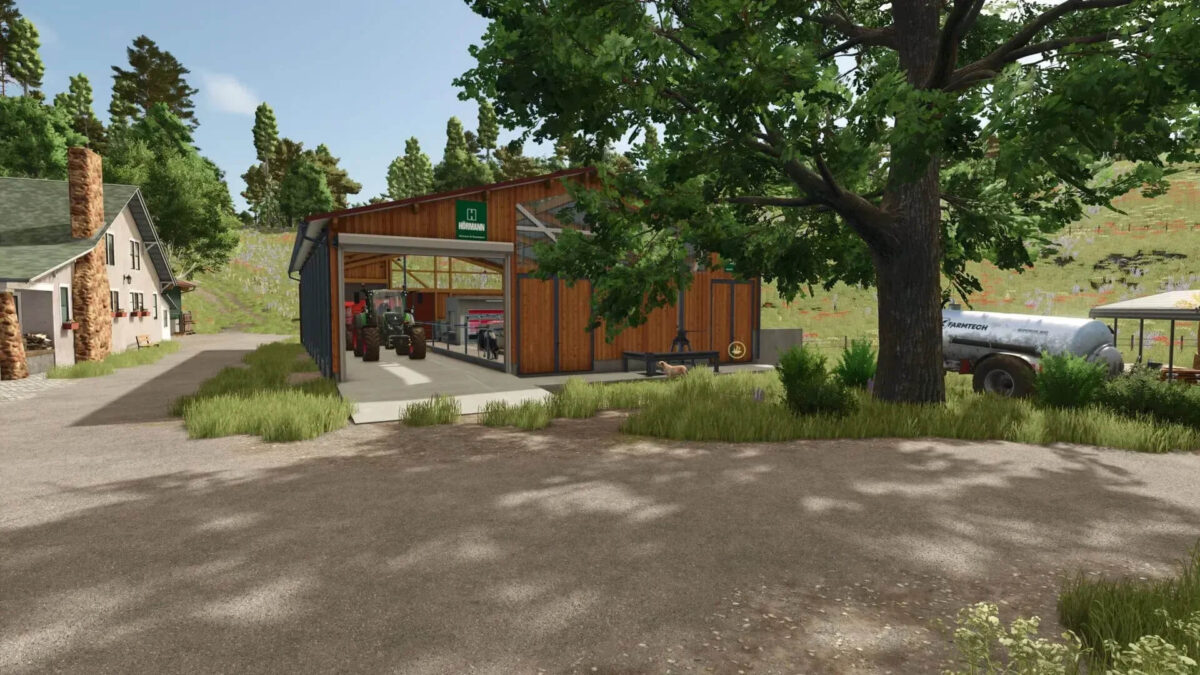
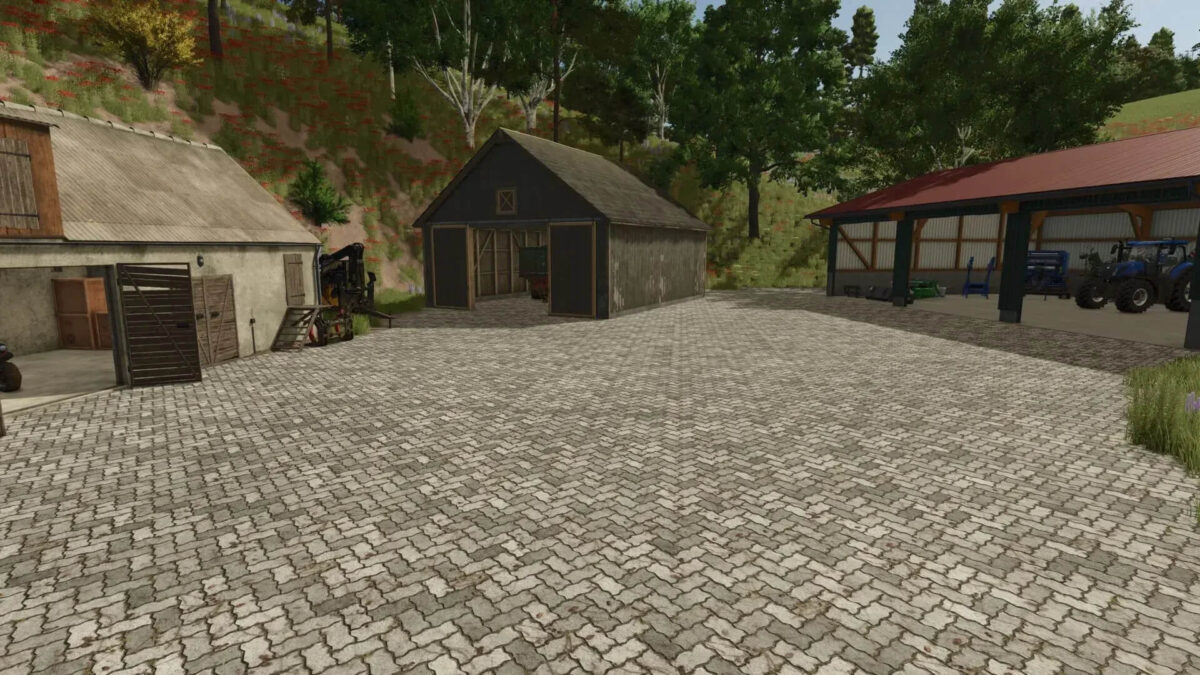
Three Chairs Map v 2.0


– Forest and field plots can be bought separately
– All fields contain a small amount of forest
– 43 meadows with a total area of 92 ha
– 52 forest areas with a total area of 404 ha and approx 44k trees (You cannot plant new trees even though the limit has not been reached)
– Start farm with cow and chicken coop as well as enough vehicles
– Sales stations and some productions
– Wood and stone missions exist, but currently only a few
– All buildings, decorations and productions can be sold in their entirety
– The splines are laid correctly, however, so that all roads are recognized by the helper AI
Version 2.0:
* BGA Added (Plot 6 must be purchased for function)
* AI splines improved
* Added decoration
* Dead end signs removed
* Wood transport missions reset
* Several areas prepared for your own farms
* Farms built
* Trees away from roads, few fields and the streams
Credits:
Likita666


