
FS25 Misc

Buy Leased Equipment v1.0.0.0

Buy Leased Equipment v1.0.0.0

Buy Leased Equipment v1.0.0.0

Buy Leased Equipment v1.0.0.0

Buy Leased Equipment v1.0.0.0

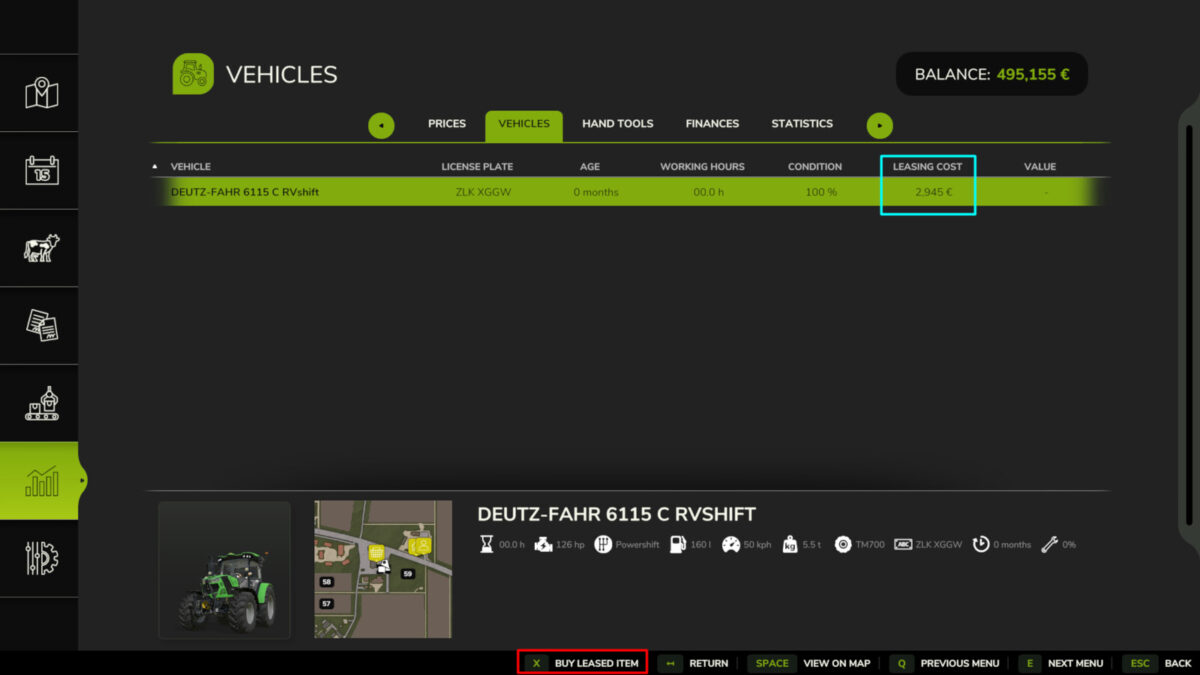
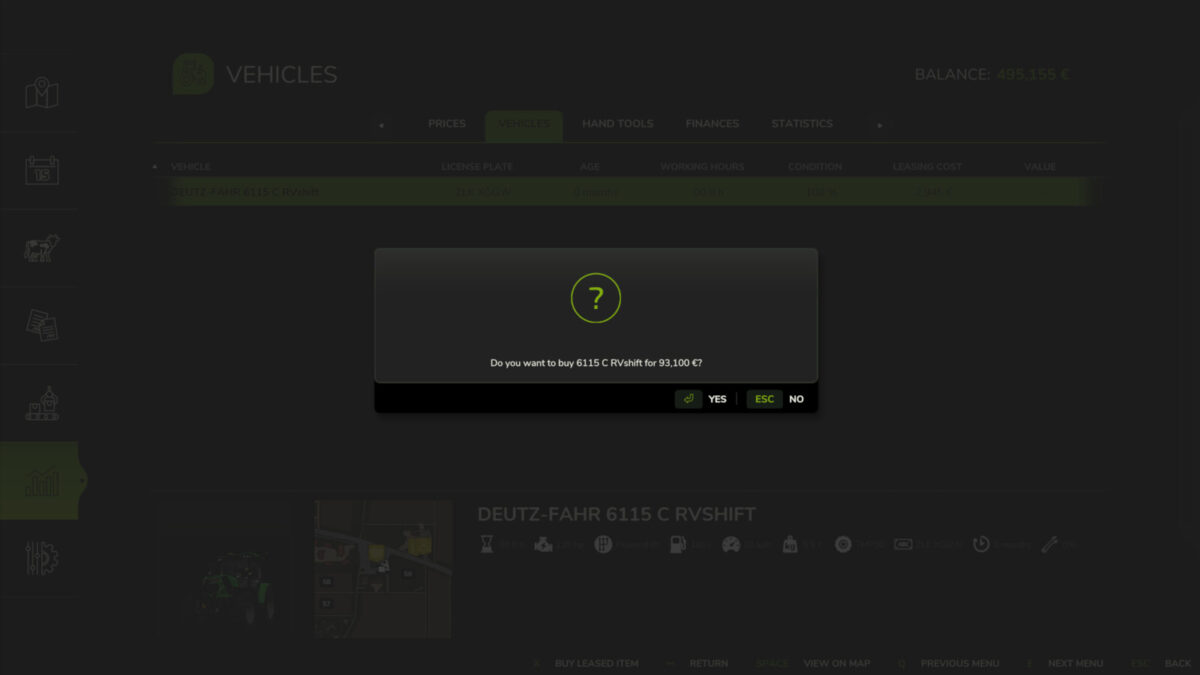
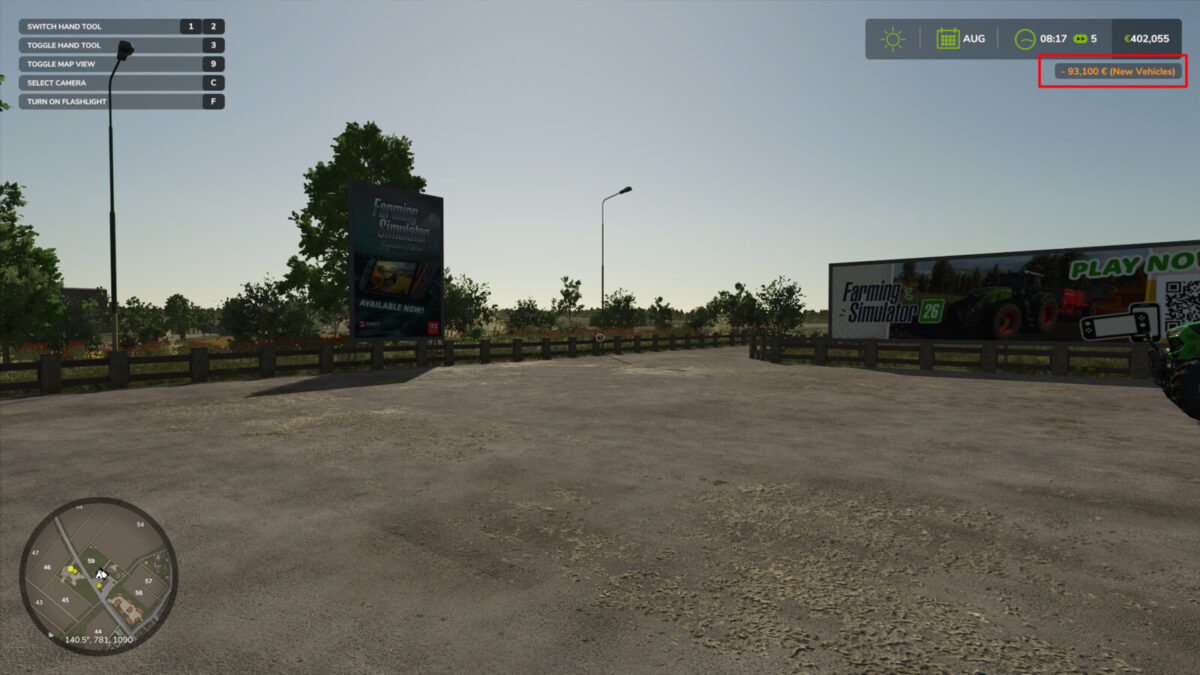
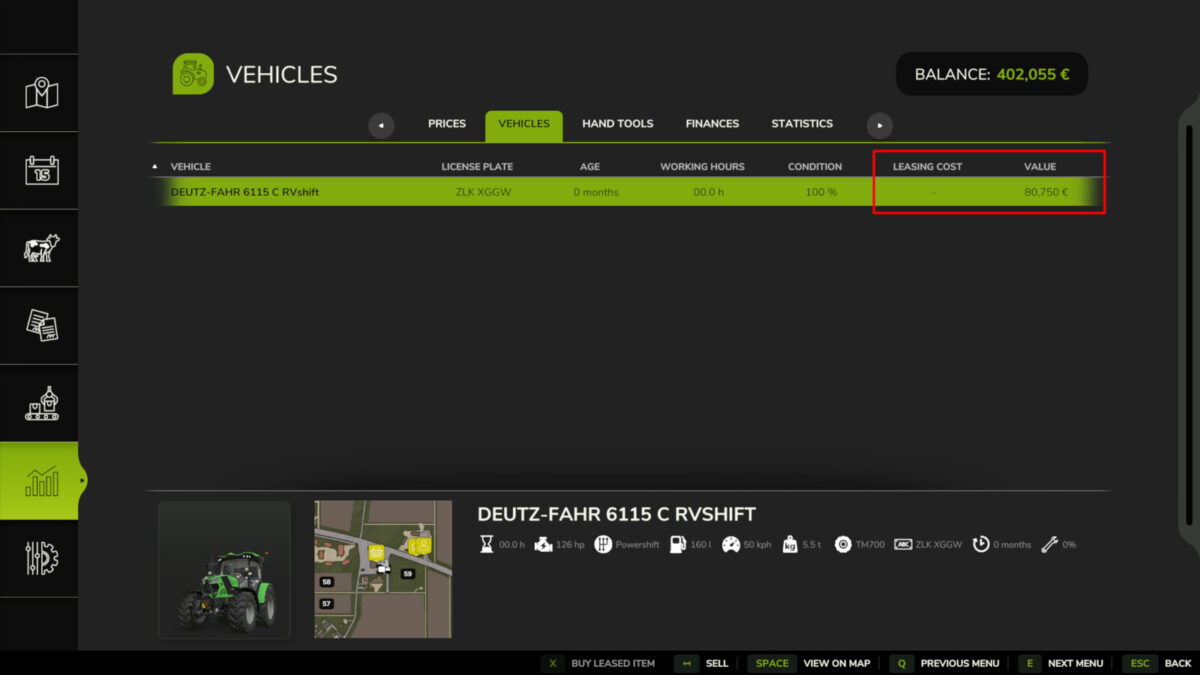
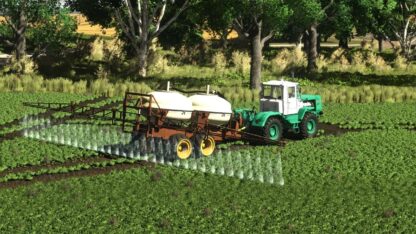
Allows purchasing leased equipment with a price reduction based on usage time and time elapsed since the start of the lease.
The reduction follows a rule of 1% discount for each month since the initial date (up to a limit of 36 months) and a 2.1% rate for each working hour (up to a limit of 12 operating hours).
Using a vehicle costing 110,000 in the shop as an example, the first day cost (base fees + daily fee + hour fee) would be 5,610. If this truck works for the farm up to the 36-month limit with 12 operating hours, it receives reductions of 39,600 for lease time (1% of 110,000 x 36) and 27,720 for working time (2.1% of 110,000 x 12). The final cost to purchase the equipment would be 42,680 (110,000 – (39,600 + 27,720)), resulting in a total final cost of 112,200.

Credits:

Mfantasma
How to install FS25 Misc?
Firstly find a mod which you like and want to download. Then download a mod to your PC. Mods are usually in .zip format file. But sometimes it can be in .rar. If a mod file is a .zip format no needed additional actions. If a file is in .rar, then you must unarchive mod with software like WinRar or Zip7. Windows 10 users no need to use software for archives, Win10 itself has a feature to unarchive files.
The next step is to find mods folder in your PC. Usually, it is in Documents/My Games/Farming Simulator 25/2025. Open the "mods" folder and put downloaded .zip archive or unarchived .rar file to this folder.
Last step. Enjoy of FS25 mods!

Leave a Reply

Your email address will not be published. Required fields are marked *