

The Rolling Farmlands of Michigan Map v 1.0


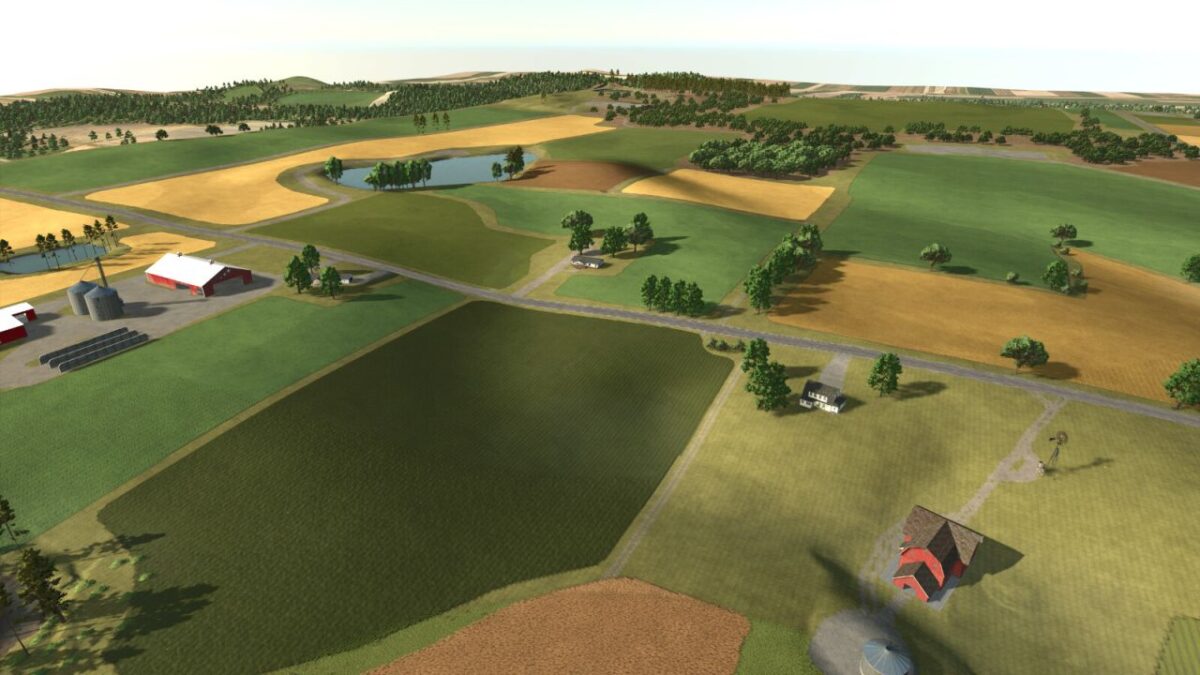
– You will find rich soil, rolling hills and wide open fields
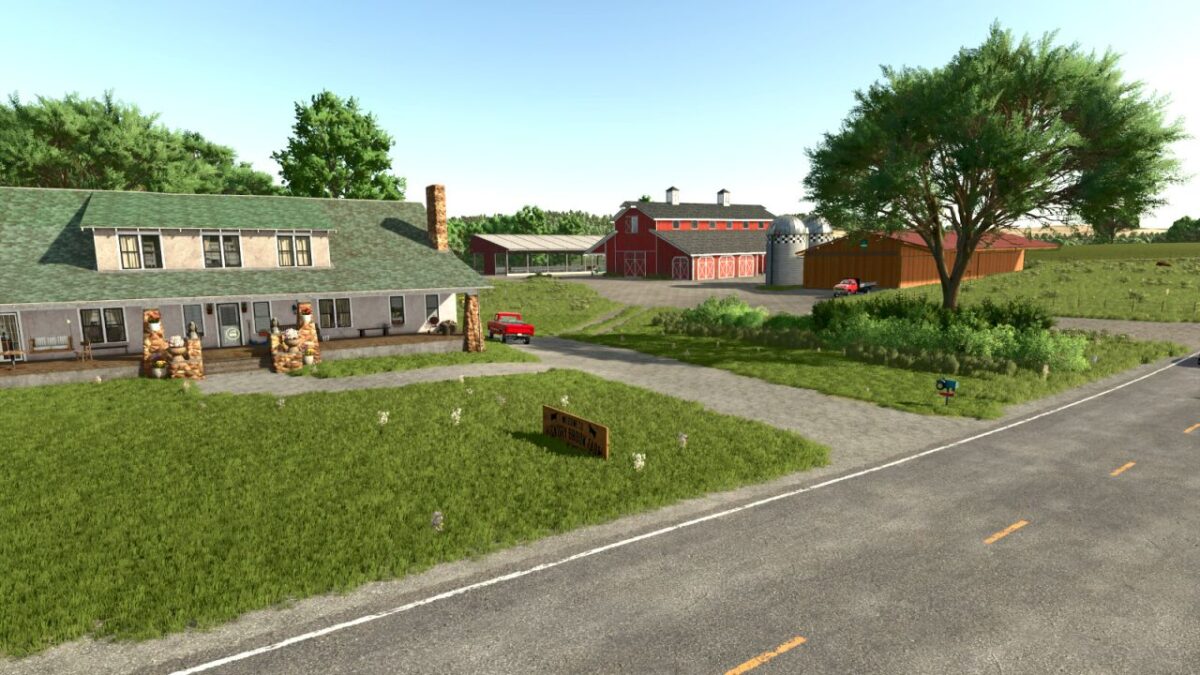
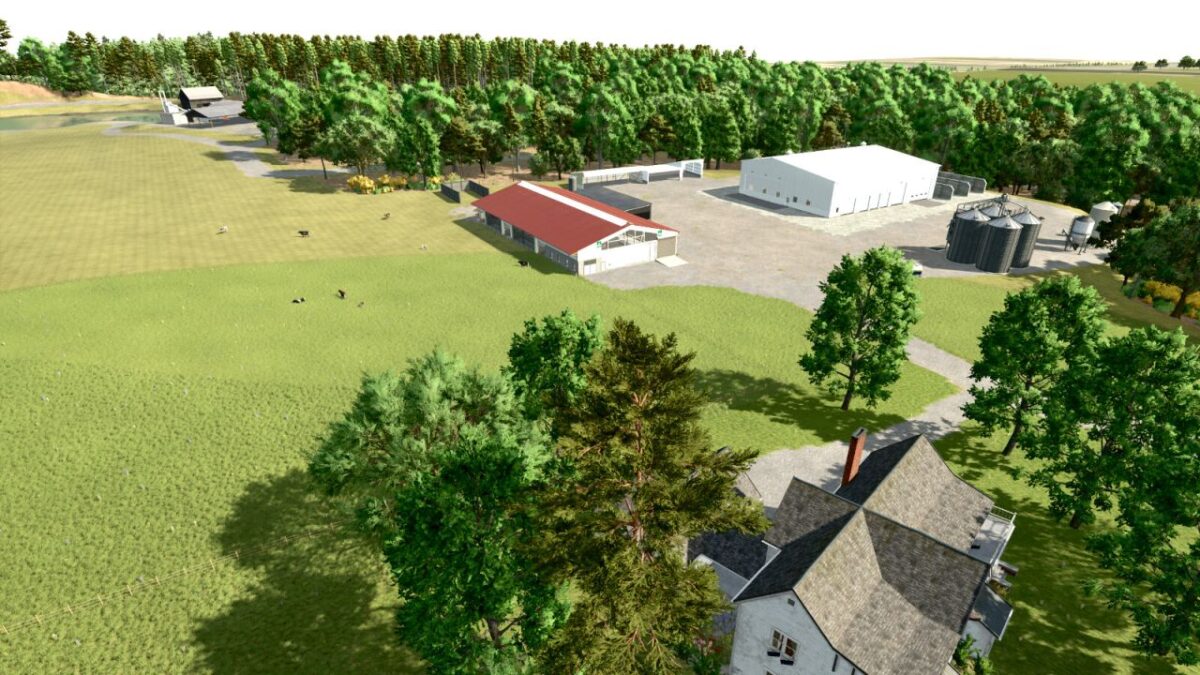
– At the starter farm you will find all the equiptment needed to get you started
– The starter farm is setup as a beef cattle farm and has a small herd of Angus cattle roaming the pasture already
– You start out with four fields, two of which will provide needed materials for your cattle
– One is a hay field to produce food for your cattle
– There is a field of wheat which you can produce straw from along with the ability to sell the grain for some income
– There are 70 farmlands available for purchase and 38 fields
– There are 620 acres of farmable fields
– Aside from the starter farm there are three other buyable pre-built farms
– One is a very basic small farm, the second is a small dairy farm and the third is a large dairy farm
– There is a forstry area at the north west corner of the map with a saw mill
– There are two supporting productions for forestry materials in the town area.
– All productions include: Bakery, Bakery US, Carpentry, Cooper, Dairy, Grain Mill, Greenhouse with Canned Foods Production, Sawmill, Spinnery, Tailor Shop
– This map has custom weather patterns and a custom crop calendar to fit the area better
– The custom crop calendar allows for harvesting two crops in one season if crop rotations are planned corretly
– This map has updated crop textures for some crops along with stubble destruction.
Credits:
Papes_Farming_Mods


