Realistic Shopping v 1.0.0.5


Realistic Shopping adds a more realistic shopping flow by turning standard shop purchases and leases into delayed deliveries instead of instant spawns.
Features:
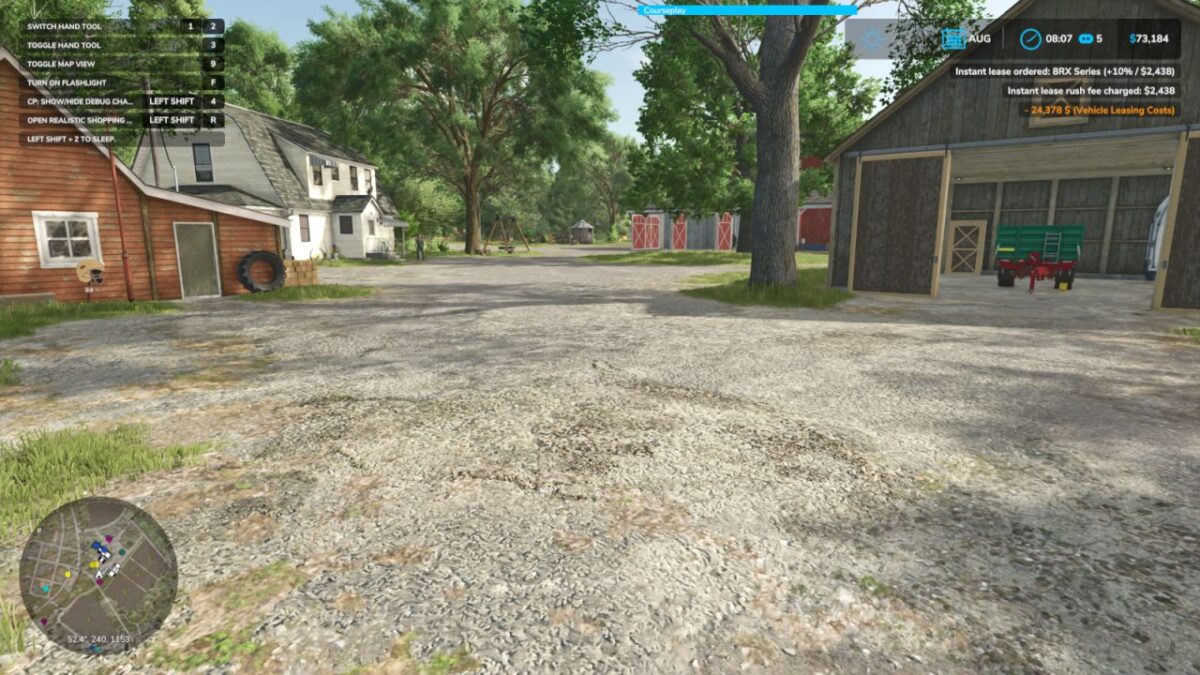
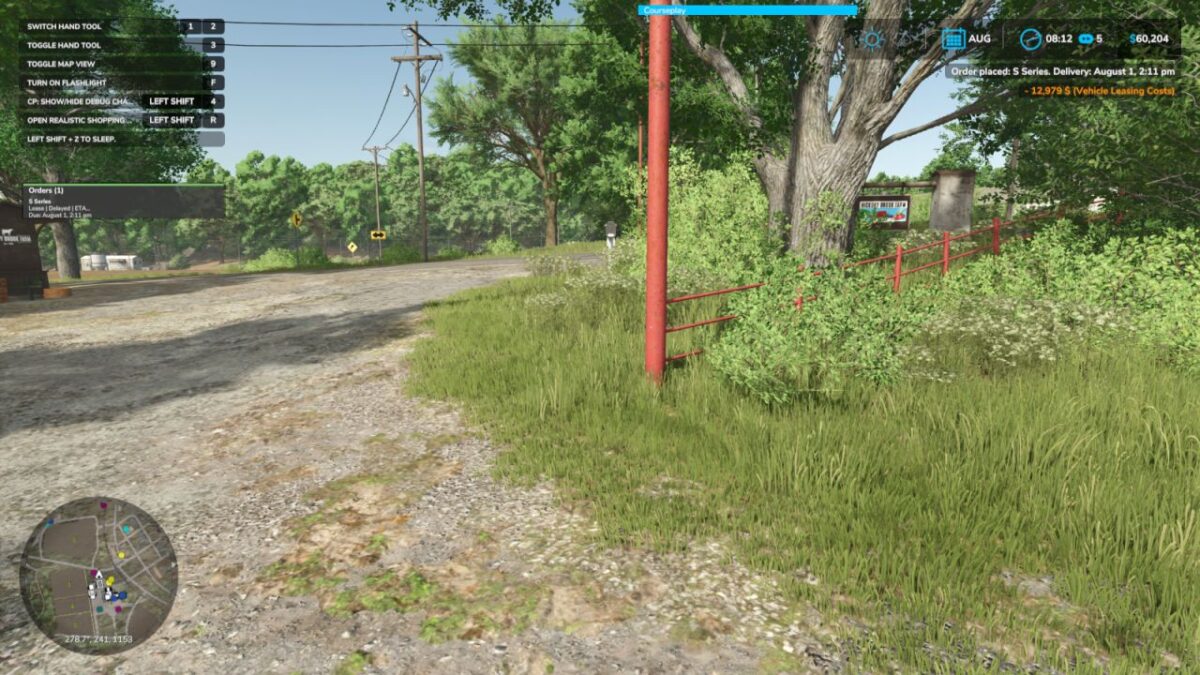
Delayed delivery orders for purchases and leases
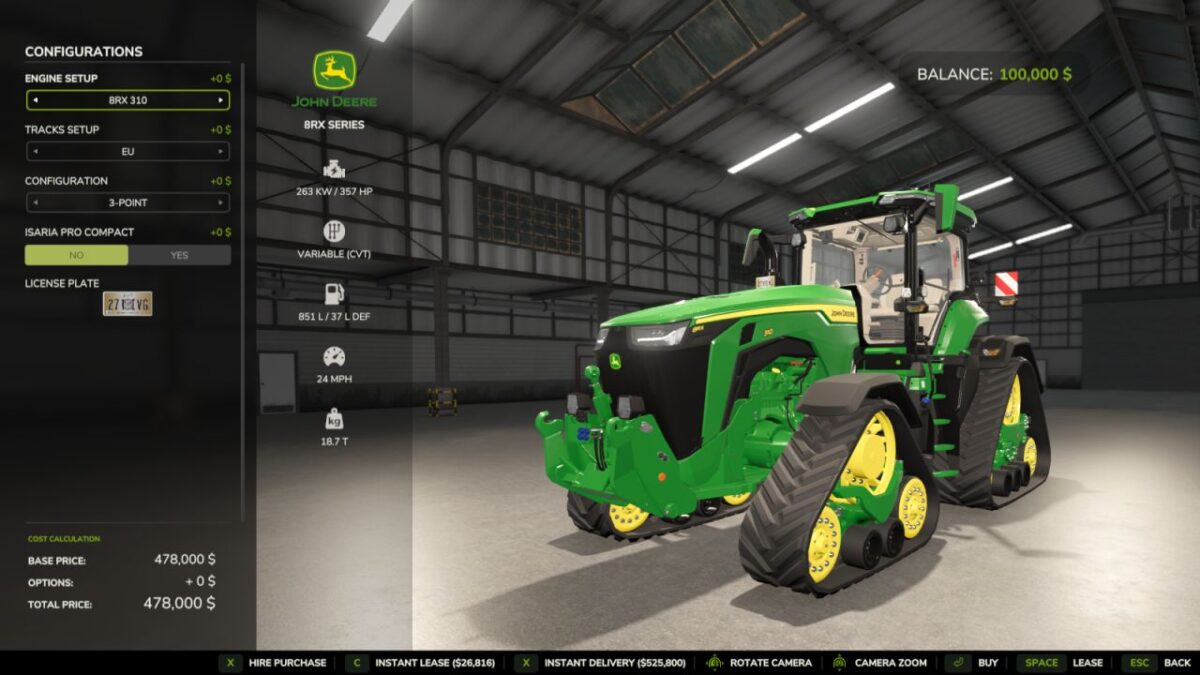
Optional instant buy and instant lease buttons
Configurable rush delivery fee
In-game settings panel with mod enable toggle
Pending orders persist through save/load
Movable pending orders HUD
Safeguards for invalid shop items and broken tiles
Controls: Shift + R: Open settings panel
Version 1.0.0.5:
* This build improves delivery queue reliability, adds safer single-delivery enforcement, improves timing and spacing between queued deliveries, adds pending order cancellation with a 5% fee, reduces unnecessary warning spam, and fixes rare freezes that could occur when buying certain modded vehicles through wrapped shop event chains.
Credits:
plutogaming91