

Terre d’Auvergne Map v 1.0


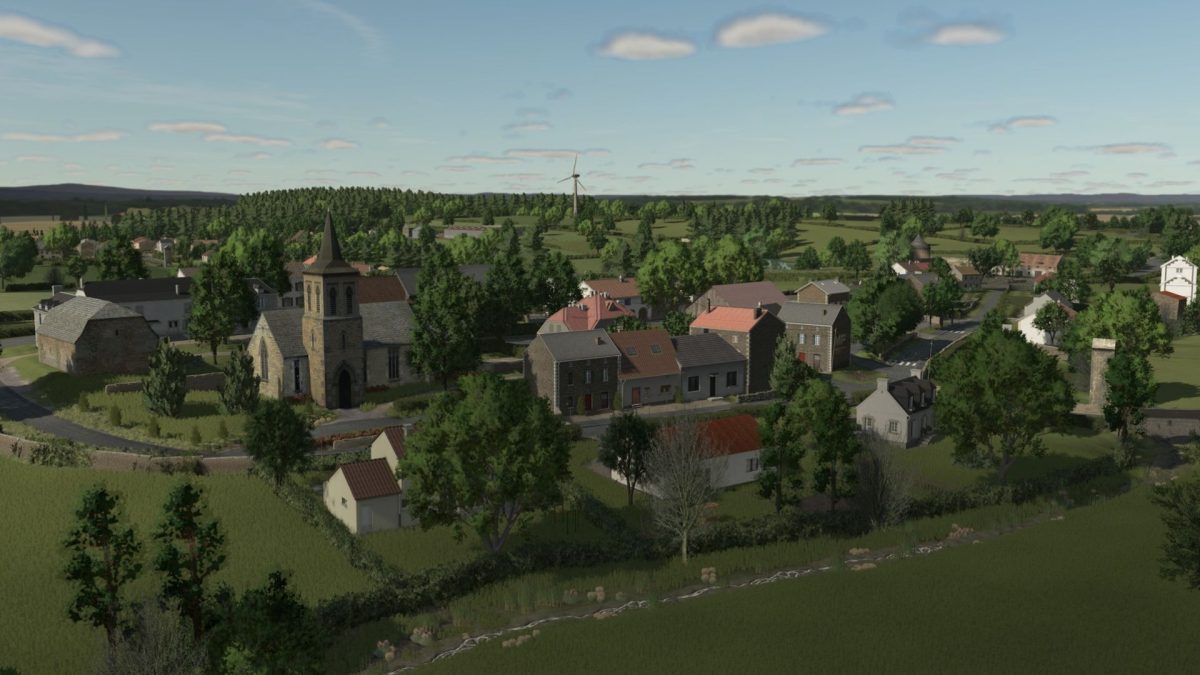
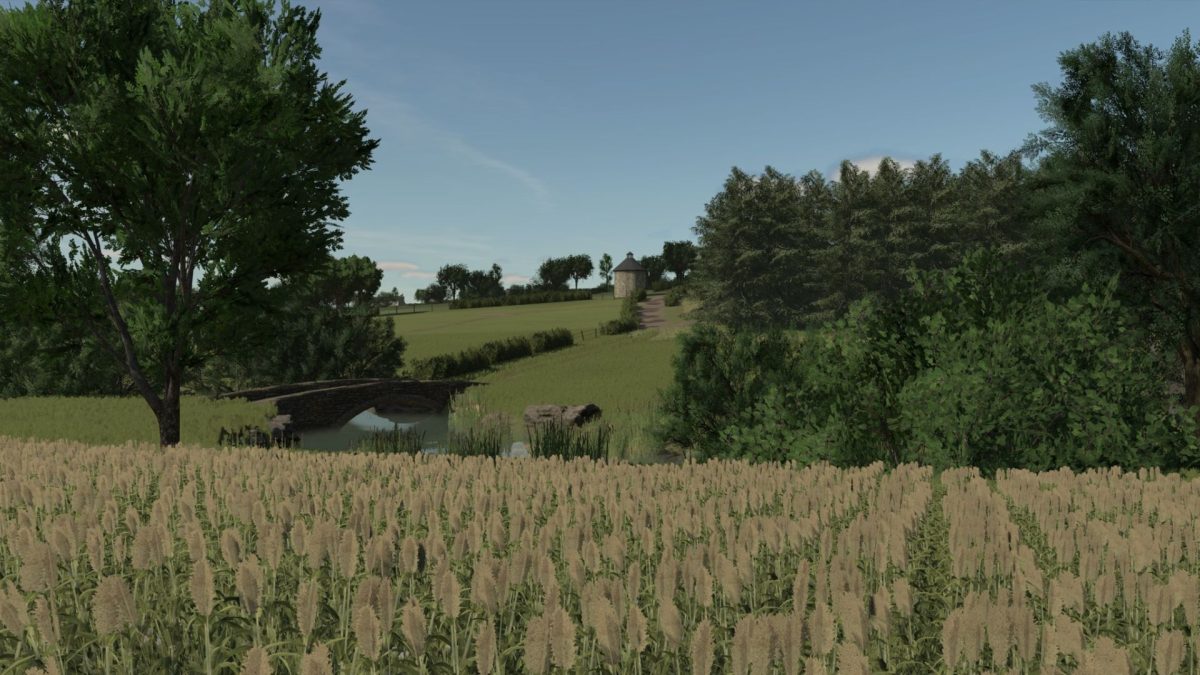
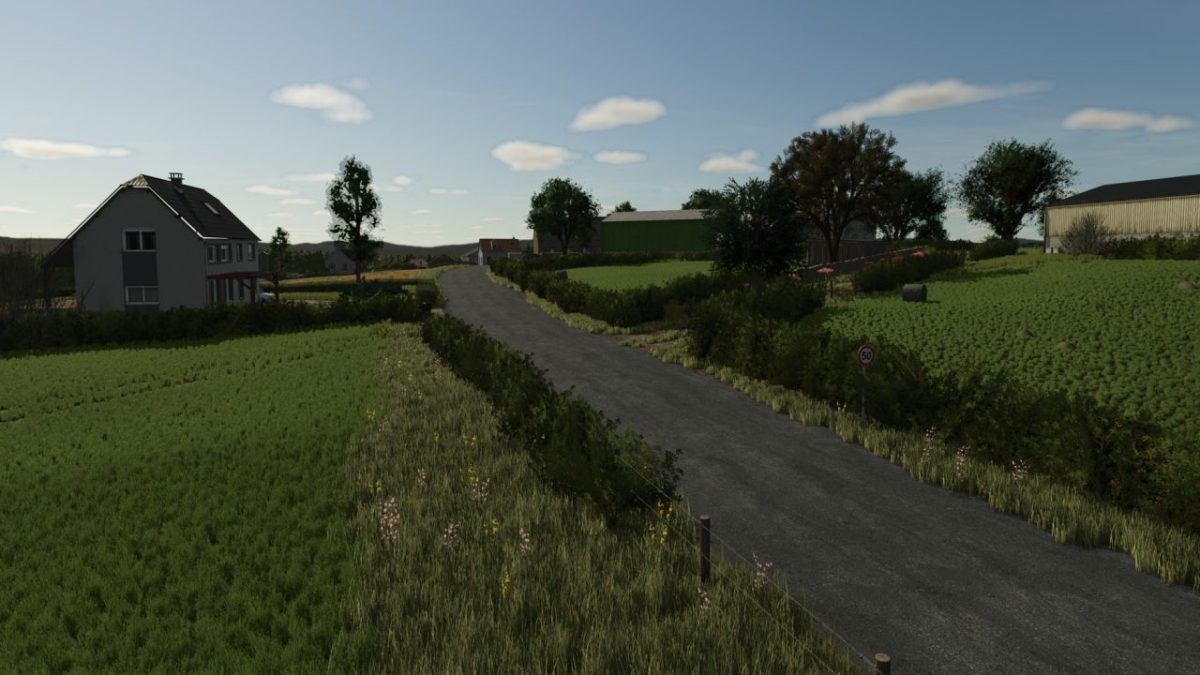
– A typically Auvergne environment: valleys, pastures, forests, ponds, picturesque villages and agricultural paths
– A map designed to combine realism and agricultural logic
– A natural relief and a neat decor for immediate immersion
– Meticulous work on the placement of buildings and the arrangement of farms
You will find 6 playable farms spread over the Map:
– A multi purpose, ready to use farmhouse
– An accessible dairy farm without paying content
– A dedicated poultry farm
– A cereal site with storage zones
– An independent pigsty
– An altitude farm equipped with stable and functional silos
This version does not require any paid building: all the elements are included or available for free, so that you can start without delay.
Integrated content:
– Points of sale: market, cooperative, cannery
– Production: Operational BGA
– Traffic with activated NPJ
– Typical villages, signaling, ponds, streams
– Realistic agricultural paths and natural relief
Credits:
Les Boursins


