John Deere 3650 v 1.0.0.4


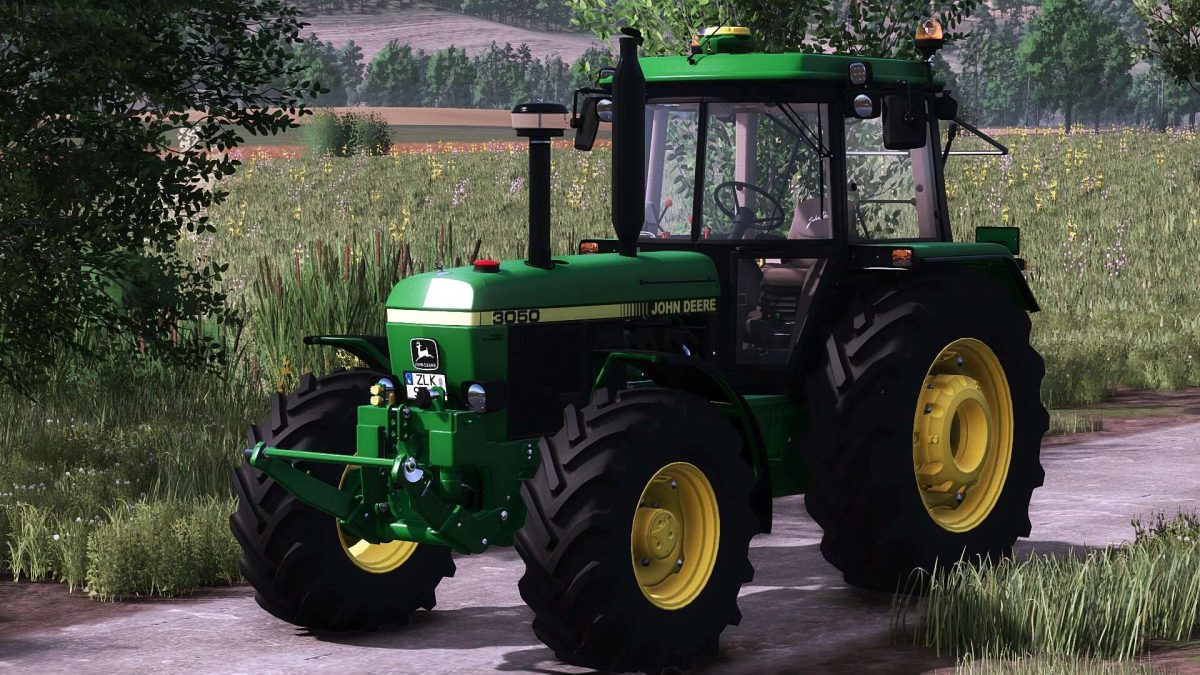
The John Deere 3650 is a versatile tractor available in Farming Simulator 25, featuring small enhancements that improve its functionality and user experience.
This model includes both standard and wide tire options, equipped with tire weights for improved traction.
Players can interact with the tractor by opening the left door and rear window using the mouse, adding a layer of realism to the gameplay.
When a front loader (FH) with a console is equipped, the lower links of the FH will automatically be hidden, streamlining the tractor’s appearance and optimizing its use for various tasks.
Additionally, new engine options have been added to provide more customization and power choices for farming operations.
The base version of the John Deere 3650 is priced at €45,000.
– Standard and wide tire options with tire weights
– Interactive left door and rear window
– FH with console hides lower links
– New engine options for customization
– Base price: €45,000
Version 1.0.0.4:
* Minor adjustments to the vehicle itself
* Rotating beacons have been adjusted with new mounts on the left and right
* New engine versions have been added and configured
* A new exhaust has been added to the designs
* A frontloader lever has been installed, which actually works
* Small decoration has been installed for deer fans
Credits:
McCormick 323