

Storage Dialog Plus v1.1.0.0


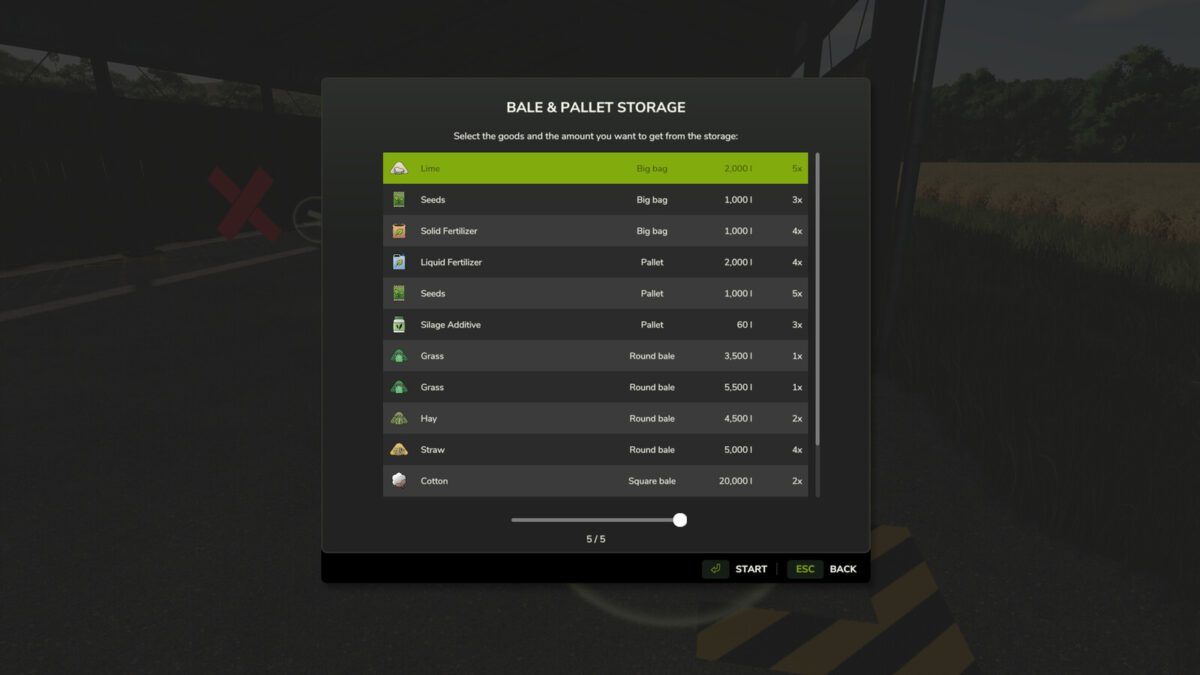
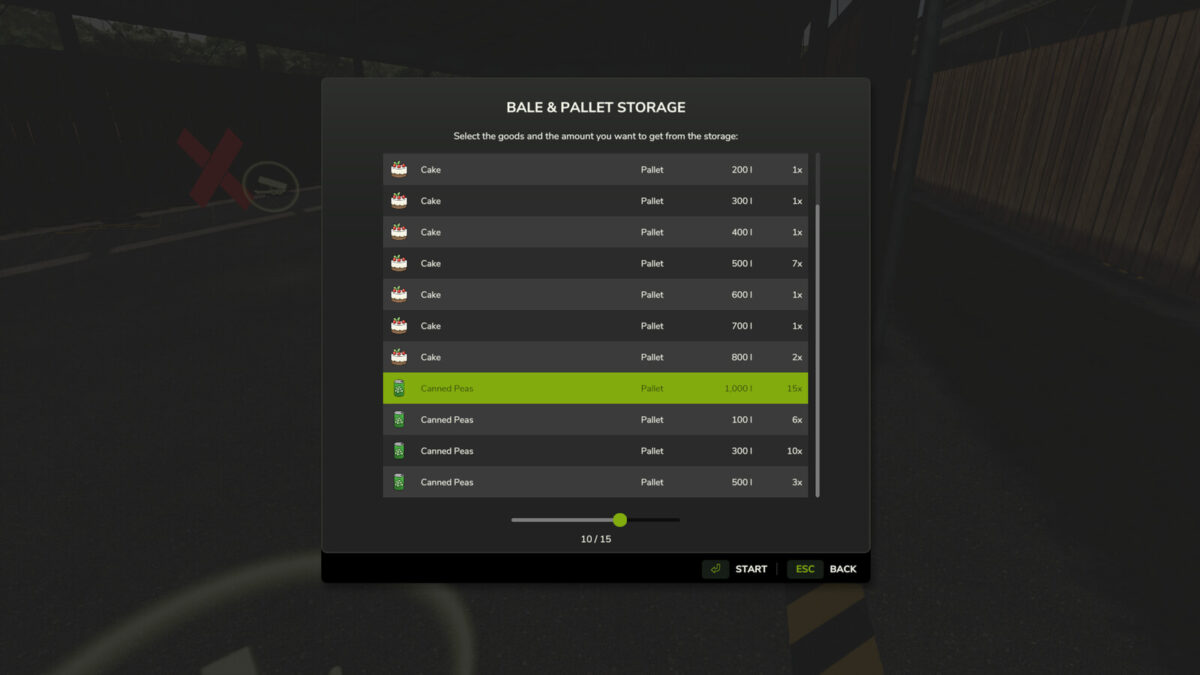
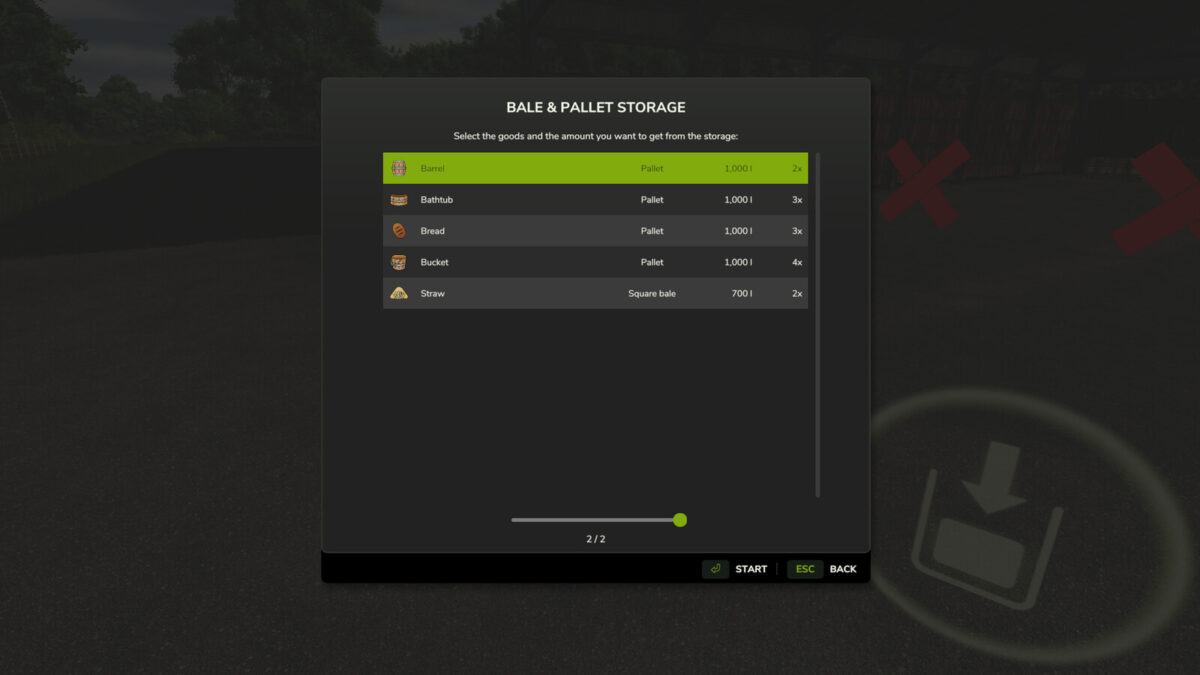
Storage Dialog Plus enhances the default object storage dialog by adding a clean, scrollable list view that displays everything stored inside your object storage.
Easily see all pallets, bales, and stored items in one organized table.
Features
– Adds a scrollable list view to the object storage dialog
– Clearly displays all stored products
– Separates identical products with different fill levels
– Allows you to choose the exact quantity/version you want to spawn
– Clean and intuitive UI that matches the base game style
This makes managing large storages much easier, especially on busy farms with mixed pallet and bale quantities.
Changelog 1.1.0.0
– Reject outdated unload selections when another player changes the storage.
– Validate farm access and unload quantities on the server.
– Support more than 255 storage groups in multiplayer.
– Fixed filtered storage selection and multiplayer farm ownership display.
– Fixed localized amounts, icons, and dialog loading.
– Updated to work better with keyboard and controllers.
Credits:
FSG Modding - DaVaR


