Old Sheds Pack v 1.0


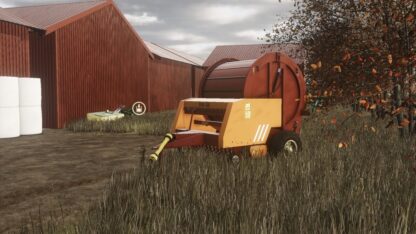
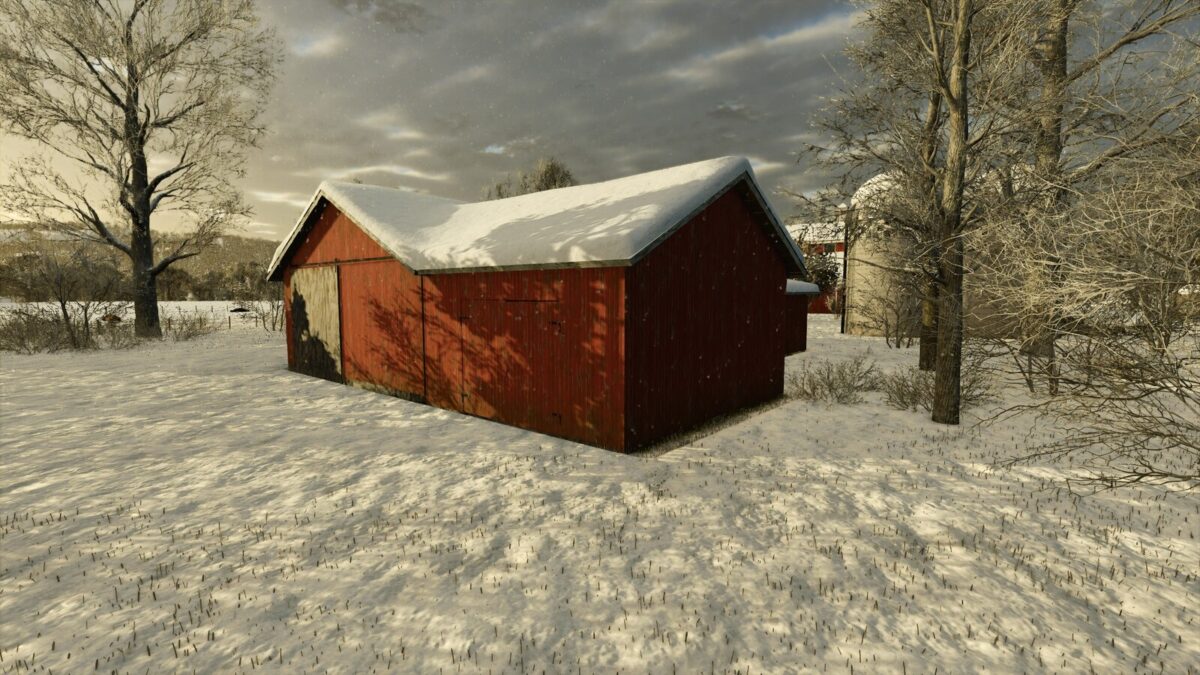
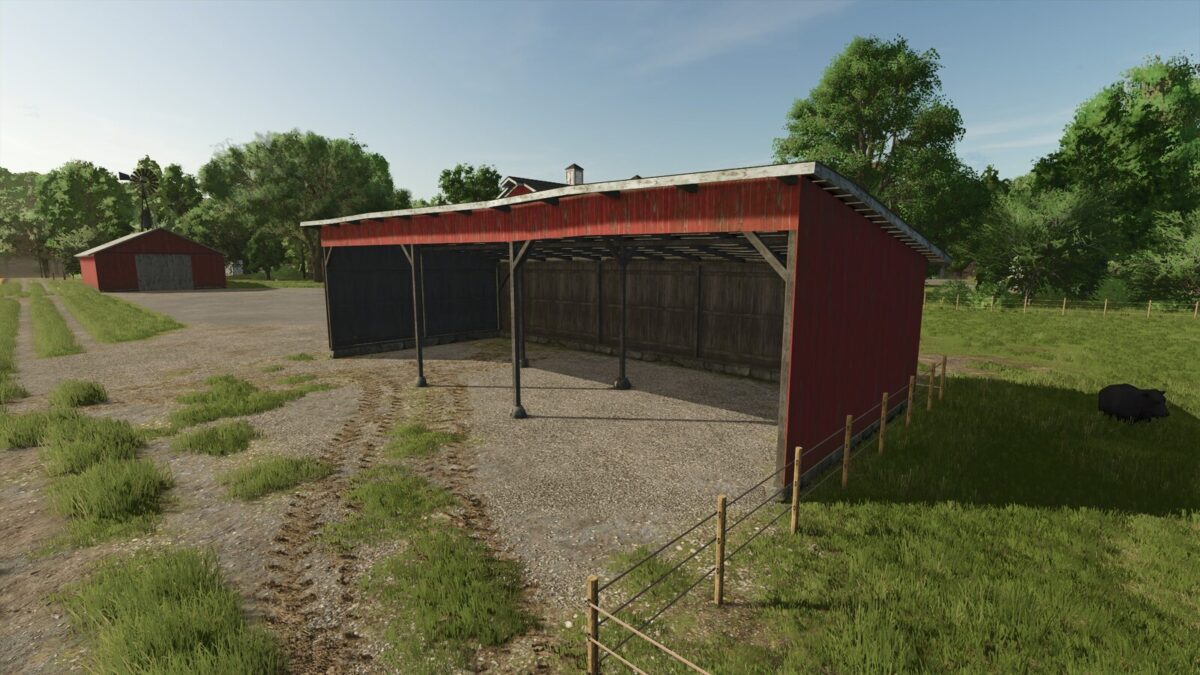
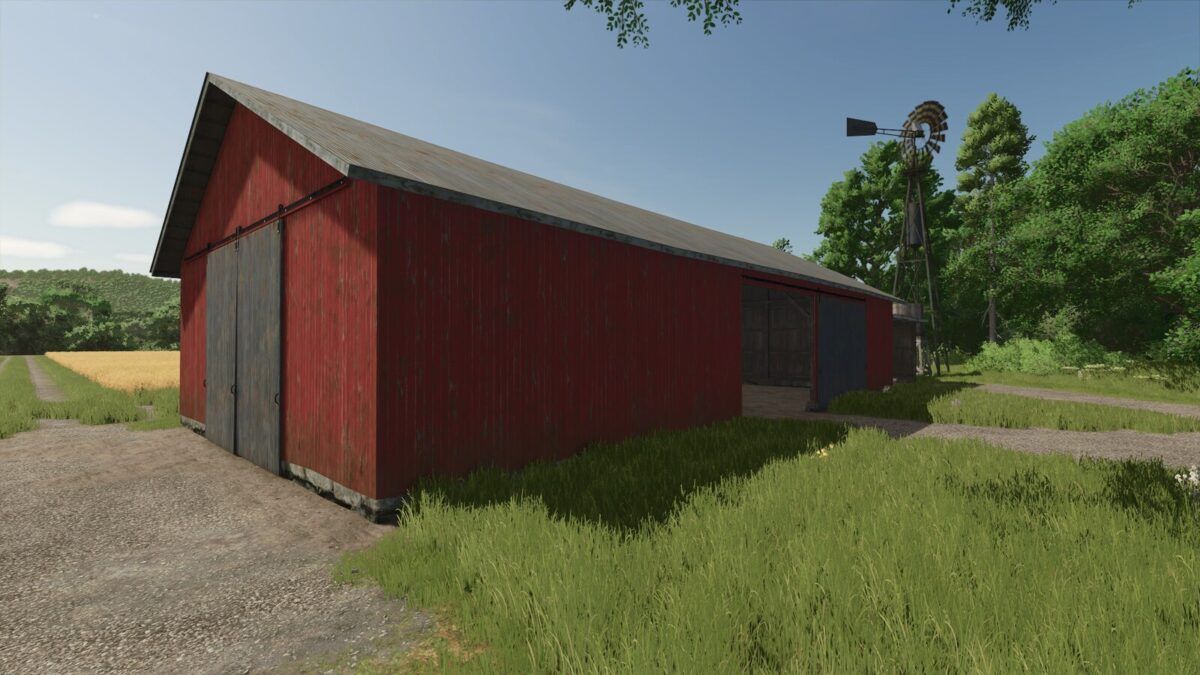
A selection of old sheds for storing vehicles and equipment.
These are old buildings and due to the requirements of the time, not all buildings or doorways are necessarily big enough for the largest machines. However, these are the perfect option if you use small to medium sized equipment and want a more aged feel to your farm.
The package includes two open shelters and four sheds with different sizes. There are also three additional shelters to attach to the side of the another building.
Additional shelters must be placed in a free-mode, and levelling the terrain must be done beforehand. Connecting buildings perfectly can be a bit tricky, especially with a controller. To ensure perfect placement, recommend that you enable snapping mode and use rotation in 90 degree steps relative to the map when placing both the main building and the additional shelter. With special care, other orientations are also possible.
Category: Placeables – Buildings – Sheds
Price: $2,000 – 18,000
Credits:
Agrogaatti