

Sickinger Hoehe Rheinland Pfalz x4 Map v 1.2.0.1


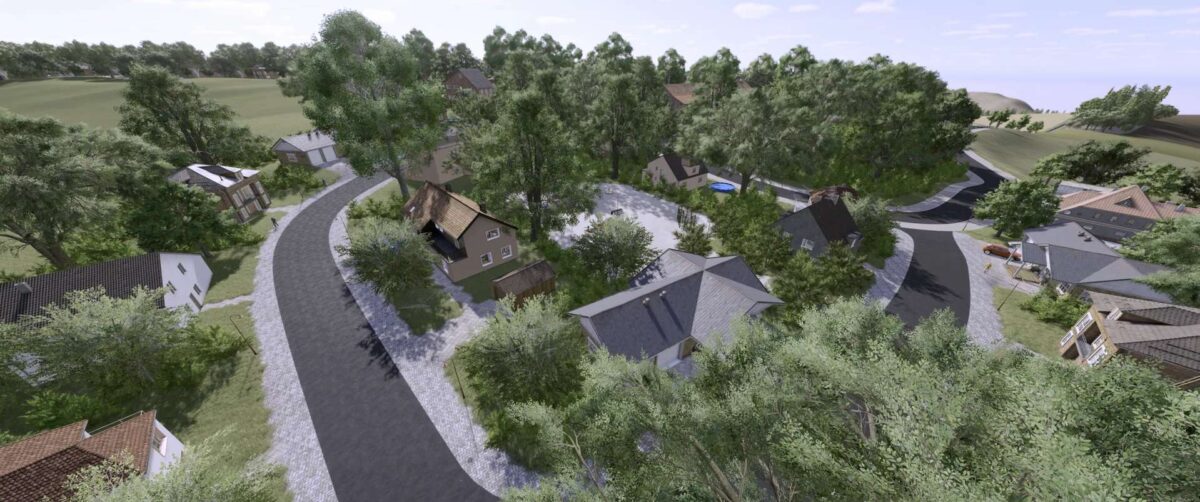
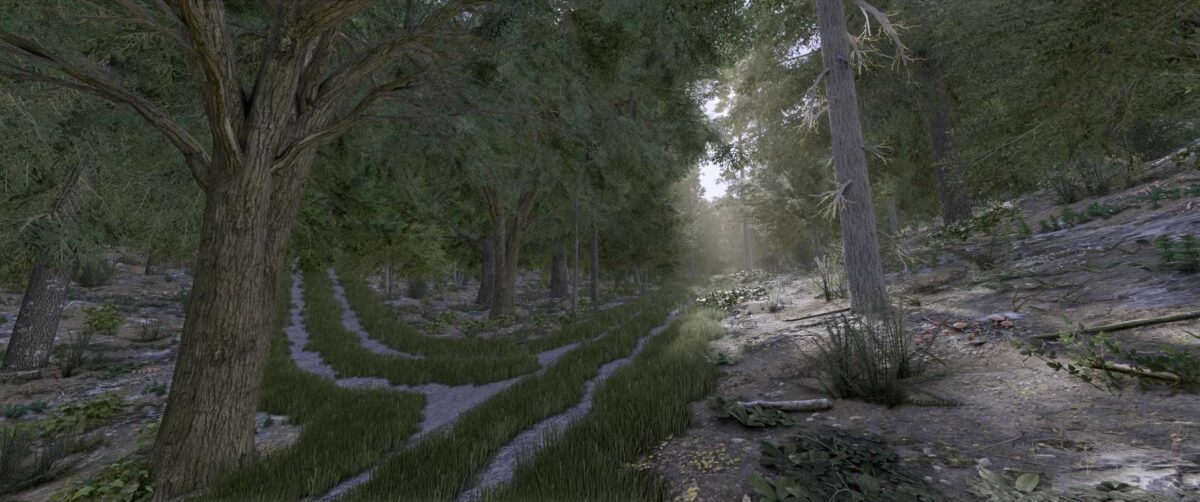
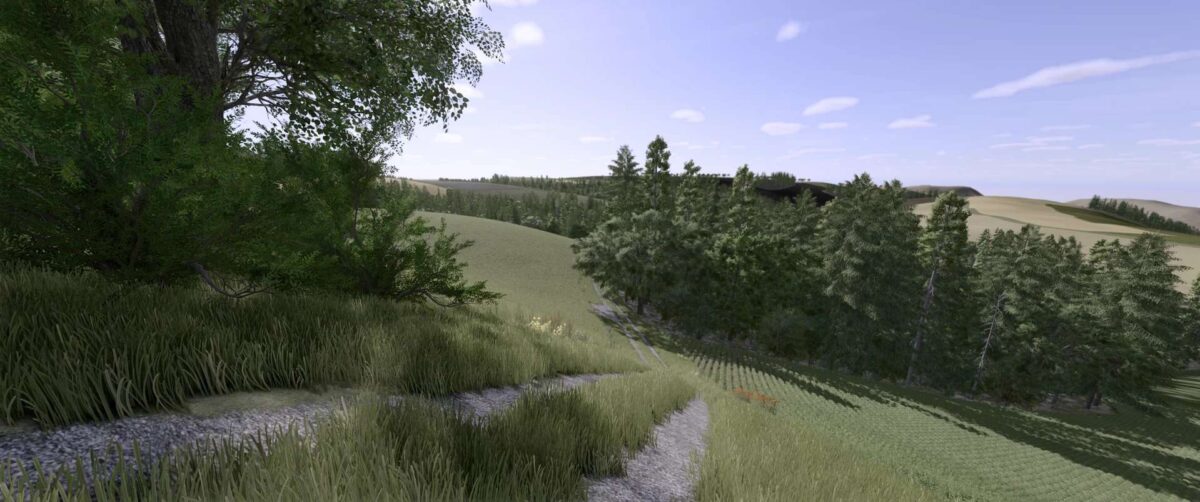
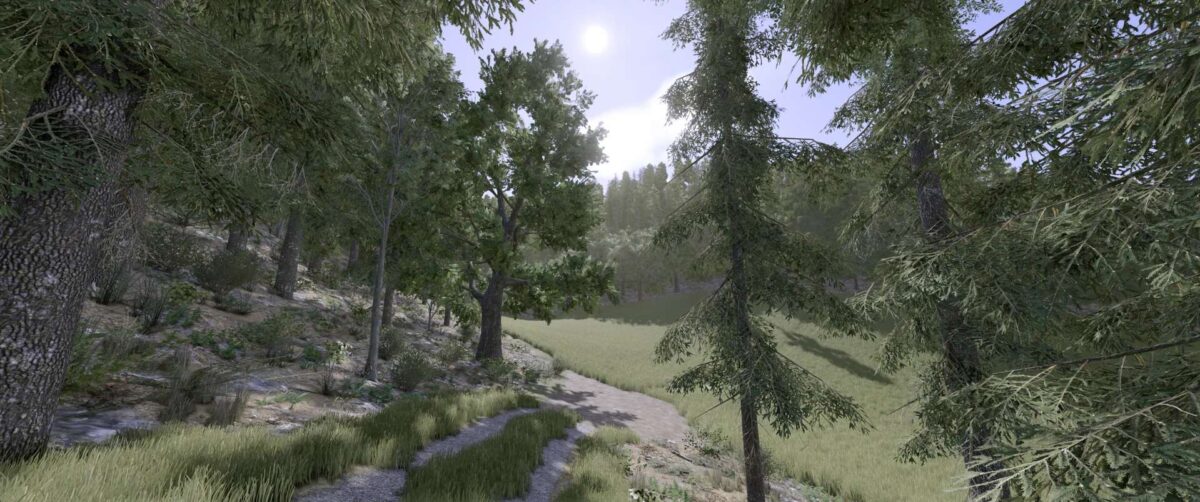
– Realistic recreation of the Sickinger Höhe region in Rhineland-Palatinate, with mountainous terrain (partly very steep)
– 206 fields with a total area of 825 hectares, ranging from 0.33 hectares to 28.23 hectares
– 8 farms that are prefabricated but can also be cultivated
– 3 BGA fakes that can also be individually cultivated
– Additional crops such as rye, spelt, triticale, and many more
– Stubble destruction is also included
– Realistic license plates, just like in real life
– Larger number of soil angles
– 8 sales stations, including 3 purchasable products
Version 1.2.0.1:
* Some visual adjustments
* Fixed the disappearing ground in fields 43-44
* Correctly repositioned guideposts that were in the ground or floating
* Fixed precision farming (Buying samples now works flawlessly)
* Correctly repositioned the water channel in field 17 that was too high
* Removed the tractor that was in the fence
* Corrected the pink cap on the signs
* Placed trees and bushes around the fields to prevent the landscape from being too bare
* Removed or repositioned trees that were too close to field/forest paths
* Updated the preview image
* Fields fixed
* Redrawn fields (farmlands)
* Removed unnecessary files
Credits:
BierKasten


