

Shop Favorites v 1.0


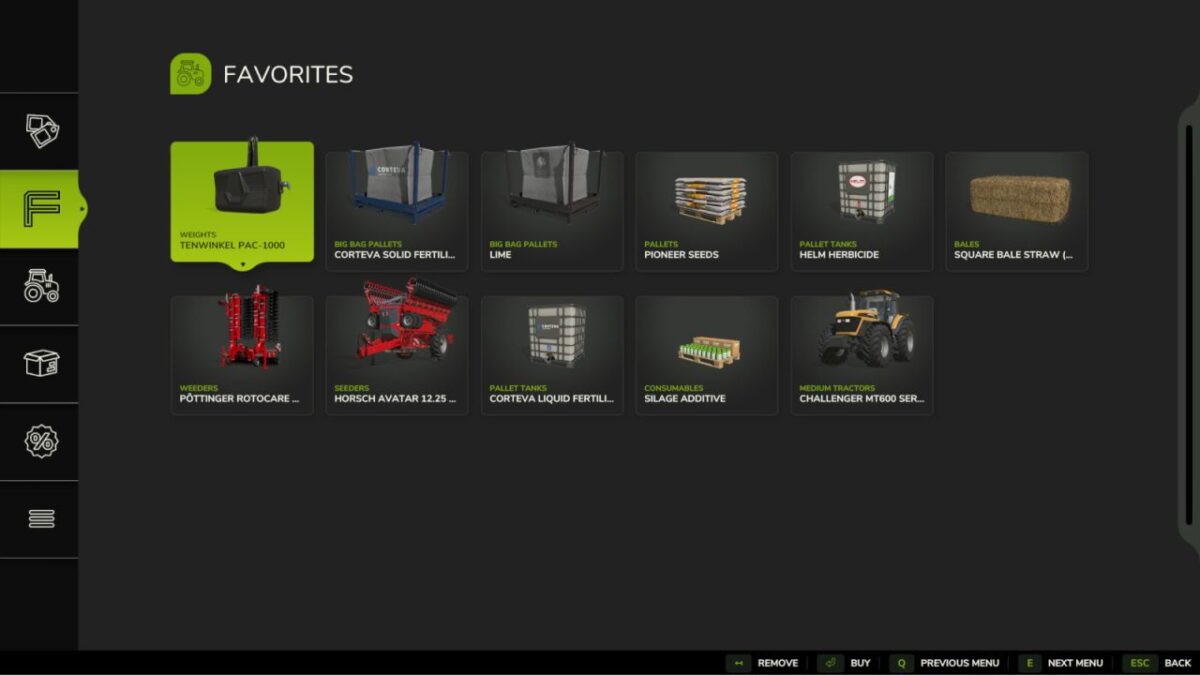
A mod that adds a favorites section to the shop menu where you can save your favorite vehicles and tools.
Add vehicles and tools to your favorites list
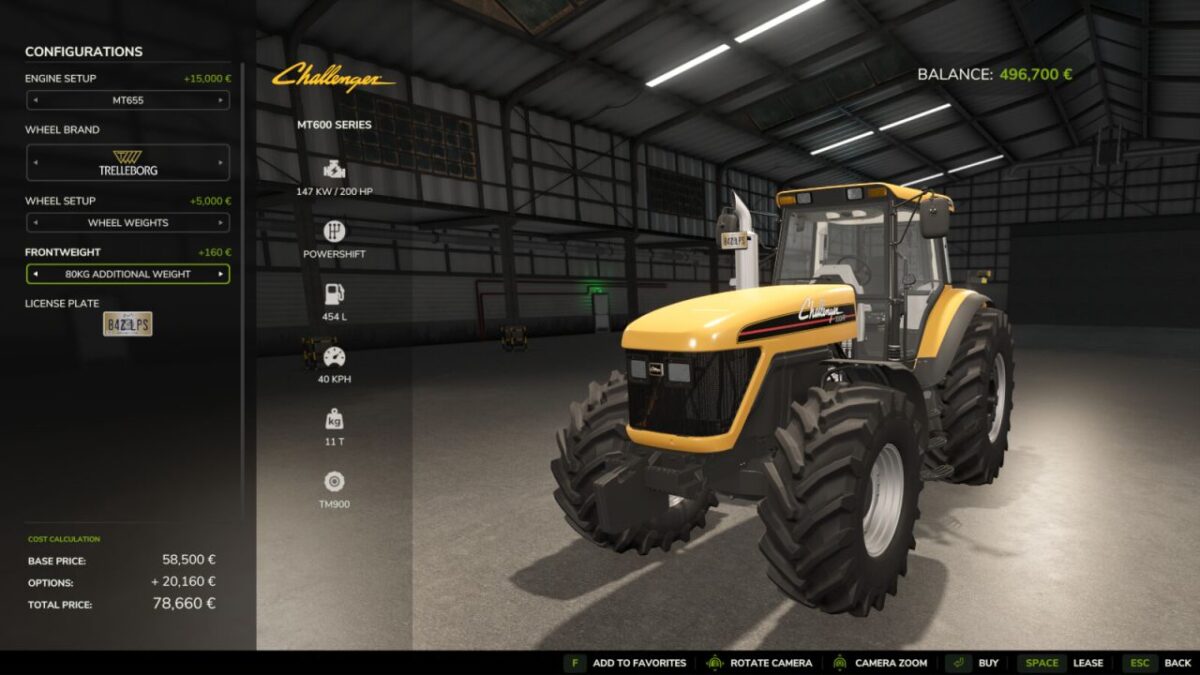
Save the selected shop configuration for each favorite
Access favorites from a new tab in the shop menu
Quick access to your most used items
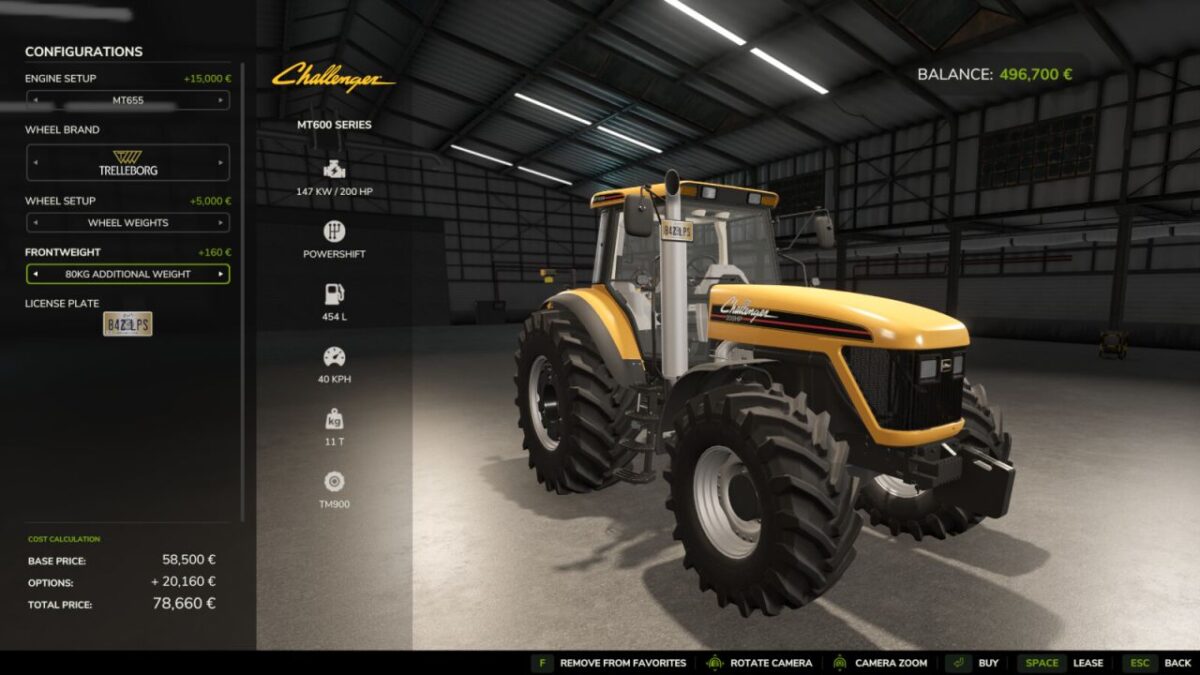
Add/remove items directly from the purchase screen
Buy or lease directly from the favorites page
Features:
Favorites are saved in the modSettings folder and are shared across all saves; missing favorites in a save will be hidden and not deleted
Saved favorites remember selected configurations such as engine setup, wheels, colors, body options and other supported customizations
Multiplayer supported, including normal permission checks for purchases
Works with all vehicles (tractors, machines, cars, trailers) and mods
Credits:
NYKK3


