

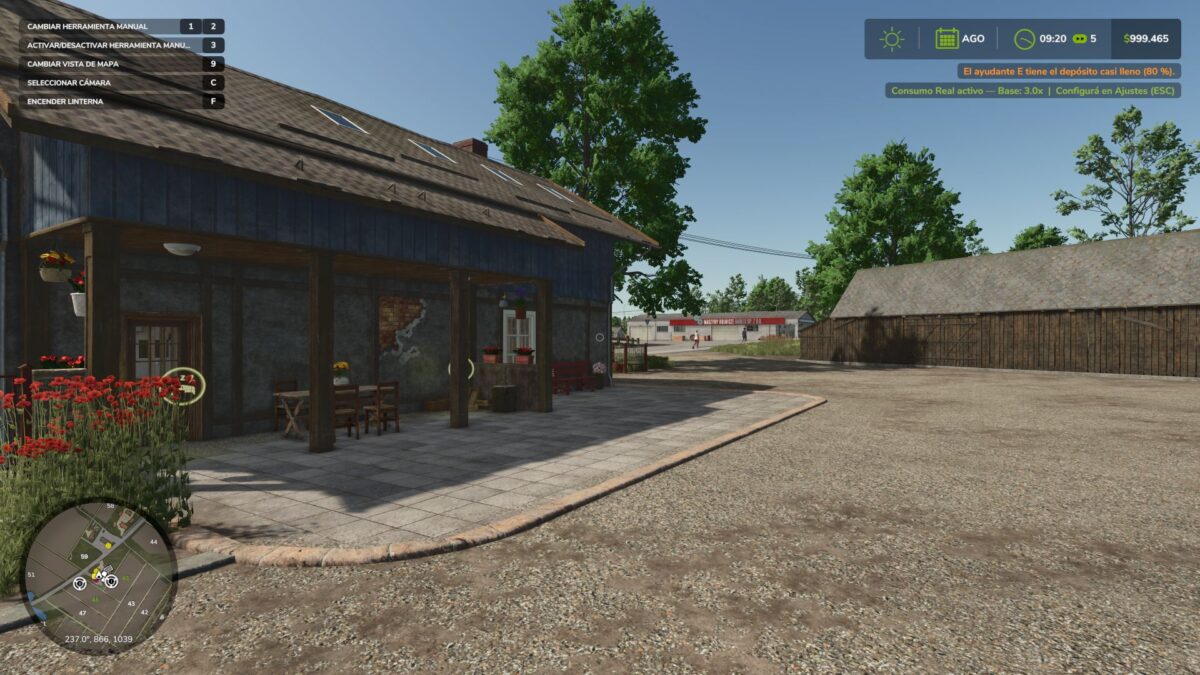
Real Fuel Consumption v 1.0


Real Fuel Consumption turns your farm’s fuel usage into something realistic and challenging.
Unlike other mods that just multiply consumption by a fixed number, this mod uses a dynamic system that reads each vehicle’s real state in real-time.
How it works:
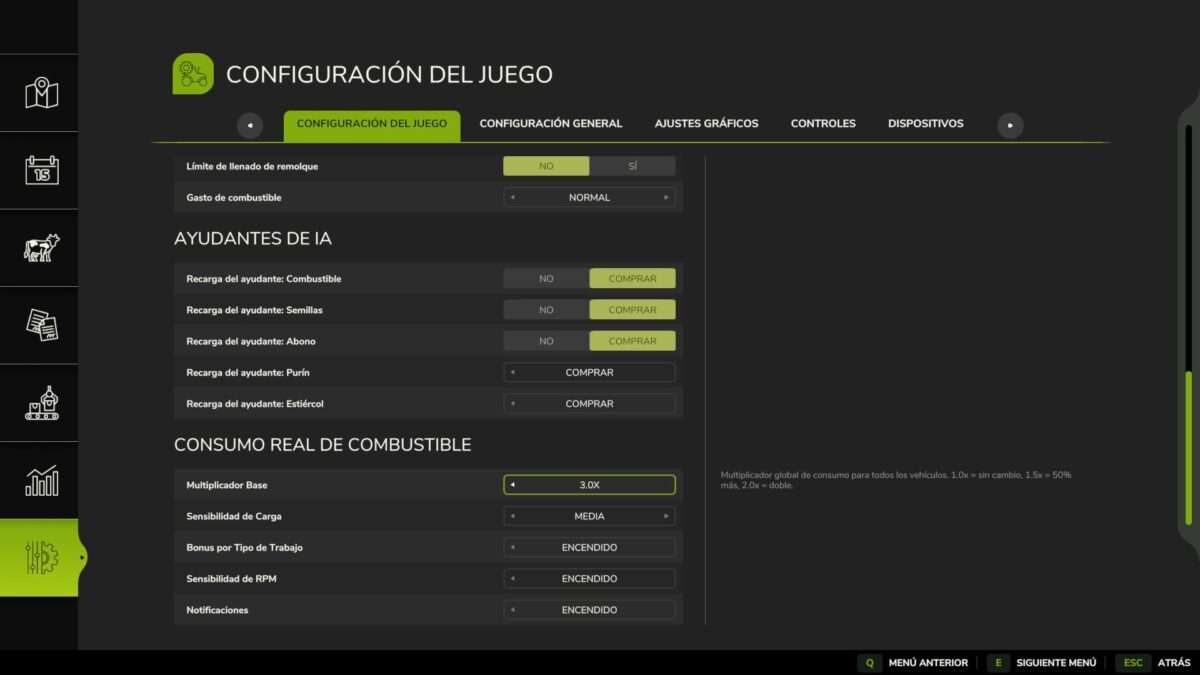
Base Multiplier configurable from 1.0x to 3.0x (default 1.5x)
Load Bonus — the engine consumes more when under real stress: climbing hills, pulling heavy implements, towing loads
Work Type Bonus — each task consumes differently, just like real life:
Plowing / Cultivating: +40%
Harvesting: +35%
Baling: +25%
Mowing / Tedding: +20%
Spraying / Fertilizing: +15%
Sowing: +10%
RPM Sensitivity — higher engine RPM means more consumption
Features:
All options configured from the Game Settings menu (ESC), no commands or weird keys
Compatible with ALL vehicles and mods
Multiplayer compatible
Saves your settings per savegame
Tip: For balanced realism use 1.5x. For a hardcore challenge, go up to 2.5x or 3.0x with Load Sensitivity set to High.
Made with passion for realistic farming simulation.
Credits:
GonzaaNegro


