

Real Field Creator v 1.0.1.0


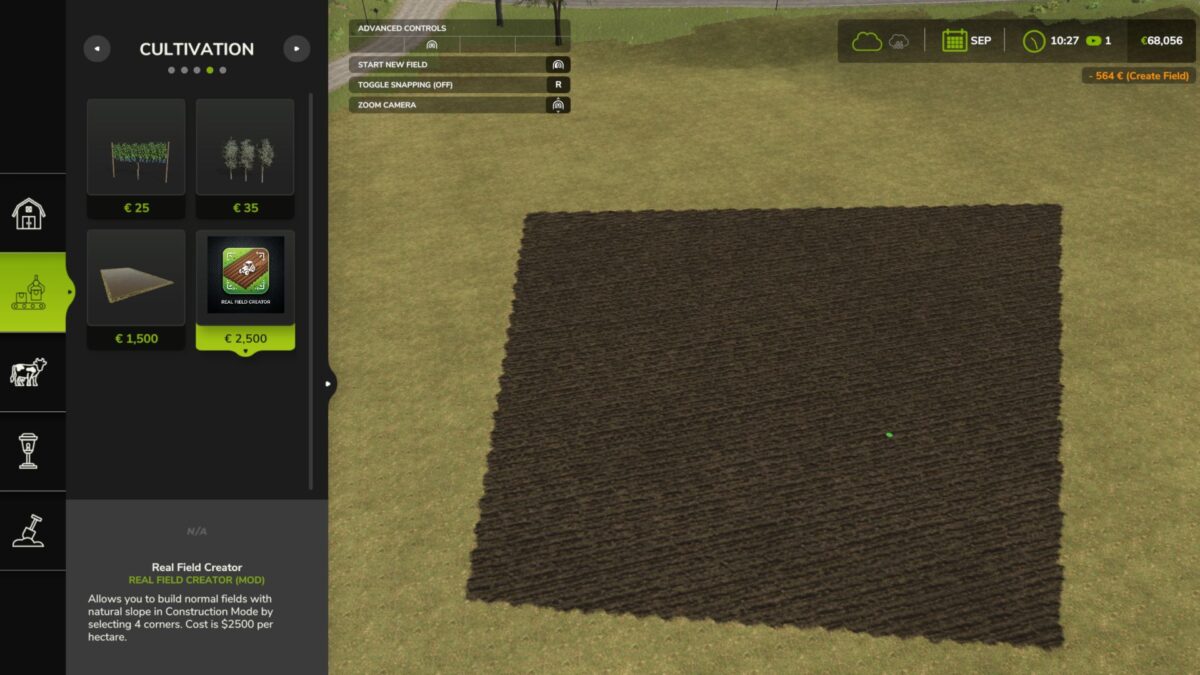
With the Real Field Creator mod, you can draw and build functional, plowed fields directly in Construction Mode while preserving the natural slope of your land. This mod allows you to create custom fields that follow the natural hills and curves of the ground.
Key Features:
Draw custom fields over hills, slopes, or uneven ground without any flattening, leveling, or height changes.
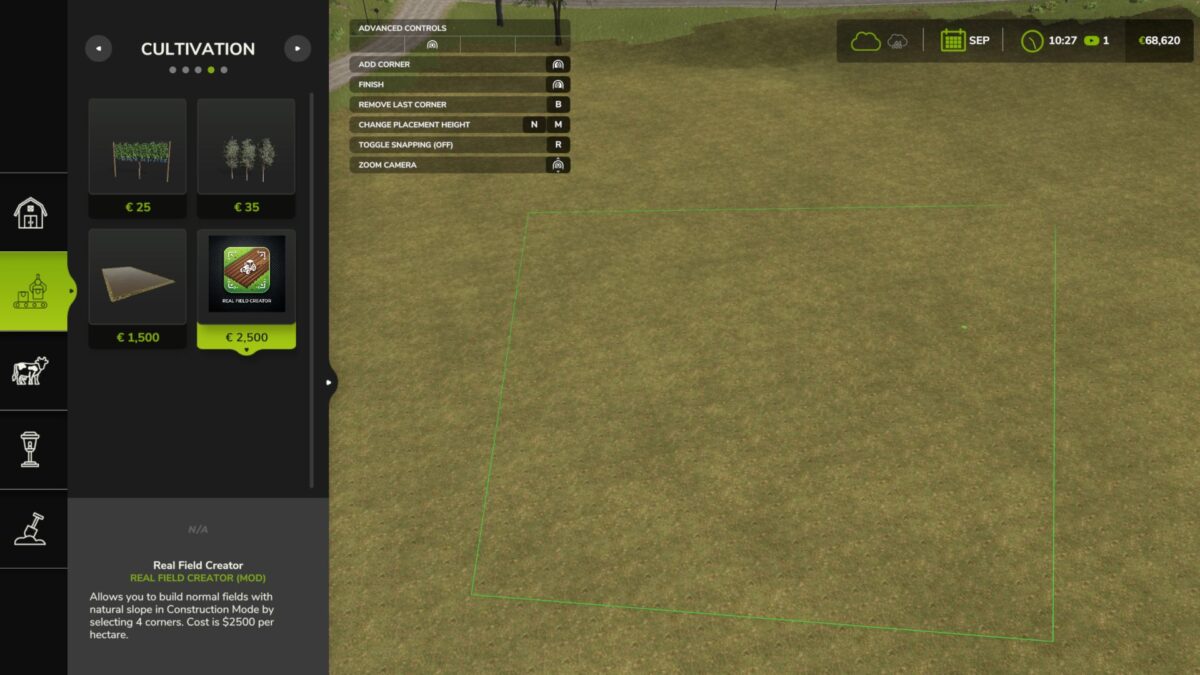
Simply select dots in Build Mode to draw your custom field area.
Created areas are automatically registered as plowed status. You can plant any crop on them immediately, and AI helpers can work on them.
The tool automatically clears any existing crops, grass, weeds, stones, and decorative foliage inside the drawn area to provide you with a clean slate of soil.
Creating fields costs $2,500 per hectare.
Trigger instant transaction notifications on your HUD.
Multiplayer / Dedicated Server Compatible: Not Tested
How to Use:
1. Open the Construction Menu (Shift + P).
2. Go to the Production tab, then select the Cultivation category.
3. Select the Real Field Creator.
4. Draw dots just like rice on the ground where you want to create your field.
5. Confirm the placement
Version 1.0.1.0:
* Resolved the multiplayer network synchronization issue where fields would not spawn or register on dedicated servers
Credits:
leonalayja


