

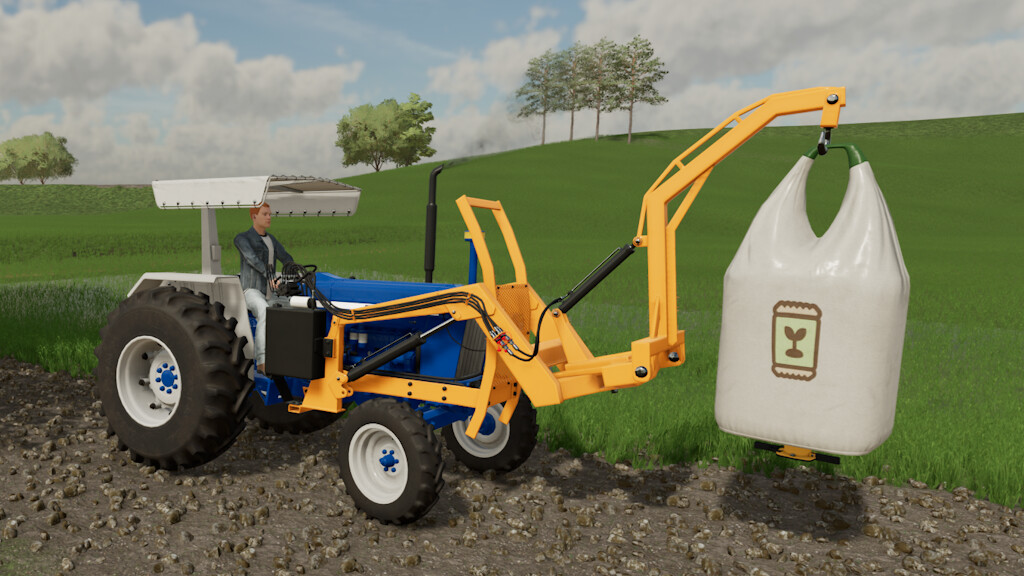
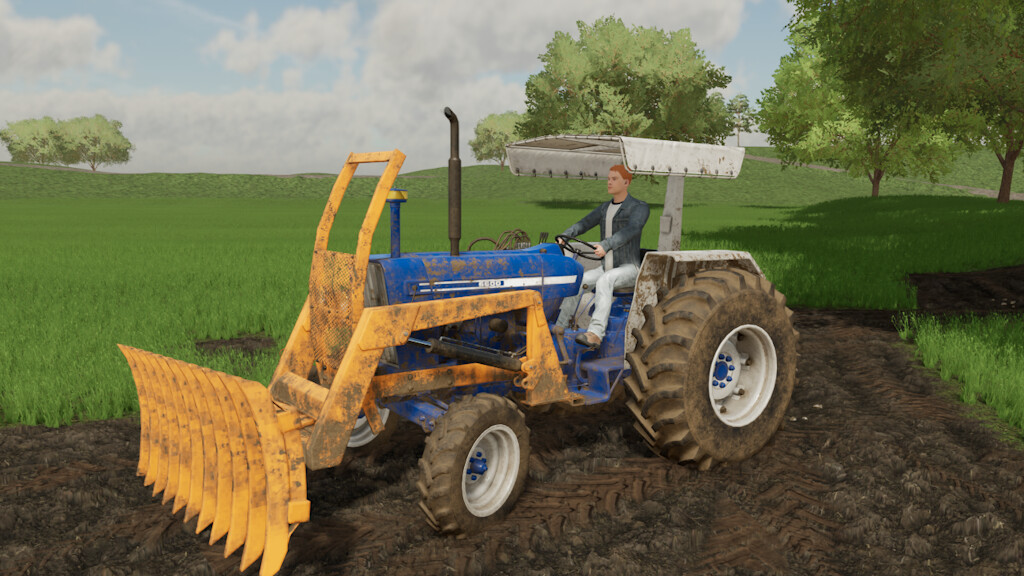
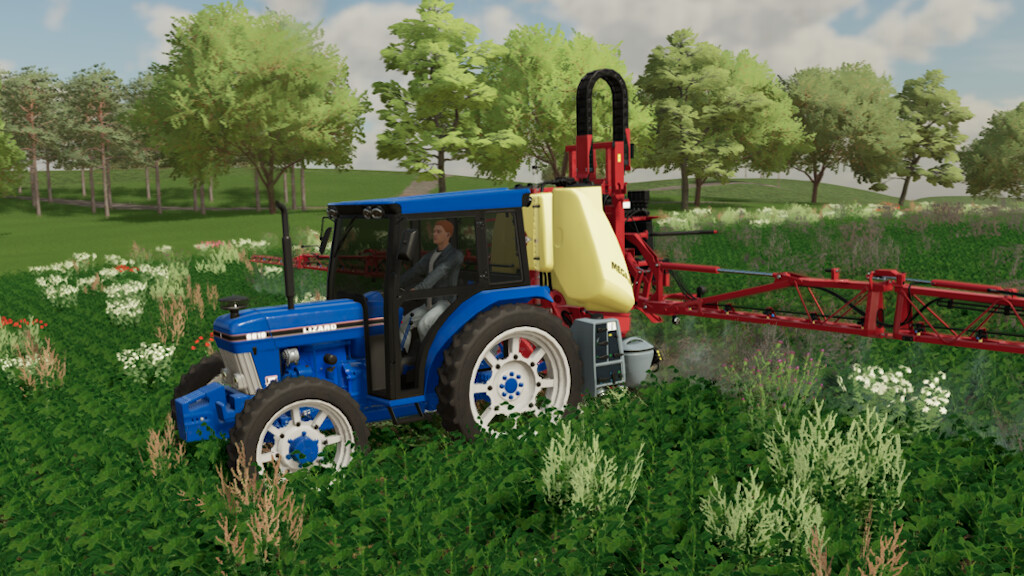
Lizard F10 Series v 1.0.0.1


Lizard F10 Series
– Models: 6600/6610/7810
– Power: 85 to 150 HP
– Price: 10,800 to 30,000 $
– Speed limit: 30 kph
– Rim Color Options
– Main color options
– Wheel Settings
– Design Settings
– Animated doors
L600:
– Price: 2,000 $
– Main colour options
– Required power: 80hp
Adapter:
– Price: 300 $
– Main colour options
– Required power: 80hp
Front winch:
– Price: 600 $
– Main colour options
– Required power: 80hp
Front blade:
– Price: 1,500 $
– Main colour options
– Required power: 80hp
– Working width: 2.30m
Universal bucket:
– Price: 800 $
– Main colour options
– Required power: 80hp
Root rake:
– Price: 1,500 $
– Main colour options
– Required power: 80hp
– Working width: 2.65m
Version 1.0.0.1:
* Brake fix
* Fix for winch not appearing (on consoles)
* Fix for windows
* Fix for stone rake (removed random effects and renamed for root rake)
* New items added
Credits:
Holzs FS, Macarrone FS


