

Quick Vehicle Select v 1.2.0.3


Quick Vehicle Select makes switching vehicles faster and cleaner.
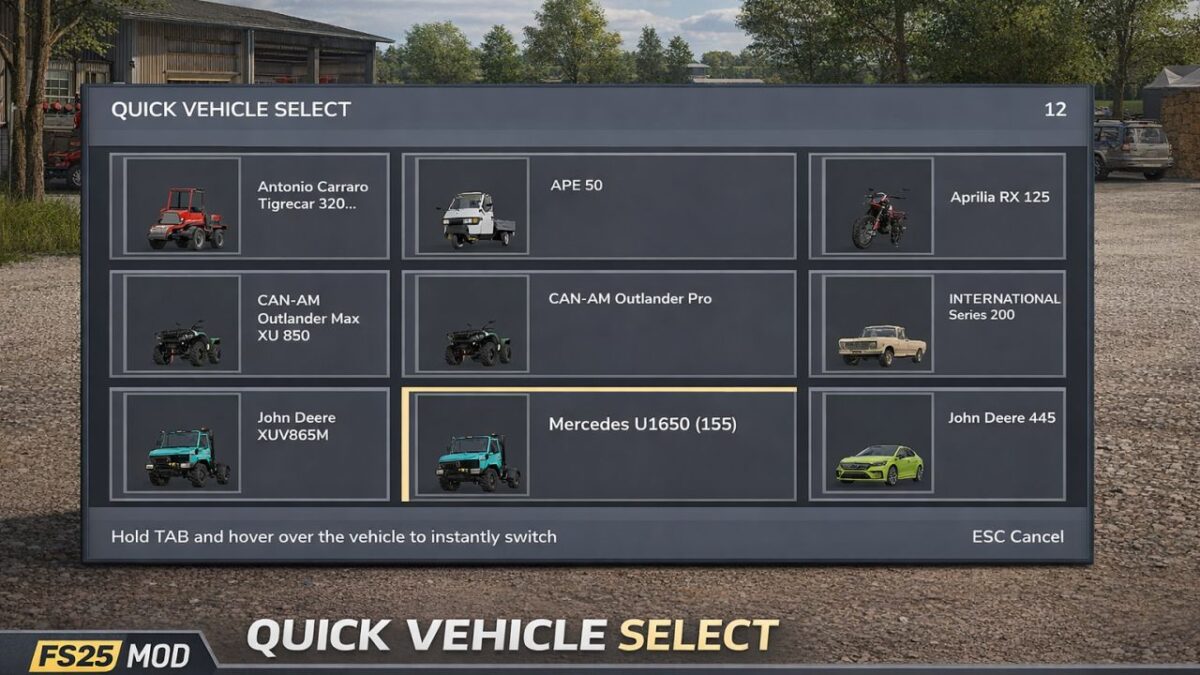
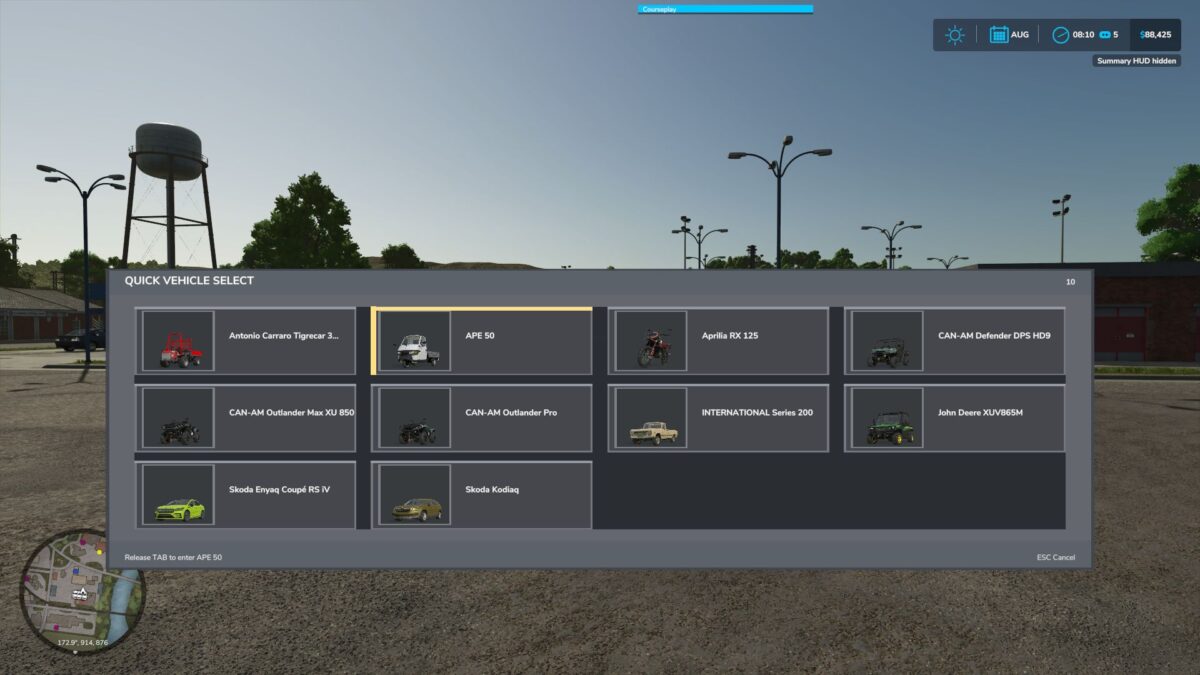
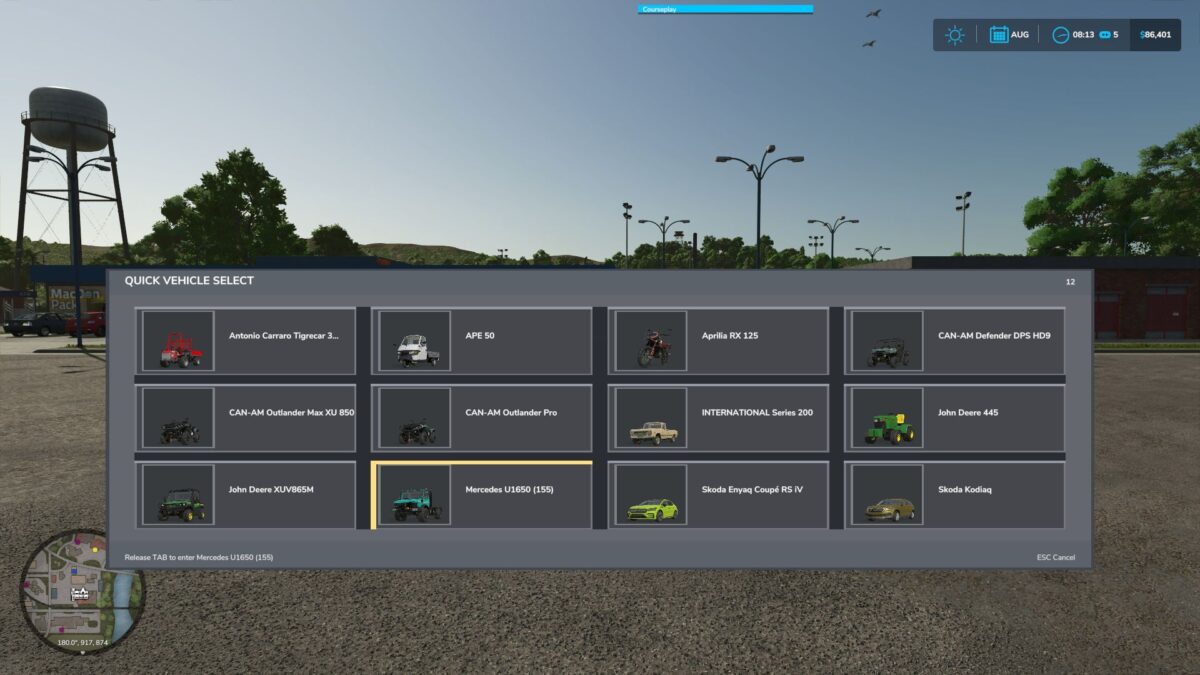
Hold TAB to open the vehicle selector, move your mouse over the vehicle you want, and release TAB to switch instantly. The menu shows all available vehicles in a simple grid with thumbnails when available, works both on foot and while inside a vehicle, and locks movement while the selector is open so selection feels smooth and controlled.
Features:
Hold TAB to open vehicle selector
Hover-based vehicle switching
Works on foot and inside vehicles
Vehicle thumbnails shown when available
Click and move the picture to select a saved spot in the menu for quick selections
This mod is designed to make changing vehicles feel quicker and more natural
Any issues or suggestions, post them below.
Version 1.2.0.3:
* Added Quick Vehicle Select hover menu
* Hold TAB to open the selector
* Release TAB to switch to the hovered vehicle
* Added support for opening the selector on foot
* Added vehicle thumbnails when available
* Added support for showing the current vehicle in the list
* Added drag-and-drop vehicle ordering in the selector
* Improved centering of the vehicle boxes in the menu
* Improved FS25-style menu appearance
* Added stronger movement lock while the selector is open
* Added in-vehicle steering/throttle lock while TAB is held
* Added in-vehicle mouse/camera lock while TAB is held
* Improved current vehicle detection for harvesters and other edge cases
* Added English, German, and French translations
Credits:
plutogaming91


