Production Supply Manager v 1.0


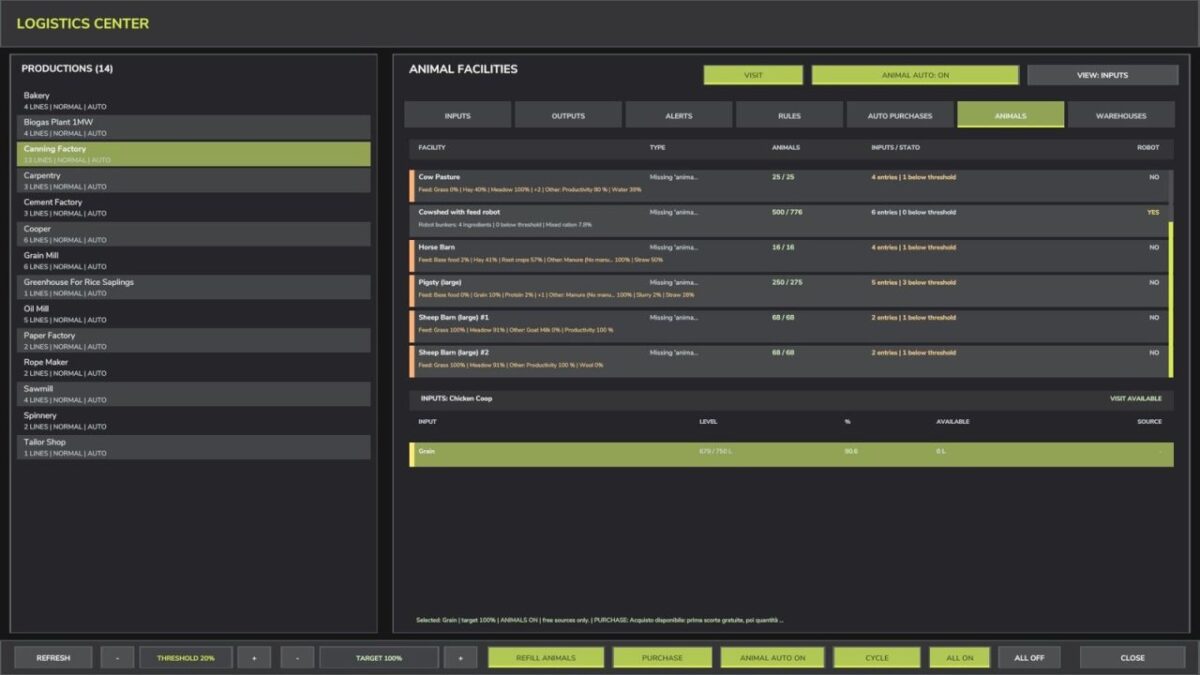
Production Supply Manager combines the logistics of owned productions, animal facilities and fixed silos in one full-screen interface.
INCLUDED PLACEABLE
– Universal Logistics Center: purchase price $25,000, daily upkeep $120 and capacity 100,000,000 litres.
MAIN FEATURES
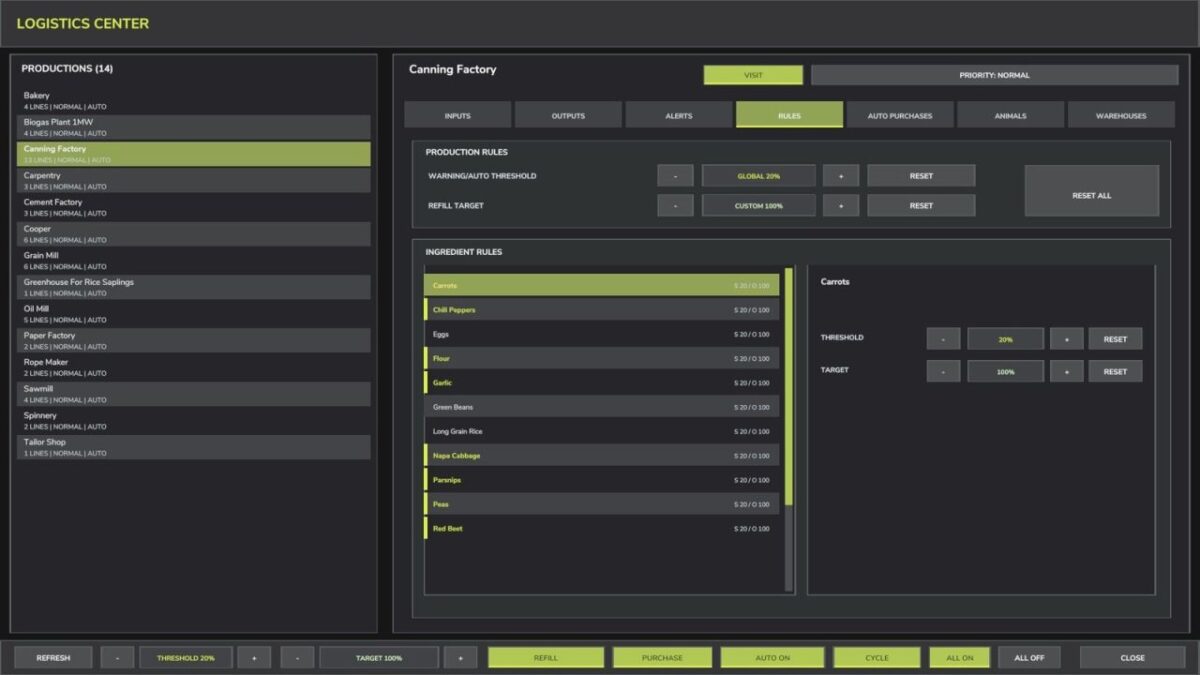
– Global, per-production and per-ingredient warning thresholds and refill targets.
– Stable alphabetical lists with selection and scroll position preserved.
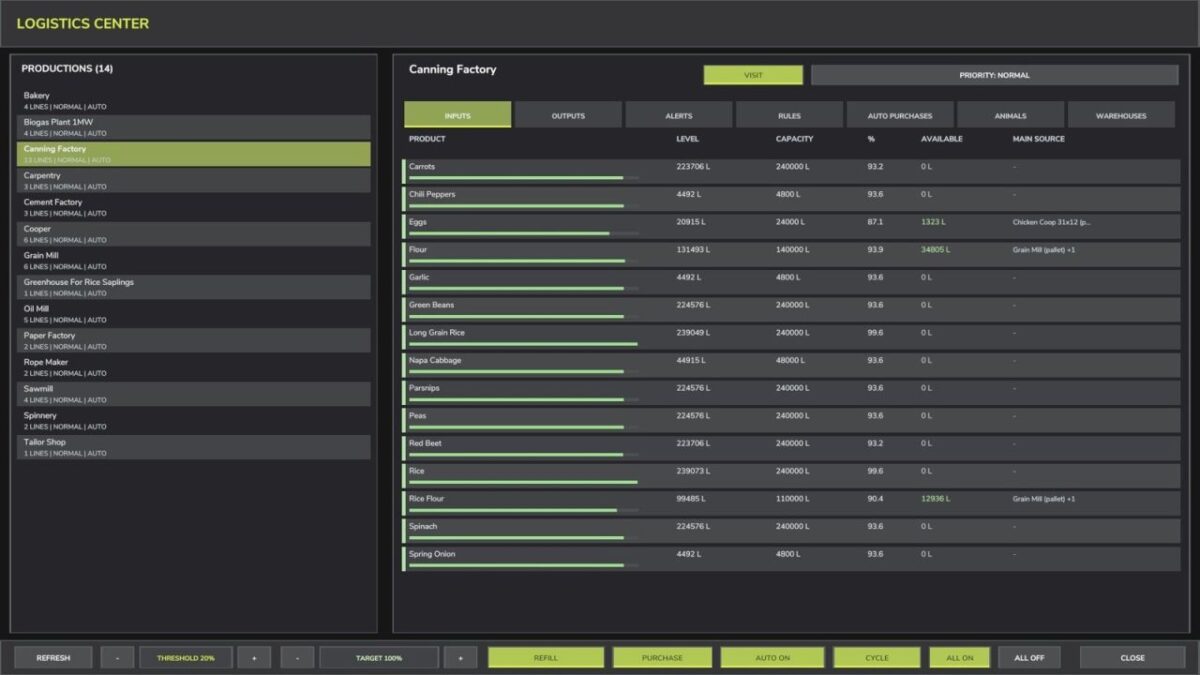
– Selective manual refills with an adjustable litre quantity for every product.
– Free transfers from physically available stock in owned silos and compatible internal outputs.
– Assisted purchases from the cheapest compatible buying point, with an optional configurable virtual supplier.
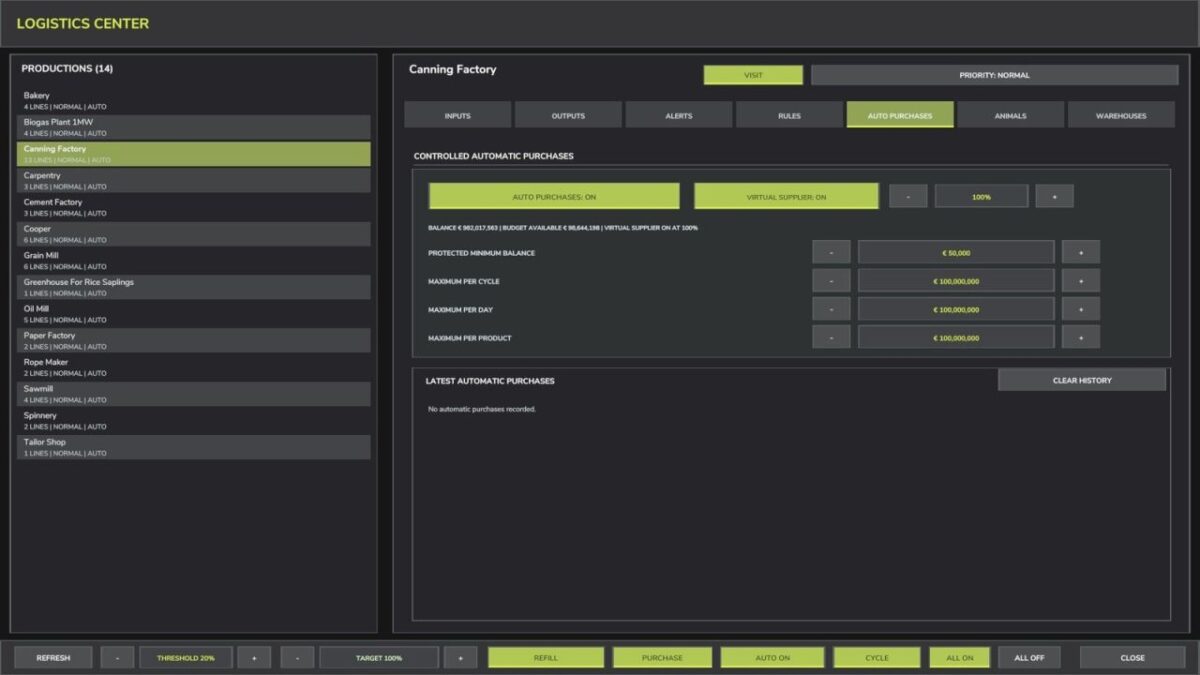
– Controlled automatic purchases with protected balance and limits per cycle, day and product.
– Animal input and output management, including feeding-robot ingredient bunkers. The base-game robot prepares the mixed ration.
– Smart Total Mixed Ration shortcut for normal cow barns: hay, silage, straw and mineral feed are proposed together, mixed in fixed proportions and transferred directly to the barn.
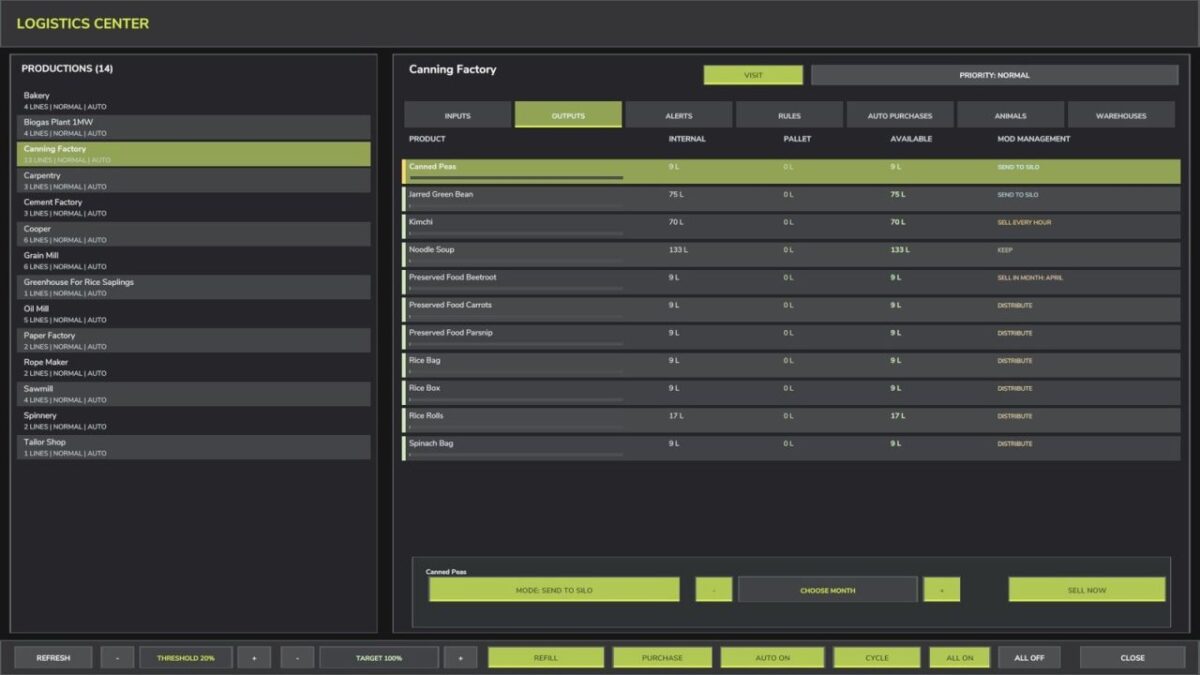
– Output modes: keep, distribute, sell now, sell in the selected month and send internal stock to the included silo.
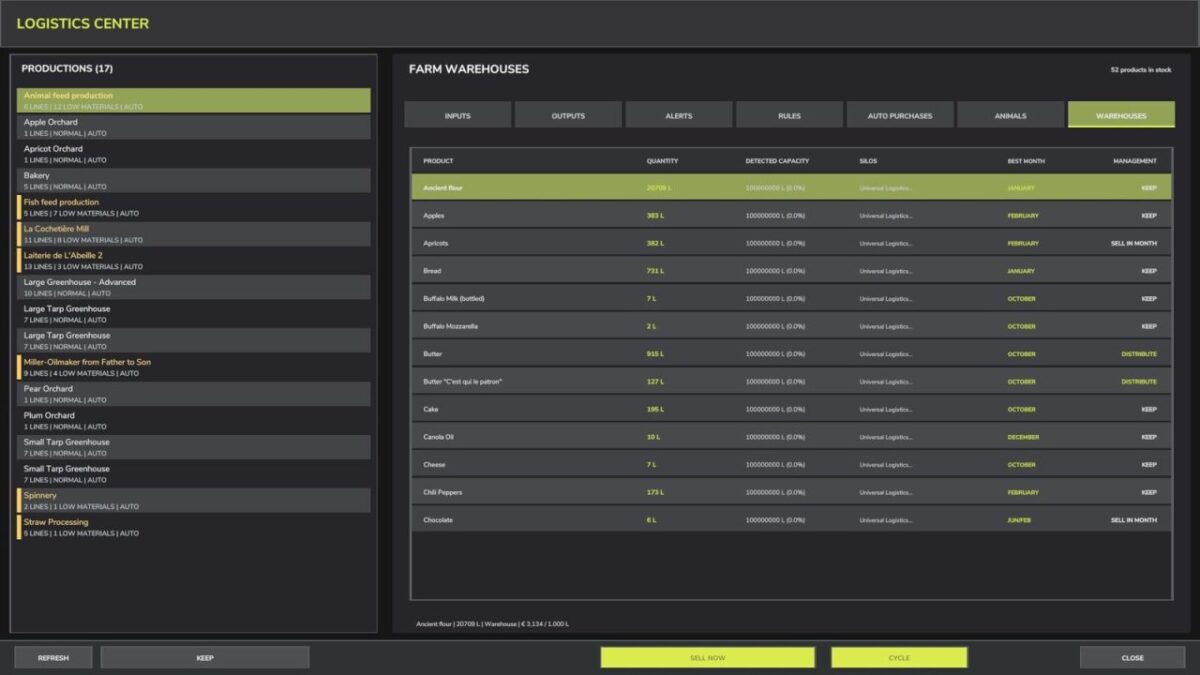
– Autonomous WAREHOUSES page for stock management and scheduled sales; warehouse modes never change stock availability for ordinary refills.
– Optional Universal Logistics Center (shop category: Containers): 100,000,000-litre capacity, price $25,000, daily upkeep $120, and support for products registered by the map and active mods, including bulk materials, liquids, pallets and supported bales. Water supplied by this center is free.
– Multiplayer support with separate settings for each farm and permission checks for farm-related changes.
DEFAULT CONTROLS
Left Alt + U: open or close the logistics center.
Left Alt + I: refresh data.
All bindings can be reassigned in the game settings.
Credits:
Max Games