

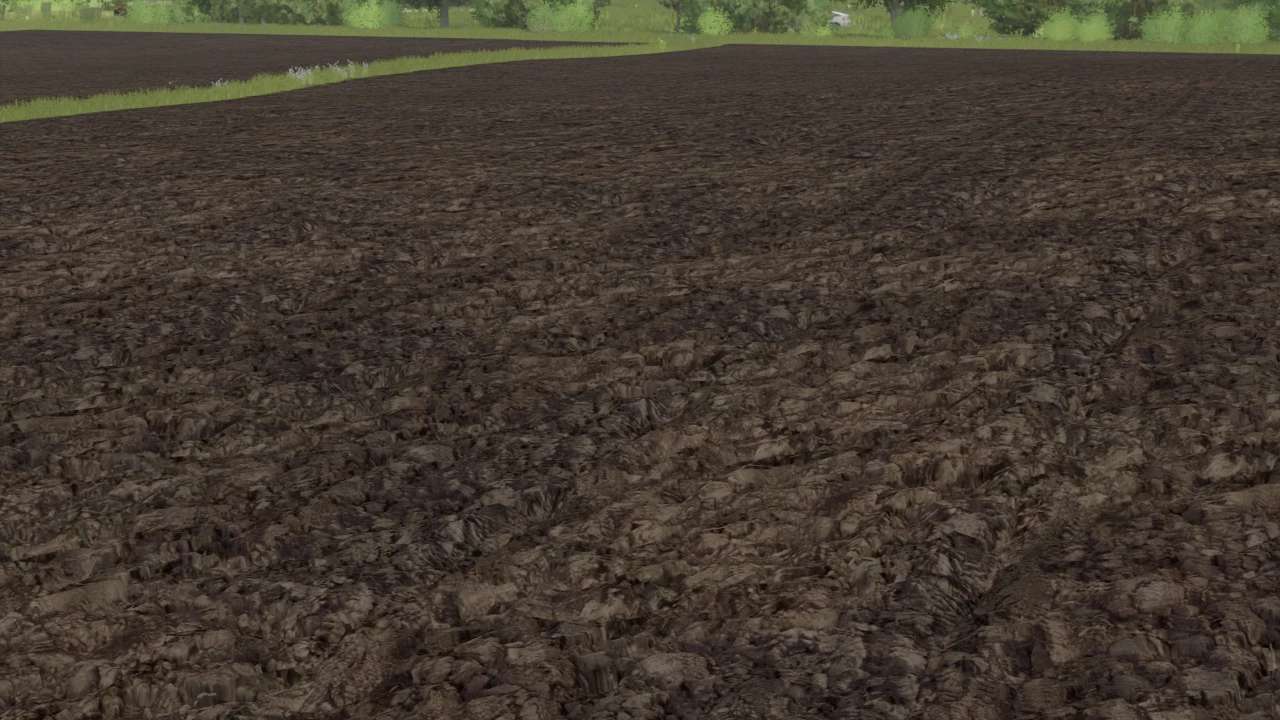
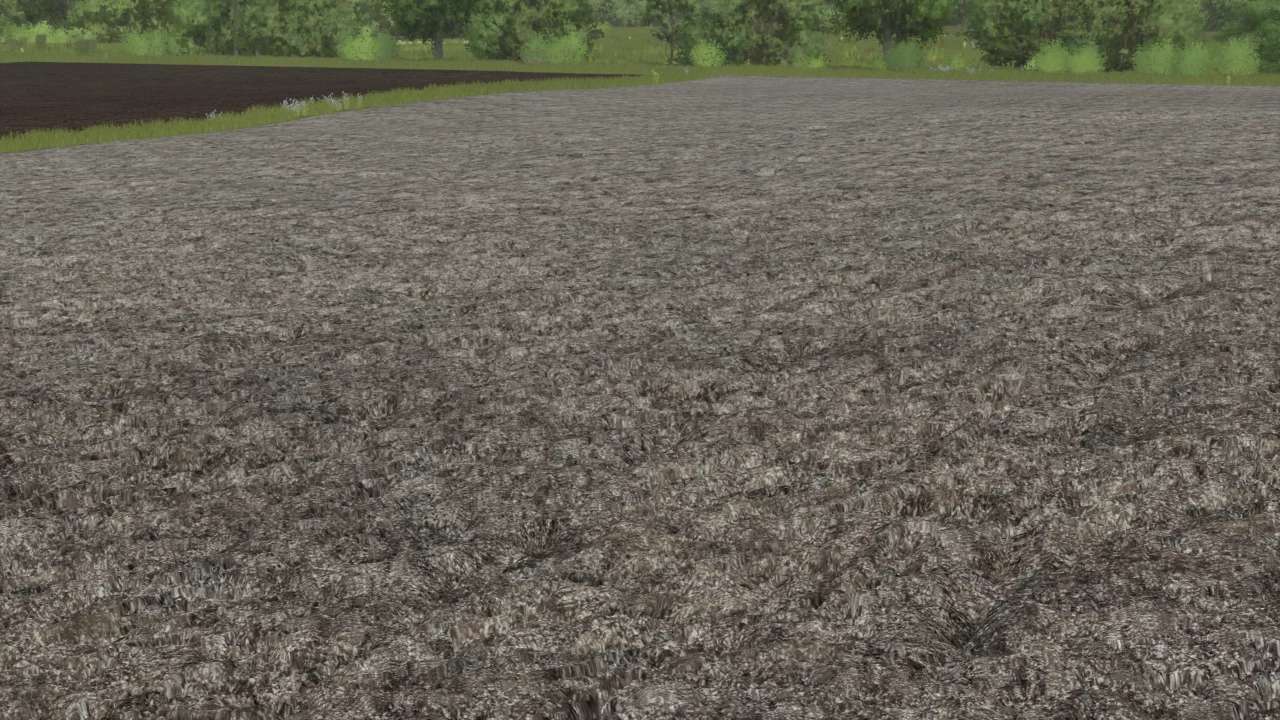
Plowed Ground Textures (Prefab) v 1.0


Plowed Ground Textures (Prefab) v 1.0 is a modification designed for Farming Simulator 25, aimed at providing players with a fresh and unique visual experience for their plowed fields.
This mod introduces a set of custom textures specifically for plowed ground, enhancing the realism and aesthetic appeal of cultivated land in the game.
With these textures, the appearance of plowed fields is transformed, offering a variety of styles and tones that better reflect different farming environments.
This can be particularly useful for players looking to create a more personalized farming experience or make their agricultural landscape stand out in their virtual farm.
The mod is straightforward to install and integrate into the Farming Simulator 25 game environment.
Once added, players can enjoy the benefits of a more visually engaging agricultural setting as they plow and plant their crops.
– Custom plow textures for enhanced realism
– Variety of styles and tones for diverse terrains
– Easy installation and integration
– Improves visual appeal of plowed fields
– Ideal for personalizing the farming experience
Credits:
Deus_Volteus


