
FS22 Buildings

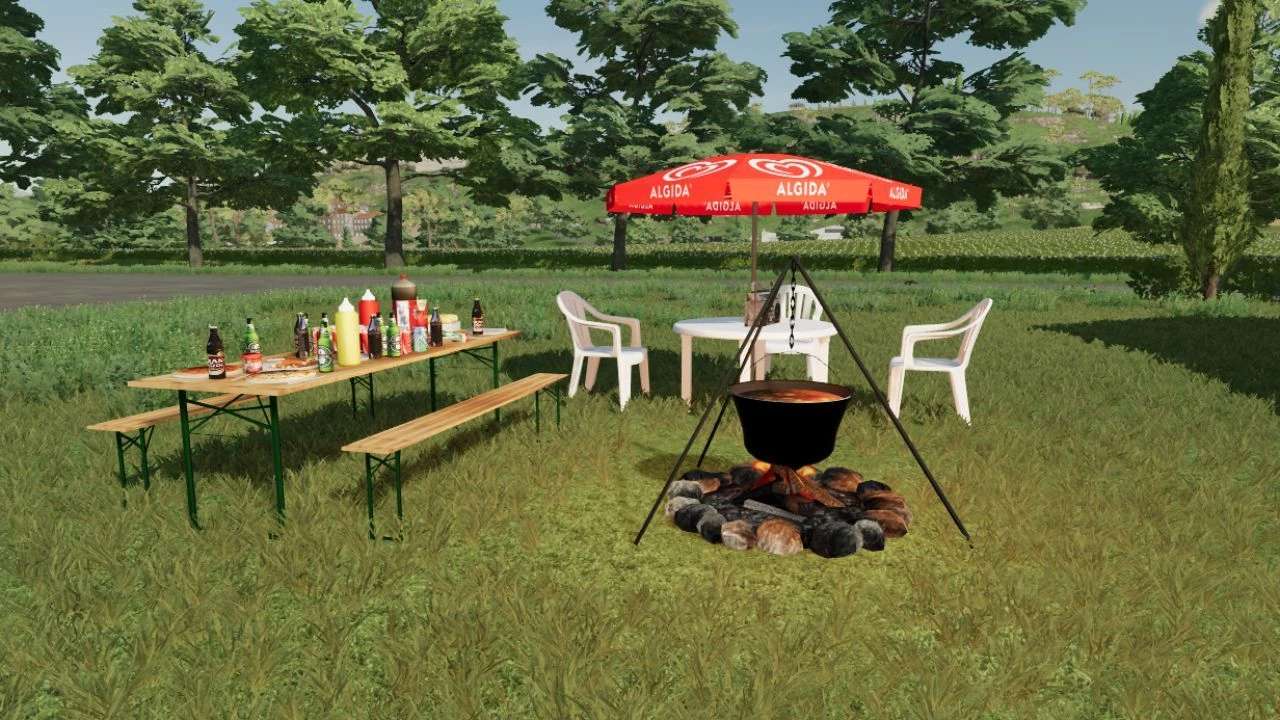
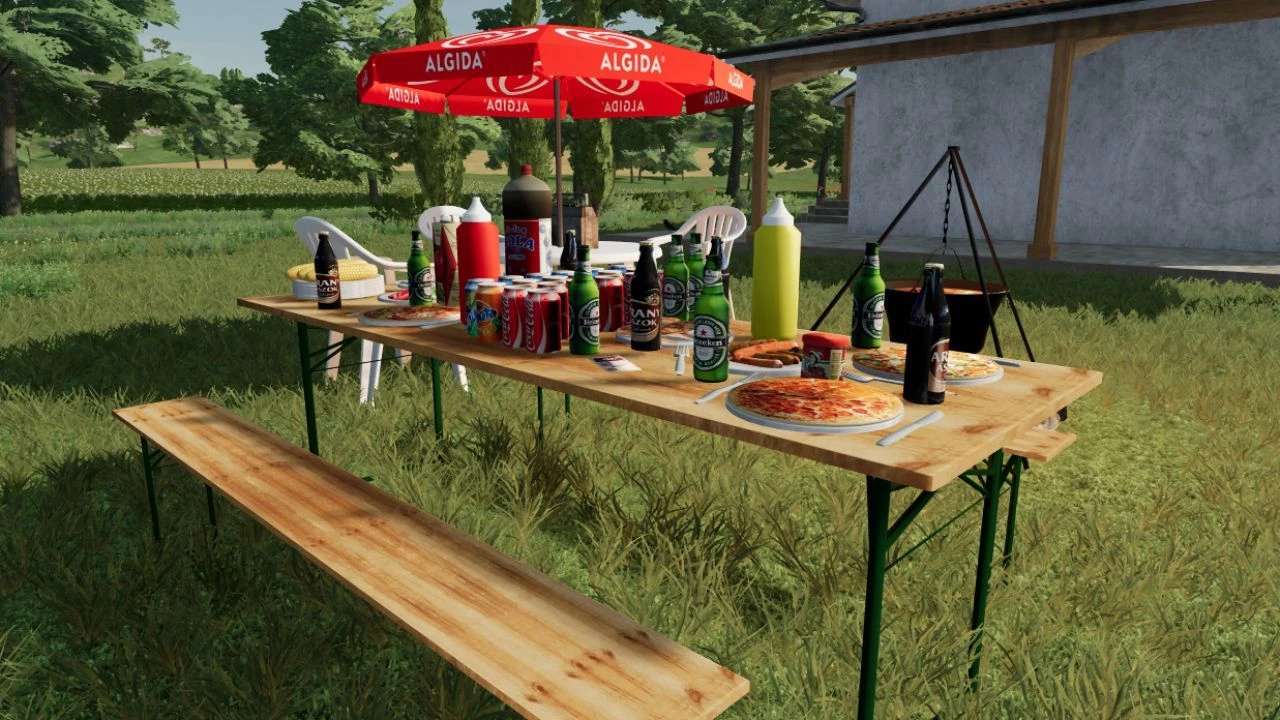
Placeable Rest Area v 1.0.0.1

Placeable Rest Area v 1.0.0.1

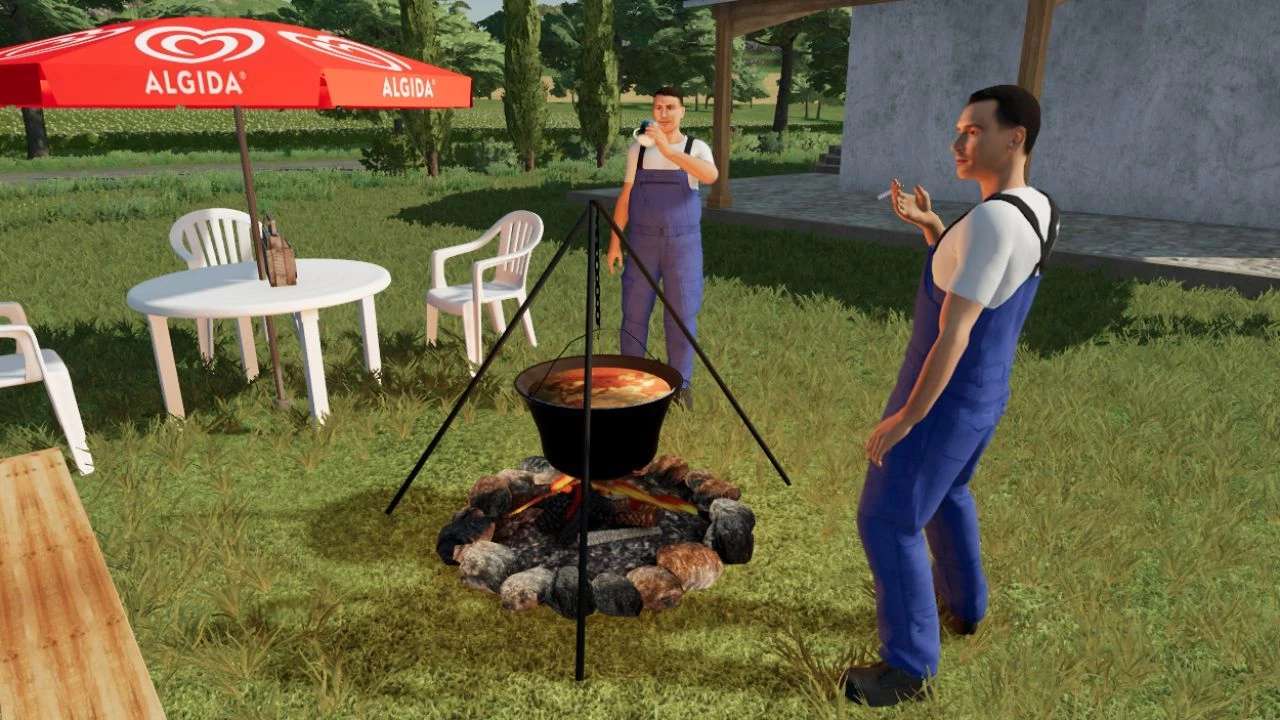
This is a fun, relaxing area, an excellent place for pottering.
Instructions for use: B button animation on /off (smoking, Coffee drink).
This button sits in the rest place.
Ctrl + G passenger seat.
The Universal passenger mod is required for full functionality.

Version 1.0.0.1:
* Texture name have been corrected
* dds rewrite .png file name
* Comment section delete in xml file
* The mode will still not show a preview, as it behaves as a vehicle, it can only be placed as one

Credits:

honved4

How to install FS22 Buildings?
Firstly find a mod which you like and want to download. Then download a mod to your PC. Mods are usually in .zip format file. But sometimes it can be in .rar. If a mod file is a .zip format no needed additional actions. If a file is in .rar, then you must unarchive mod with software like WinRar or Zip7. Windows 10 users no need to use software for archives, Win10 itself has a feature to unarchive files.
The next step is to find mods folder in your PC. Usually, it is in Documents/My Games/Farming Simulator 25/2025. Open the "mods" folder and put downloaded .zip archive or unarchived .rar file to this folder.
Last step. Enjoy of FS25 mods!

Leave a Reply

Your email address will not be published. Required fields are marked *