

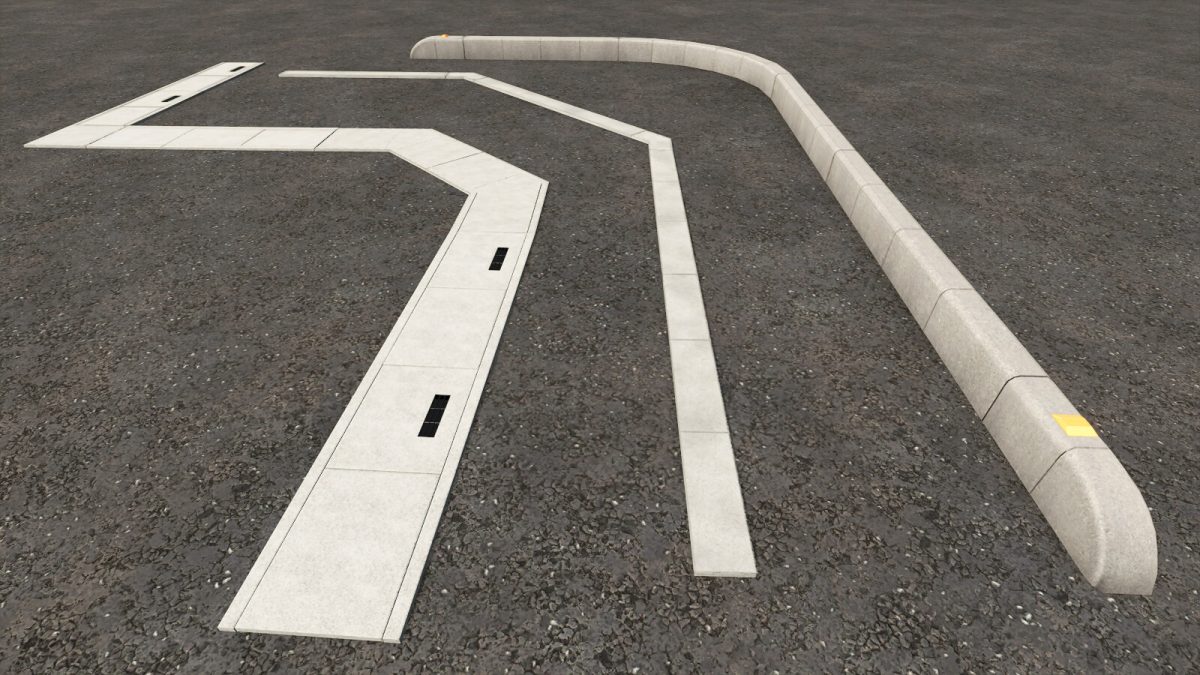
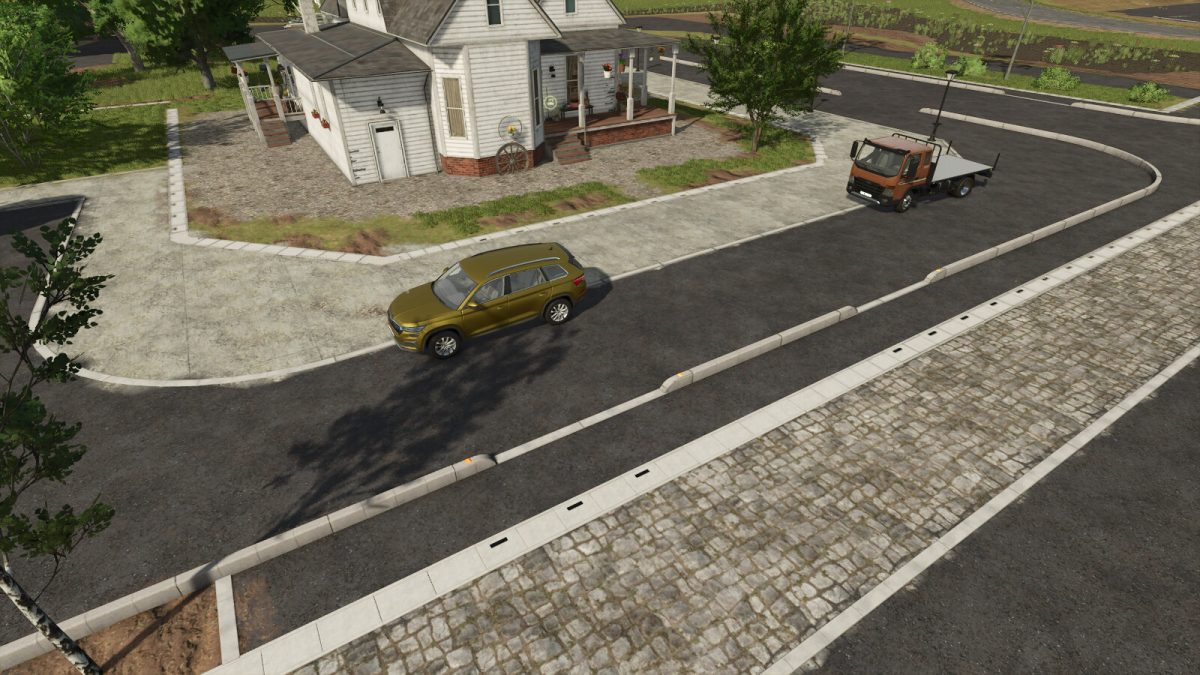
Curbstone Fence Pack v 1.0


Curbstone
Category: Fences
Price: $10
Daily upkeep: $0
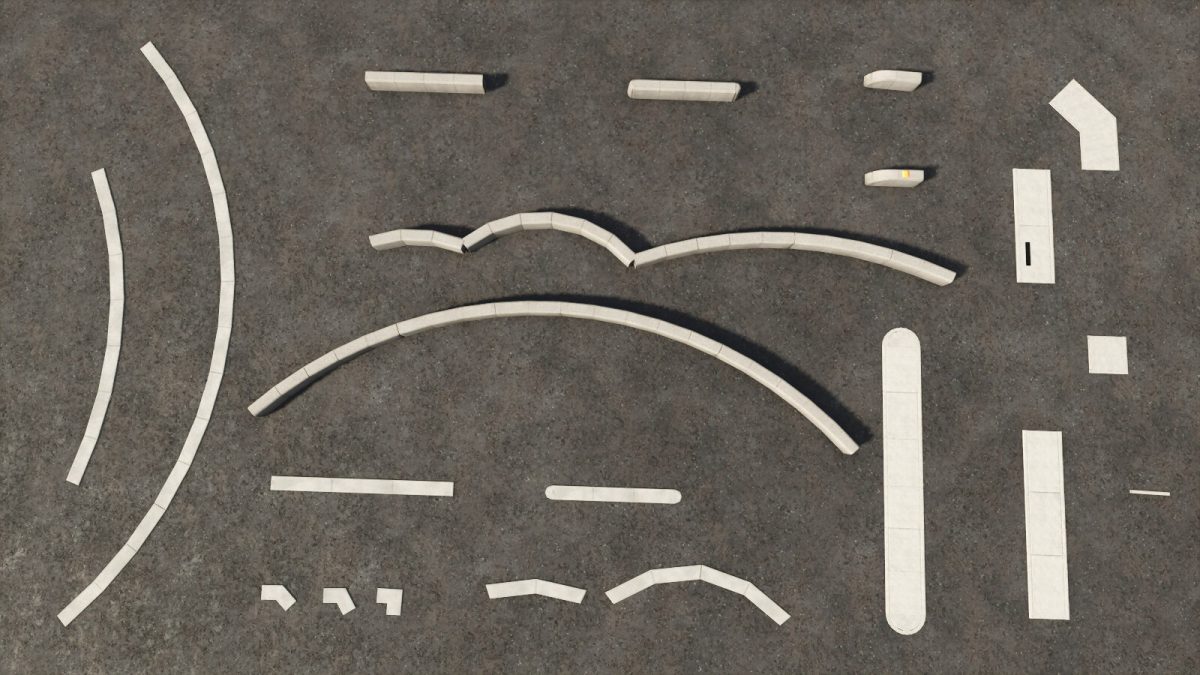
Segment type list
Straight
Suited for the slopes.
Straight with round end
Suited for making a free-angle corner.
45 degrees R=175
90 degrees R=175
45 degrees R=600
90 degrees R=600
Segment end
Segment end with reflector
Low Curbstone
Category: Fences
Price: $5
Daily upkeep: $0
Segment type list
Straight
Suited for the slopes.
Straight with round end
Suited for making a free-angle corner.
Corner 45 degrees
Corner 60 degrees
Corner 90 degrees
45 degrees R=175
90 degrees R=175
45 degrees R=600
90 degrees R=600
Roadside Drain
Category: Fences
Price: $10
Daily upkeep: $0
Segment type list
Straight type1
Suited for the slopes.
Straight type2
Suited for the slopes.
Corner 45 degrees
Corner 60 degrees
Segment end
Straight type1 with round end
Suited for making a free-angle corner.
-Hints
Corner segments can change direction with “reverse”command (K,L key).
Credits:
Shumino Modding


