

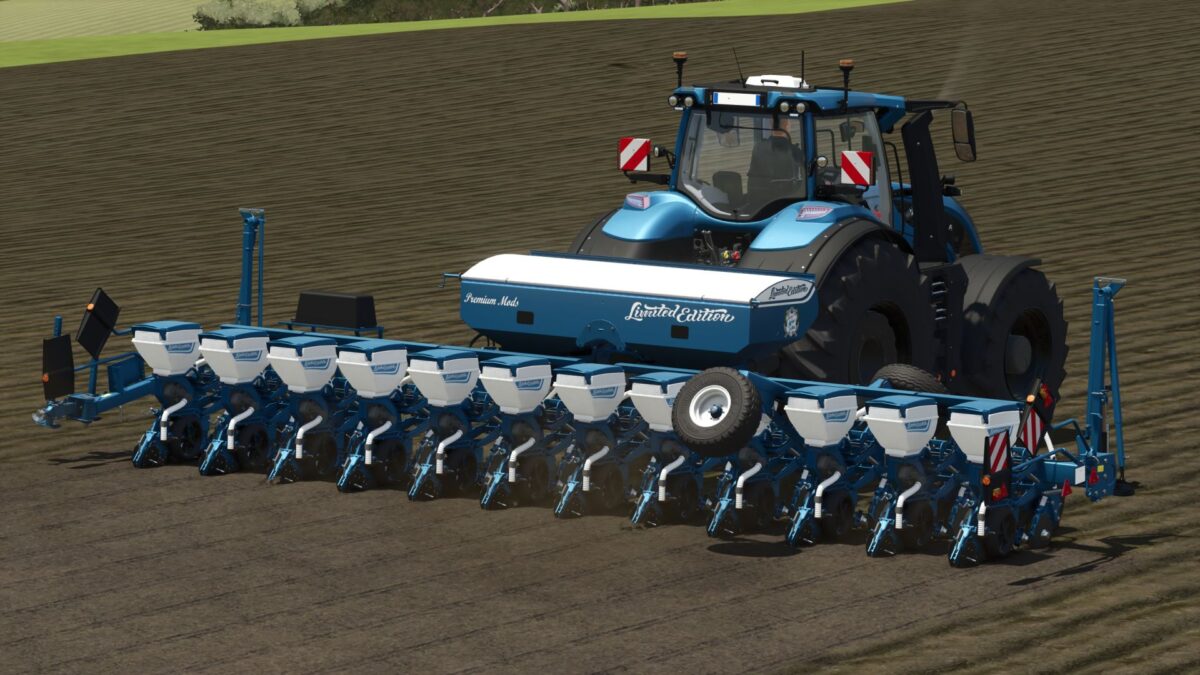
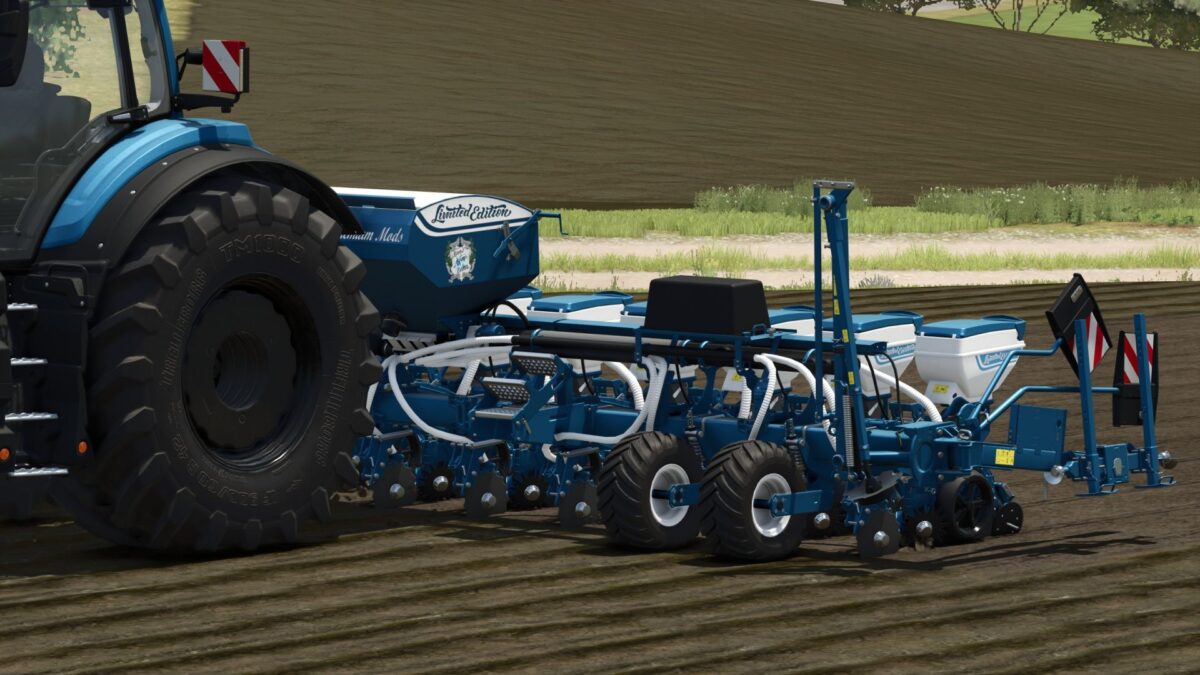
Optima RS Limited Edition v 1.1


There are two versions:
1. Optima RS Limited Edition Seed (can only hold seeds)
2. Optima RS Limited Edition (can hold seeds and fertilizer).
The configurations and color options are the same for both; the capacity options are different.
Optima RS Limited Edition
Price 80500
Crops: Wheat, Barley, Oats, Rapeseed, Soybeans, Millet, Long Grain Rice, Corn, Sunflowers, Grass, Oilseed Radish, Peas,
Spinach, Sugar Cane, Sugar Beets, Cotton, Bush Beans, Carrots, Parsnips, Beetroot
and Onions (Highlands Fishing DLC)
Decal Selection: Limited Edition, Ultimate Farming
Logo Selection: None, Limited Edition, Dolphins
Front Lettering: None, Limited Edition, Ultimate Farming
Rear Lettering: None, Limited Edition, Ultimate Farming
Seed/Fertilizer Capacity Selection: Standard 660/2000, Limited Edition 1050/3000 or Ultimate Farming 2100/6000
Color Selection for Main Color, Cover, Tanks, Cover Tanks, Hoses, Tank Decal, Lettering and Rim
Color PTO Color Adjusted
Repair Interval Increased
Optima RS Limited Edition Seed
Price 80500
Crops: Wheat, Barley, Oats, rapeseed, soybeans, millet, long grain rice, corn, sunflowers, grass, oilseed radish, peas,
spinach, sugar cane, sugar beets, cotton, bush beans, carrots, parsnips, beetroot,
and onions (Highlands Fishing DLC).
Decal selection: Limited Edition, Ultimate Farming
Logo selection: none, Limited Edition, Dolphins
Front lettering: none, Limited Edition, Ultimate Farming
Rear lettering: none, Limited Edition, Ultimate Farming
Seed capacity selection: Standard 2100, Limited Edition 4200, or Ultimate Farming 6400.
Color selection for main color, cover, tanks, cover tanks, hoses, tank decal, lettering, and rim
color. PTO color adjusted.
Increased repair interval.
Version 1.1:
* One version each for potatoes has been added
* These can be found under potato planting machines
Credits:
Dolphin


