

Memphis, New York Map v 1.0


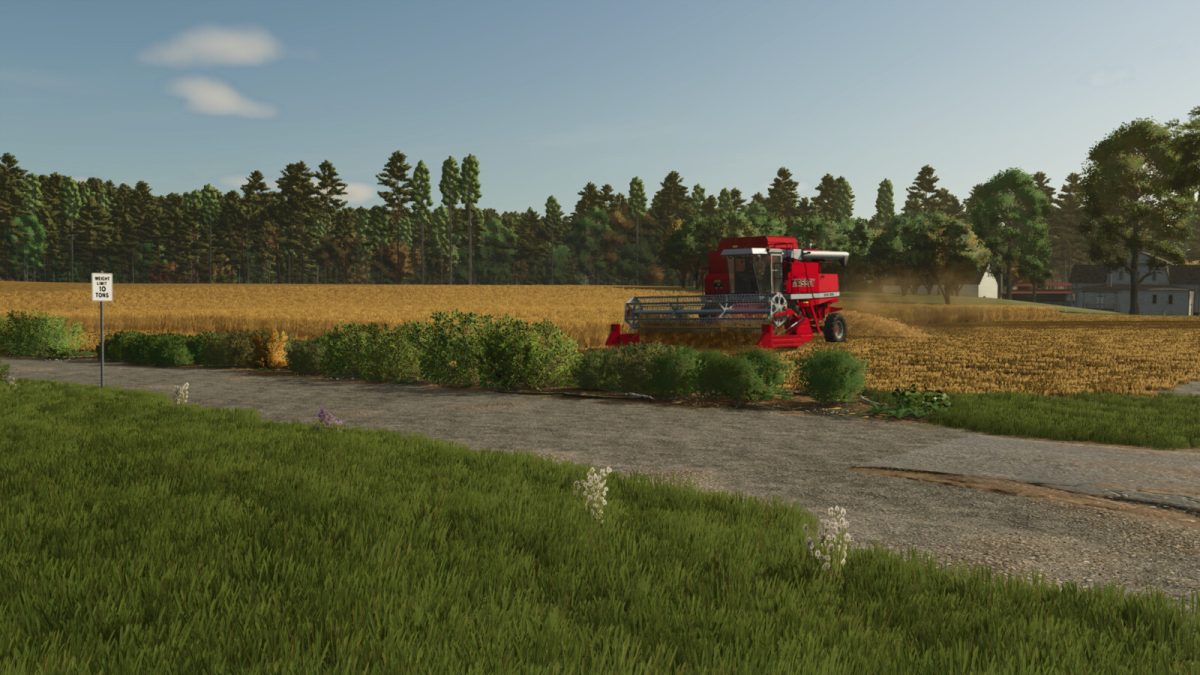
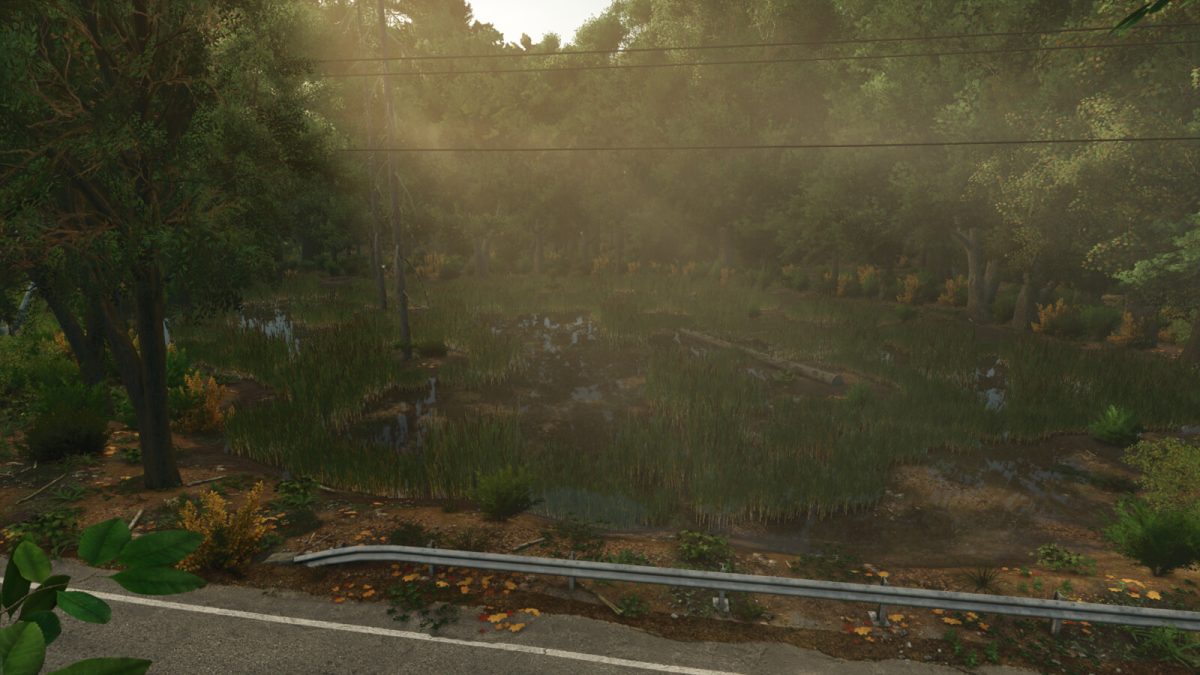
Memphis, New York, is a rural community in central New York with hot summers, wet springs, and harsh winters.
Despite these relative extremes, life finds a way.
In Memphis, if you choose to begin your farming journey as a “new farmer,” you will have all necessary equipment and a few fields to produce wheat, with a small chicken coop tucked in the forest for some additional income.
In the event that your vehicles need repair, or you desire to purchase new ones, there is a shop located just down the road.
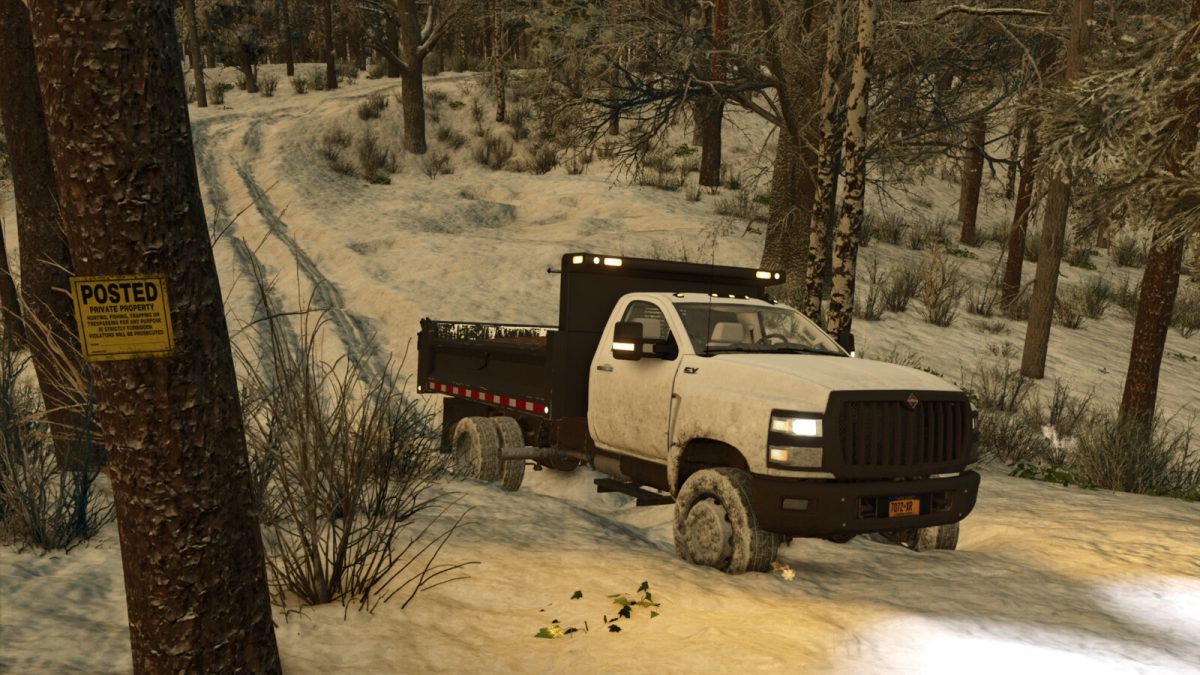
If you choose to expand your farm and find yourself needing water for animals, there is a spring located on Whiskey Hollow Road, which is the road that leads into the forest.
When it comes time to sell, there are numerous productions and sell points located around the map, and a warehouse if you choose to undertake and construction project, which there is one in the form of a ruined barn located on farmland 55.
A sawmill is also located on the aforementioned Whiskey Hollow Road, accessible by a short, wide trail off the main road.
If you choose to invest in dairy farming, be advised, that in addition to total mixed ration, silage will now allow cows to reach 100% production as well.
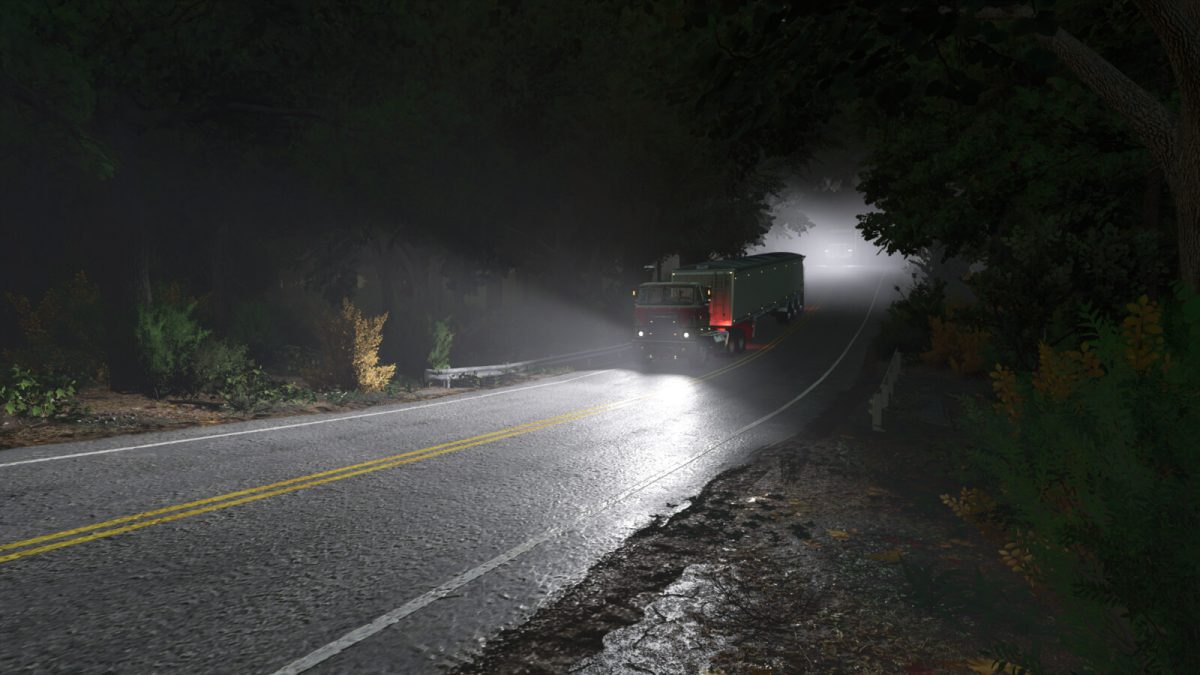
Scattered around the map are a total of 22 fields, some requiring access roads, but with 4.5 miles of rural road to drive down, and even more miles of offroad trails, you can easily access every corner of the map.
The offroad trails will allow you to explore the map to its fullest extent, whether for recreation or logging.
Compared to the Farming Simulator 22 version, many properties are more immersive, with usable garages, farmhouses, and even numerous animal pens scattered around the map to be purchased with their respective land.
Farmland 44 is a large area with some preplaced buildings, but all of those can be deleted to morph the area into any large farm of your choosing.
Farmland 32 is also left intentionally blank to allow for the player to create a home specifically to their liking.
Credits:
WillyBoy10102


