

New Holland FX v 1.0.1.0


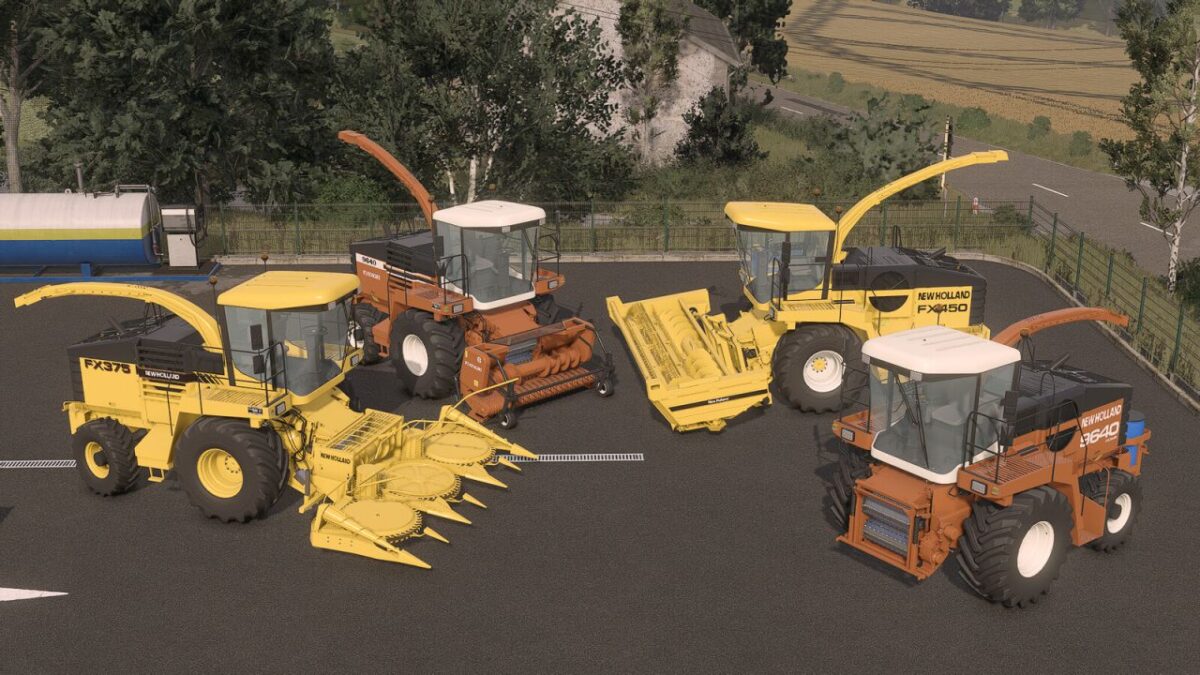
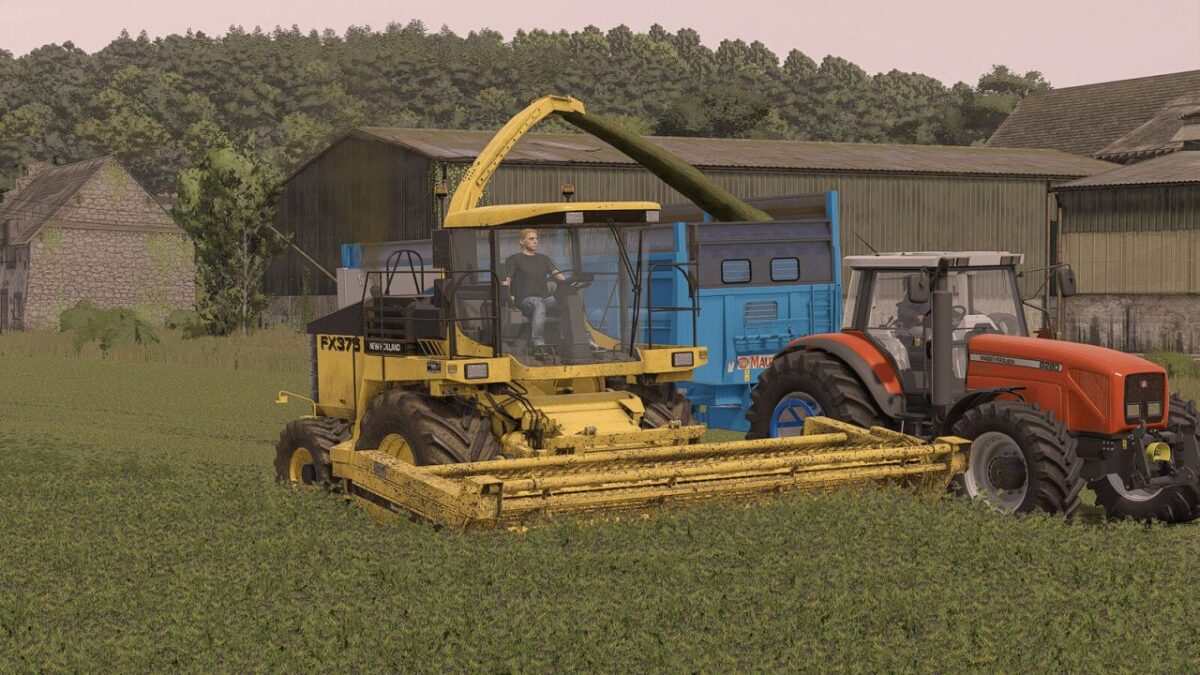
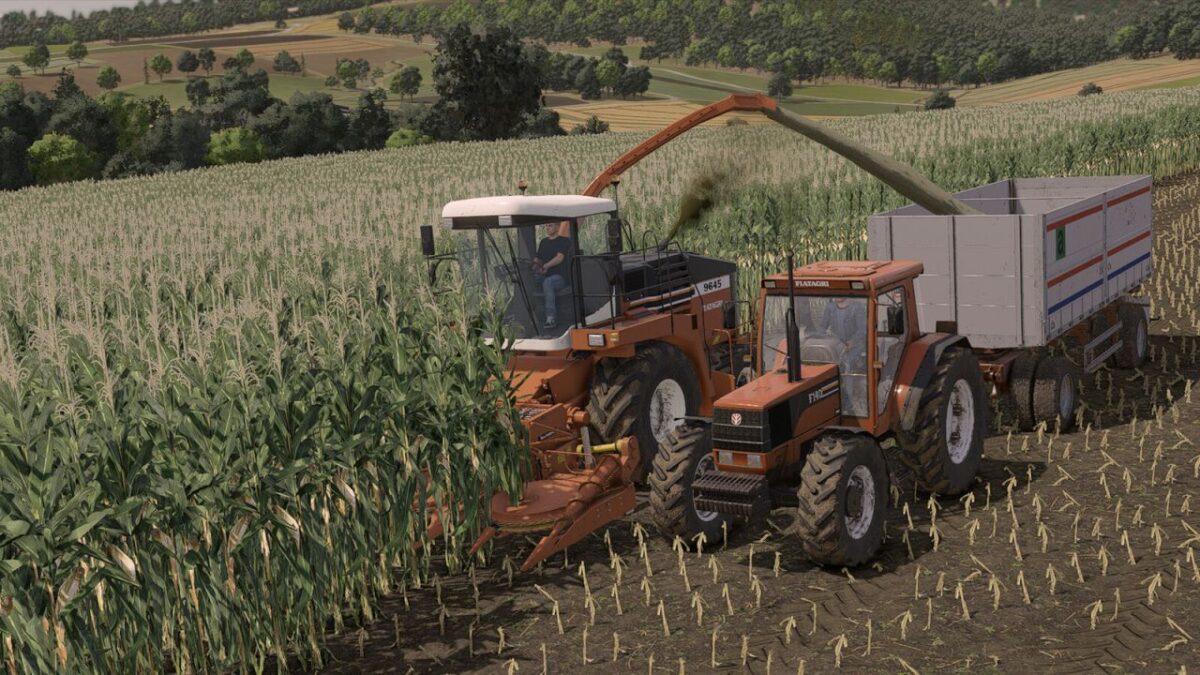
The New Holland FX and Fiatagri 96XX series are legends of the mid-1990s agricultural transition. Born in Zedelgem, Belgium, this package represents the absolute peak of classic silage harvesting. Featuring robust engines, massive torque, and modern operator comfort, these machines were built to dominate the field.
This pack includes:
New Holland FX 350, 375, 450
Fiatagri 9630, 9640, 9645
New Holland Fiatagri (Transition Series) 9630, 9640, 9645
345W grass pick-up
RI450 maize cutter
DC510 grass cutter
Experience the raw power of forage harvesting’s golden era!
New Holland FX 300-450
Category: Forage Harvesters
Base price: $95,000
Power: 300-450 hp
Max. speed: 25 kph
Capacity: 80-160 L
Capacity: 650 L
New Holland 345W
Category: Headers
Price: $12,000
Working width: 2.8m
Working speed: 15 kph
New Holland RI450
Category: Headers
Price: $25,000
Required power: 235 hp
Working width: 4.5m
Working speed: 10 kph
New Holland DC510
Category: Headers
Price: $17,000
Working width: 5.1m
Working speed: 10 kph
Version 1.0.1.0:
* Corrected shades on cabin roof
* Model improvements
Credits:
Sol, janus


