

FS22 Misc

More Motor Sounds v 1.0.0.1

More Motor Sounds v 1.0.0.1

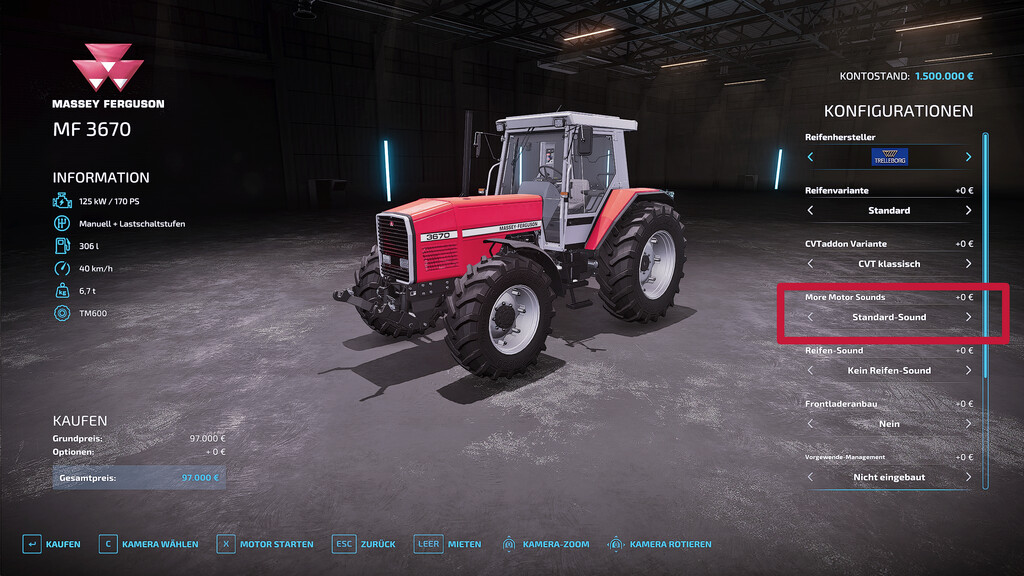
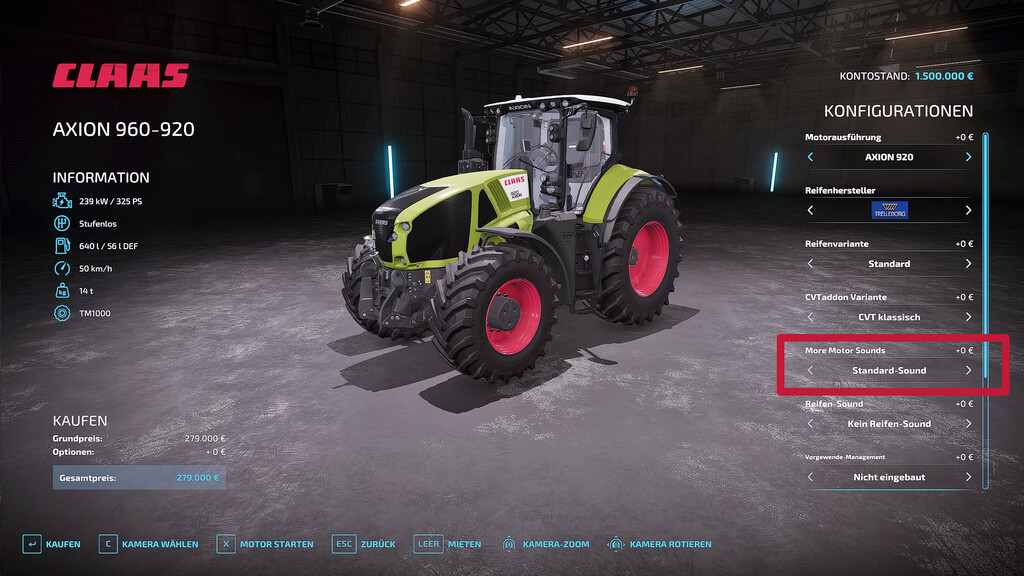
This script makes it possible to configure an alternative engine sound for a large number of tractors.
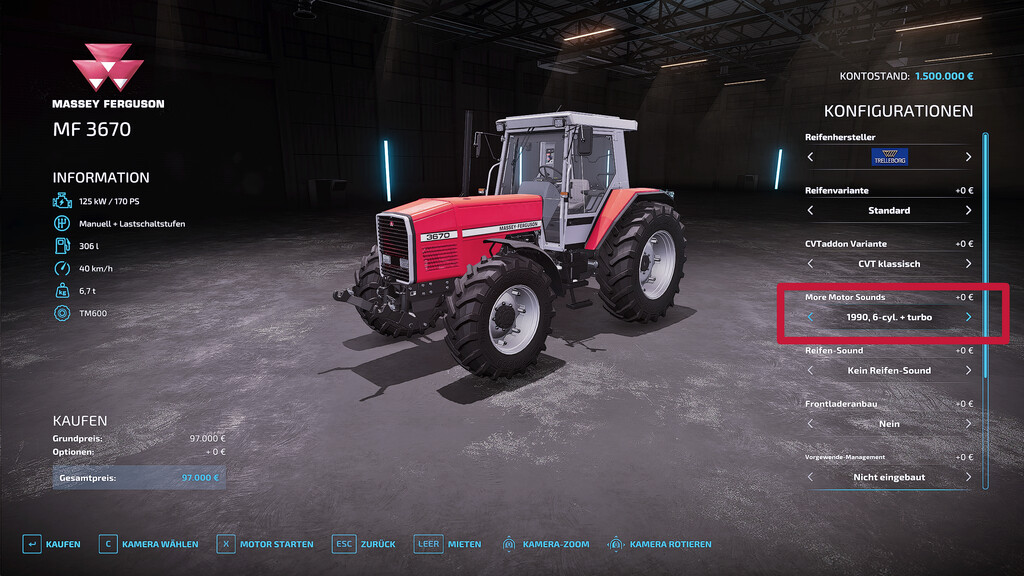
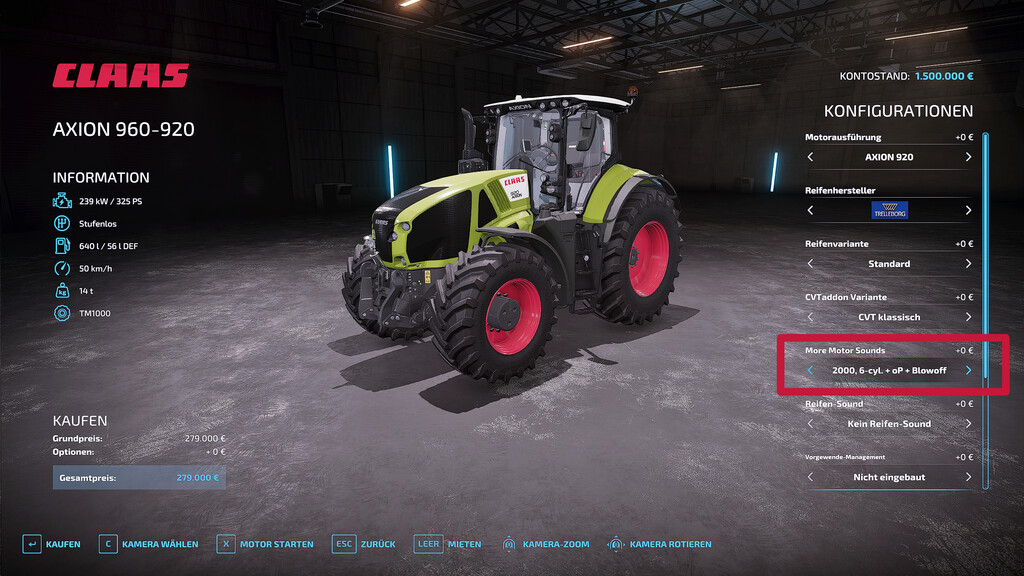
With the new ‘More Motor Sound’ configuration in the shop, various sounds can be selected from an extensive database.
The available sounds are depending on the model and include different engine sounds for 4-, 6- and 8-cylinder engines.
In some cases different variants are available, such as sounds with an integrated turbo, blow-off valve or an OpenPipe option.

Attention: Blowoff sounds are only available in singleplayer!

List of all available sounds:
– 1990er, 4-cylinder
– 2000er, 4-cylinder
– Fendt GTA 380
– 1990er, 6-cylinder
– 1995er, 6-cylinder
– 2000er, 6-cylinder
– 1990er, 8-cylinder
– MB Trac
– 90er, IHC
– Fendt 930 TMS

Version 1.0.0.1:
* Fixed log error for 1990er 4-cyl sound

Credits:

[MW]PeterAH + Farming Dud's

How to install FS22 Misc?
Firstly find a mod which you like and want to download. Then download a mod to your PC. Mods are usually in .zip format file. But sometimes it can be in .rar. If a mod file is a .zip format no needed additional actions. If a file is in .rar, then you must unarchive mod with software like WinRar or Zip7. Windows 10 users no need to use software for archives, Win10 itself has a feature to unarchive files.
The next step is to find mods folder in your PC. Usually, it is in Documents/My Games/Farming Simulator 25/2025. Open the "mods" folder and put downloaded .zip archive or unarchived .rar file to this folder.
Last step. Enjoy of FS25 mods!

Leave a Reply

Your email address will not be published. Required fields are marked *