Herbicide Mixing v 1.0


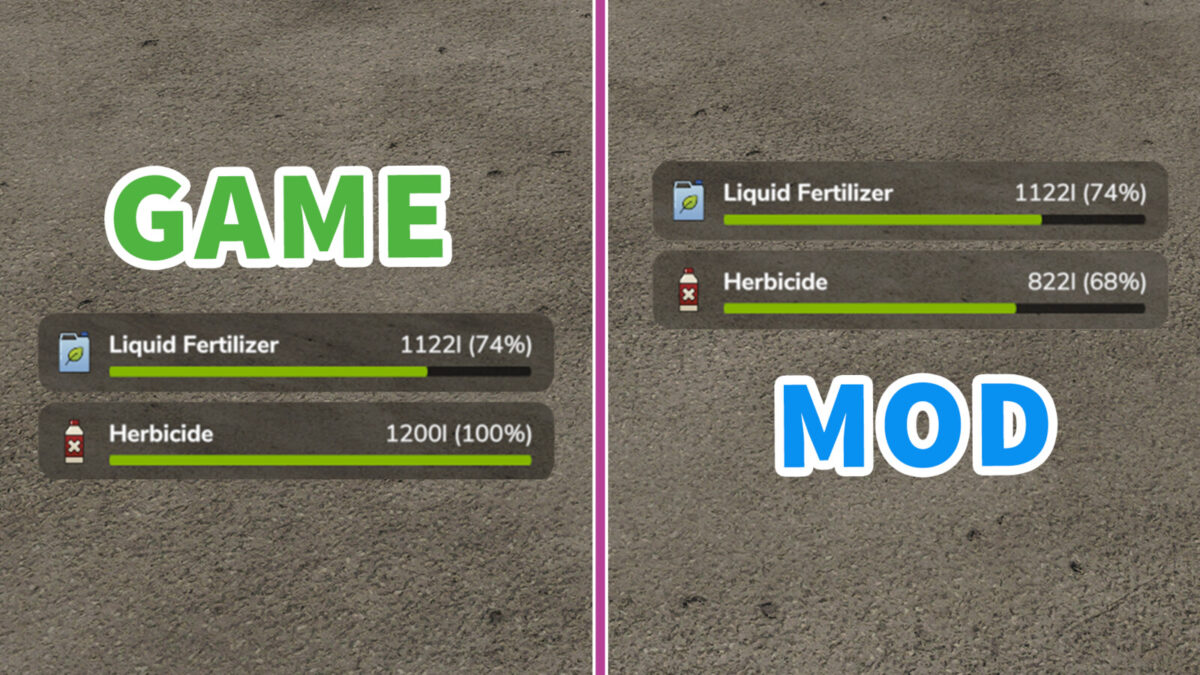
The Herbicide Mixing mod for Farming Simulator 25 introduces a new level of efficiency in crop management by allowing players to combine herbicide and fertilizer applications. This functionality enables simultaneous application, making it easier to care for your fields without the need for multiple passes.
To utilize the mod, simply add one ingredient—either the fertilizer or the herbicide—directly to the main sprayer. Place the remaining ingredient in the additional sprayer tank. This setup facilitates the mixing process, ensuring that both chemicals are applied to the crops at the same time, saving you valuable time during the growing season.
When engaging the mixing feature, you will see a “Mixing” notification displayed next to the working width, which helps monitor the application process. It’s recommended to place the fertilizer in the main sprayer and the herbicide in the additional tank for optimal results.
– Simultaneous application of herbicide and fertilizer
– Simple setup with two separate tanks
– “Mixing” notification to track application status
– Efficient crop management strategy
– User-friendly tips for optimal use of workers
Credits:
olaf.tnt