

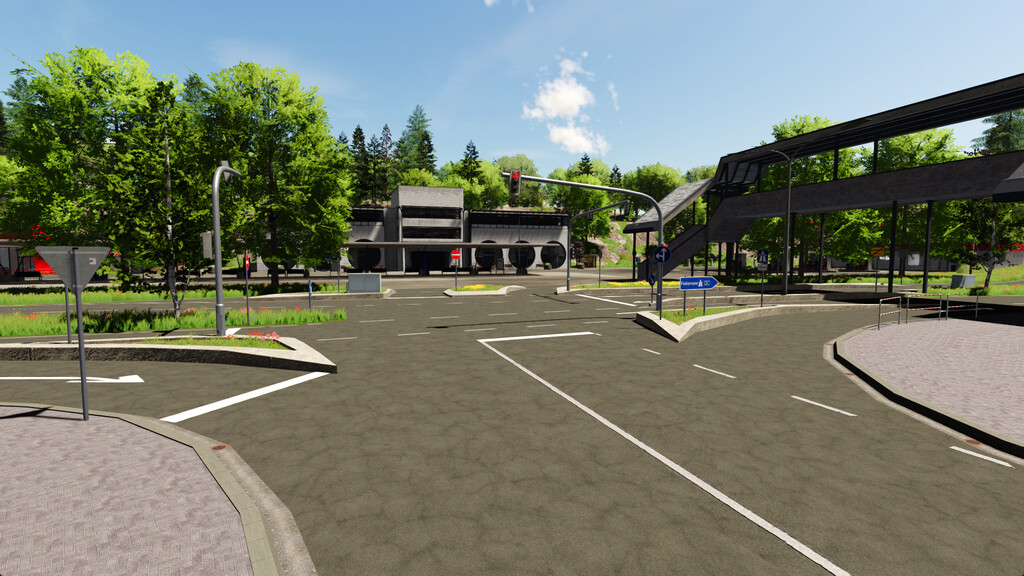
Mittelberg Map v 1.0.0.1


– Missions
– Construction sites
– Traffic lights
– Productions
– Many animations
– Accessible buildings with doors, lights, fire alarms, and gates
– Many unique productions
– 29 fields
– Farm areas
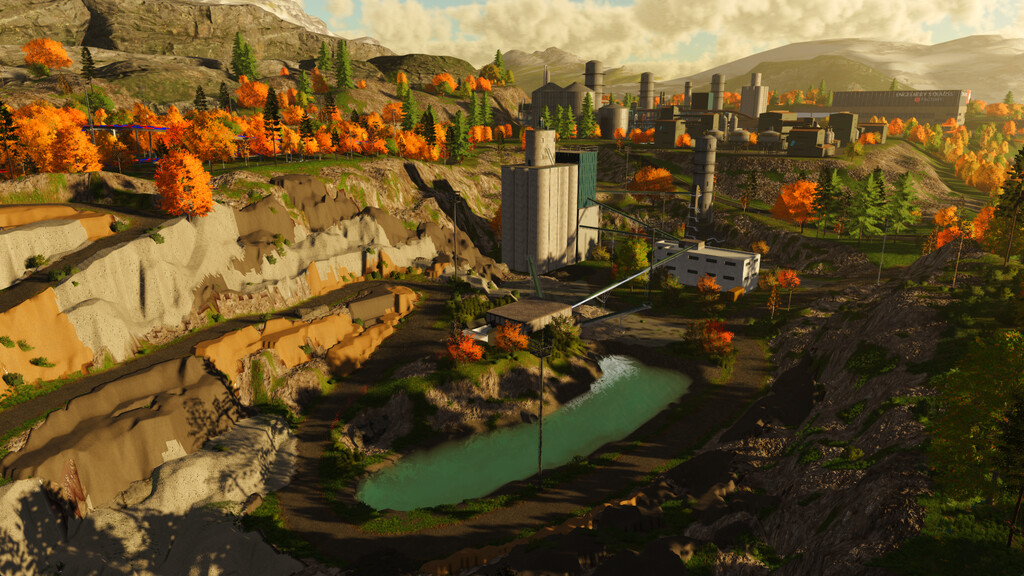
– Gravel pit
– Biogas plant
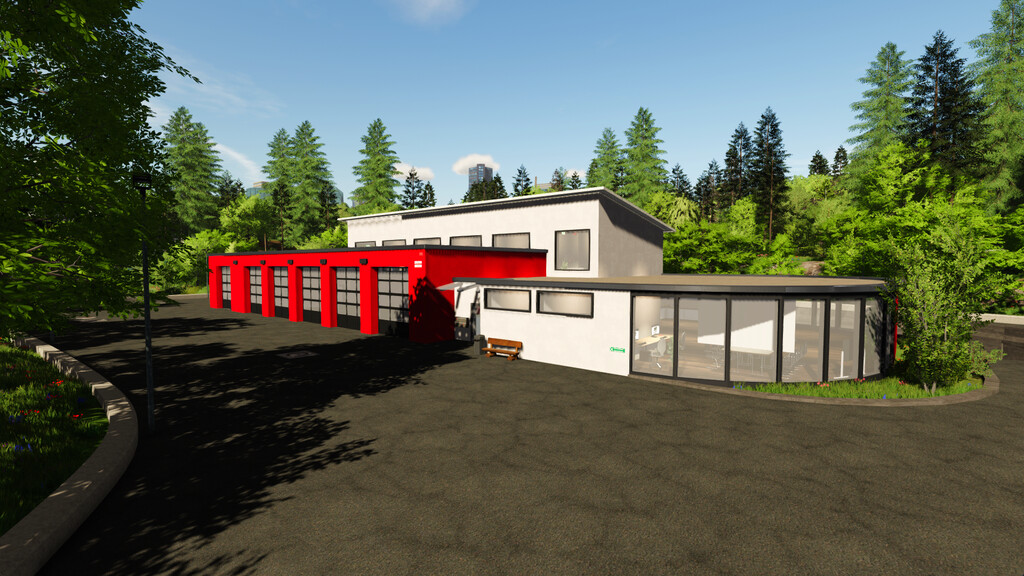
– 3 fire stations
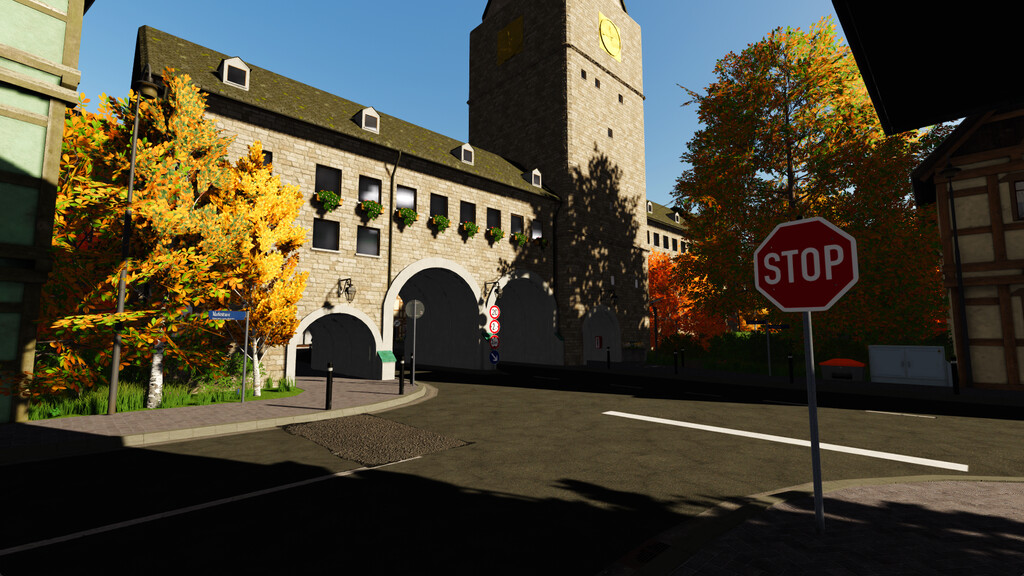
– 2 town halls
– 2 police stations
– 2 emergency services
– Small airport
– Clinic
– Towing service
– Wastewater treatment plant
– Vehicle dealer
– Camping and soccer fields
– Water rescue service
– Aid organization
– Road maintenance
– Go kart track
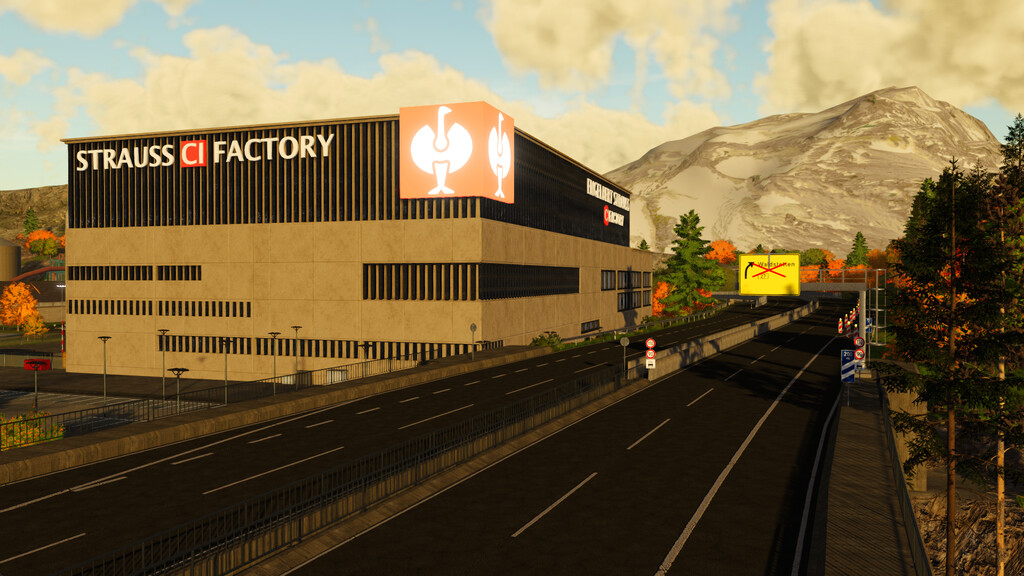
– Highway with tunnel, bridges, junctions, rest areas
– Walkable church
– Shopping stores and sale stations
– Recycling center with waste to collect and sell
– Drive-in cinema
– Industrial areas
– Traffic practice area
– Controllable sirens for the fire department (when activating one siren, all others are also activated)
Version 1.0.0.1:
* Bug fix for game crash
* Bug fixes (floating objects)
* Fixed faulty animation
Credits:
SoSi-Modding, nrxEcki


