

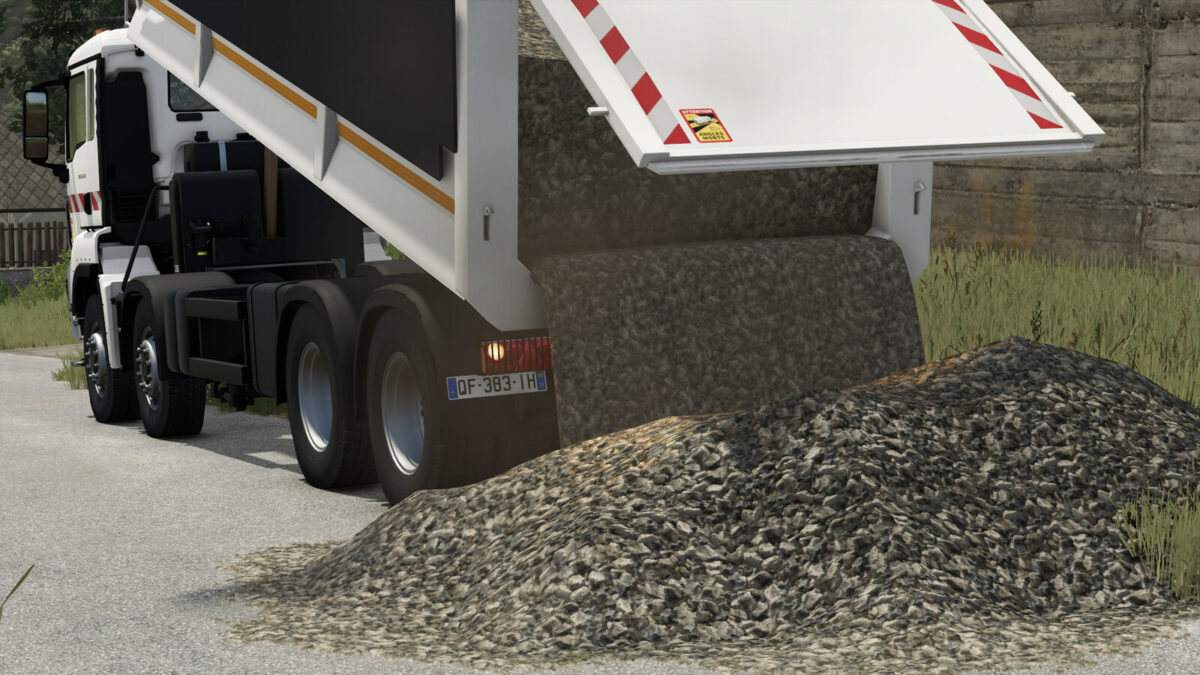
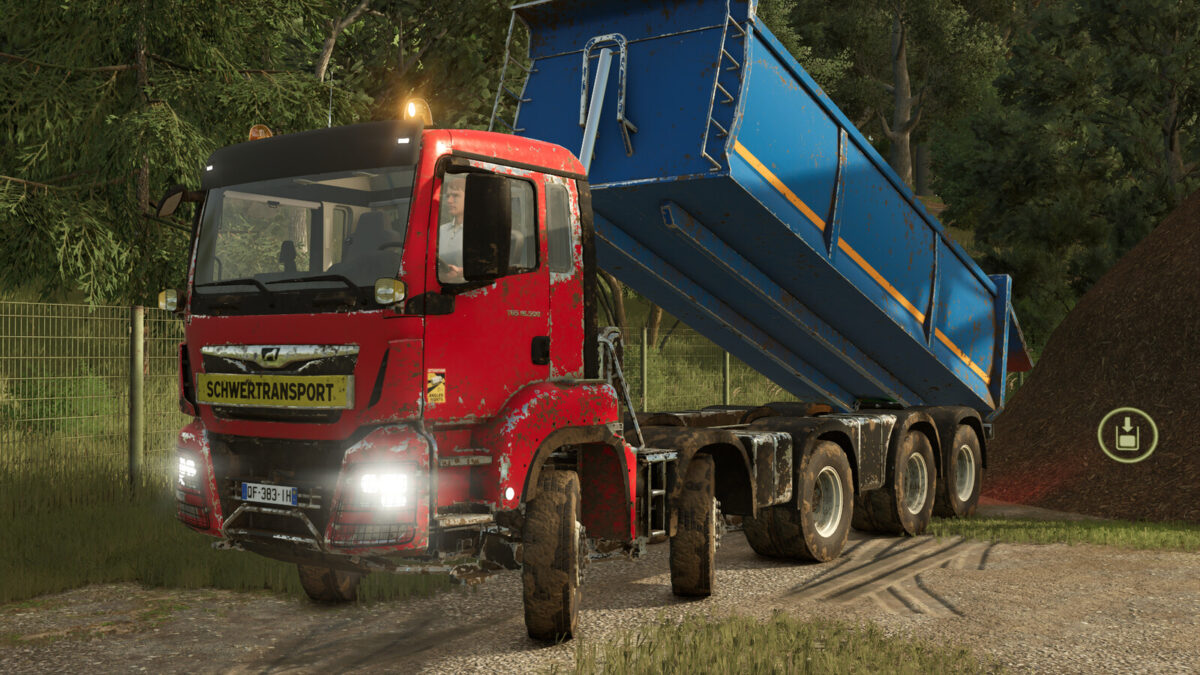
MAN TGS 18.500 Kipper v2.0.0.0


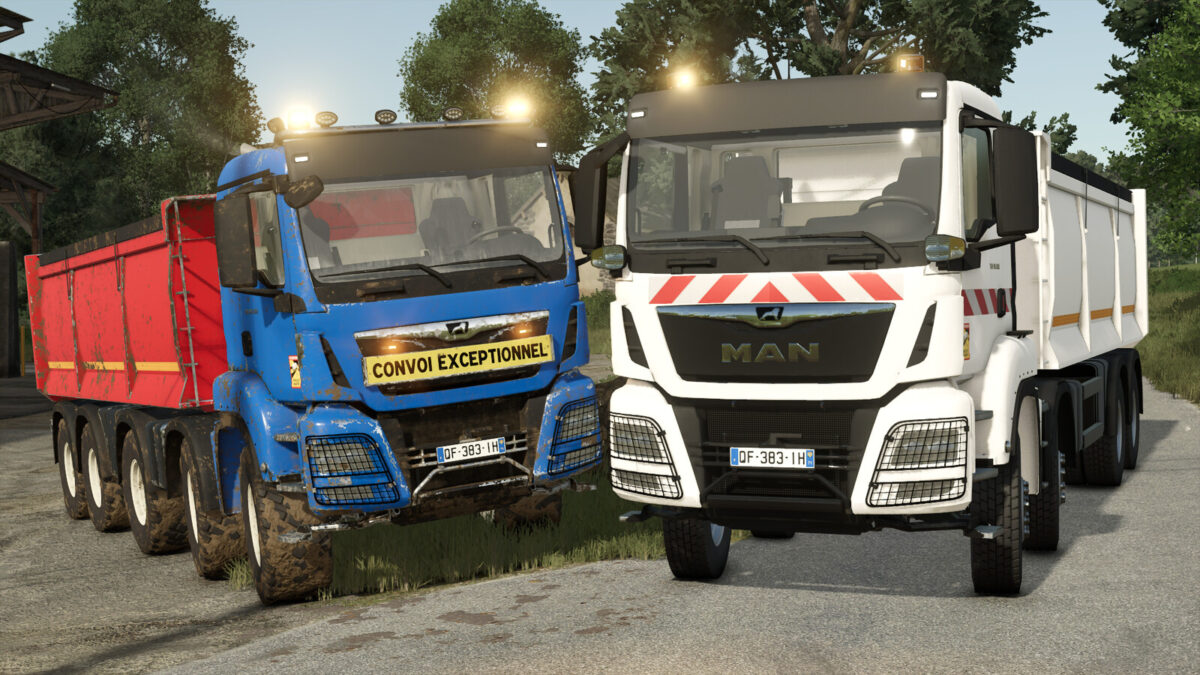
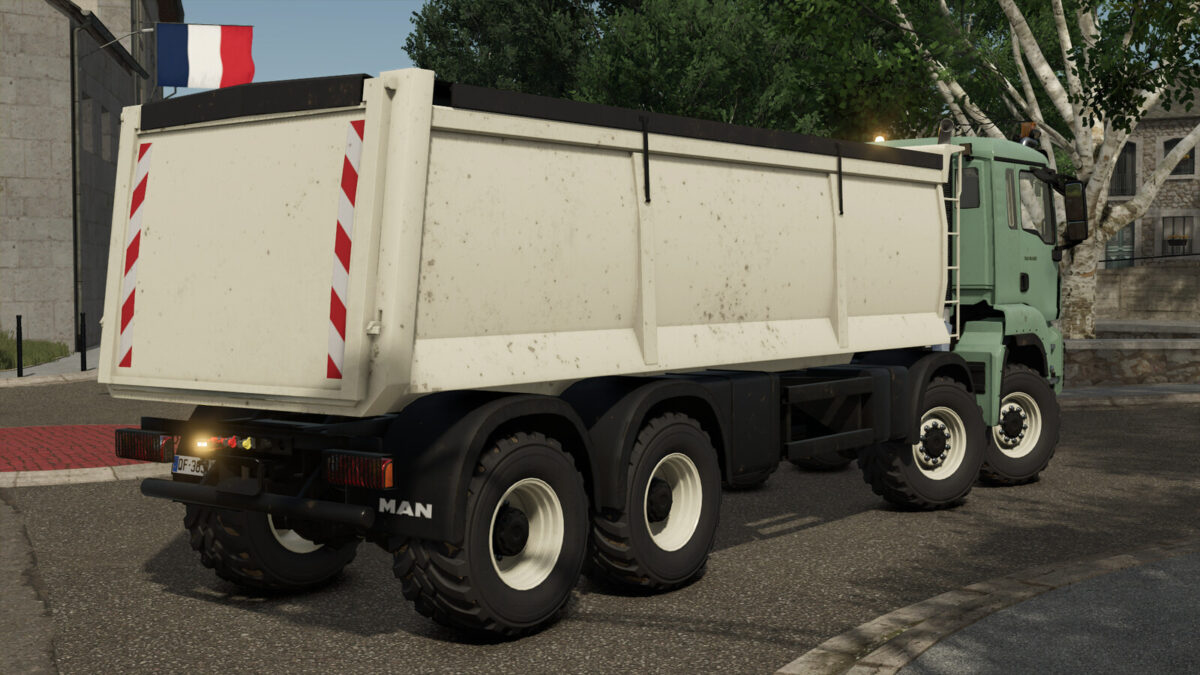
The MAN TGS 18.500 Kipper is a robust and versatile truck designed for transporting heavy materials on your farms and construction sites. Thanks to its powerful engine and large loading capacity, it allows you to carry out all transport tasks with efficiency, stability, and comfort.
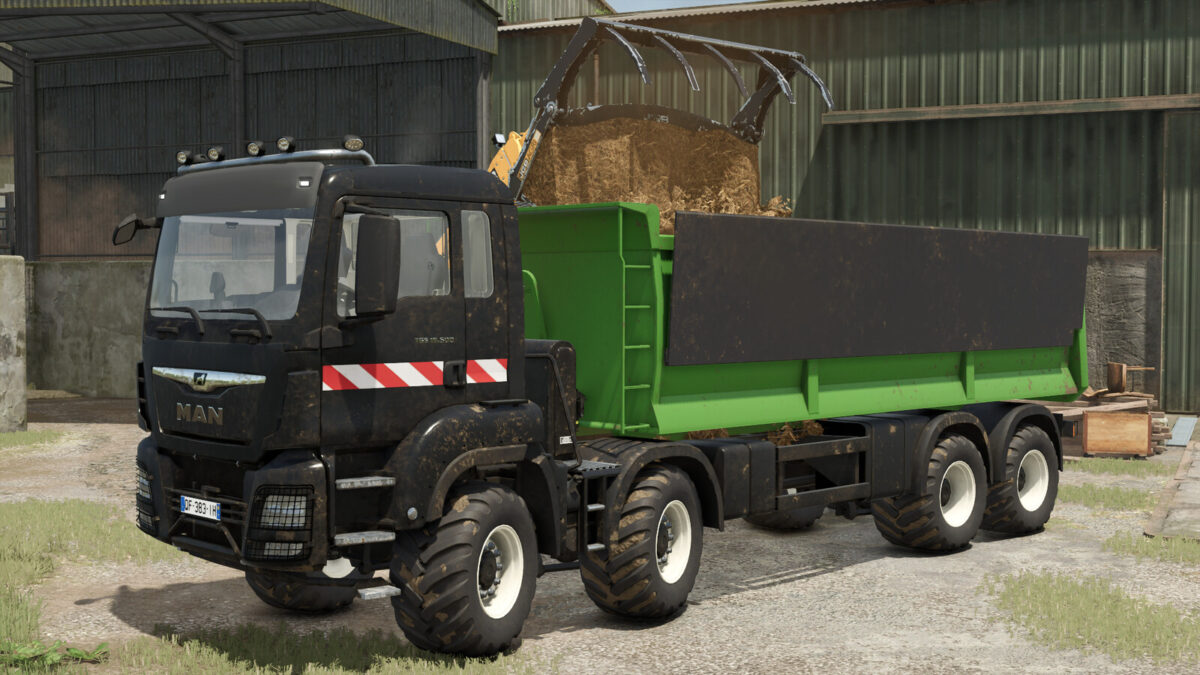
Its high-capacity tipper is ideal for moving large quantities of silage, grain, soil, or various bulk materials, while maintaining excellent maneuverability on roads and uneven terrain.
Features:
– Name: MAN TGS 18.500 Kipper
– Price: 279,500$
– Power: 500 hp
– Tipper capacity: 49,000 L
– Usage: Agricultural transport, Construction, Bulk materials
Available configurations:
– Wheels (Trelleborg, BKT, and Continental)
– Roof beacons on the cabin
– Rear beacon
– Blink-LED
– Tarp (yes or no)
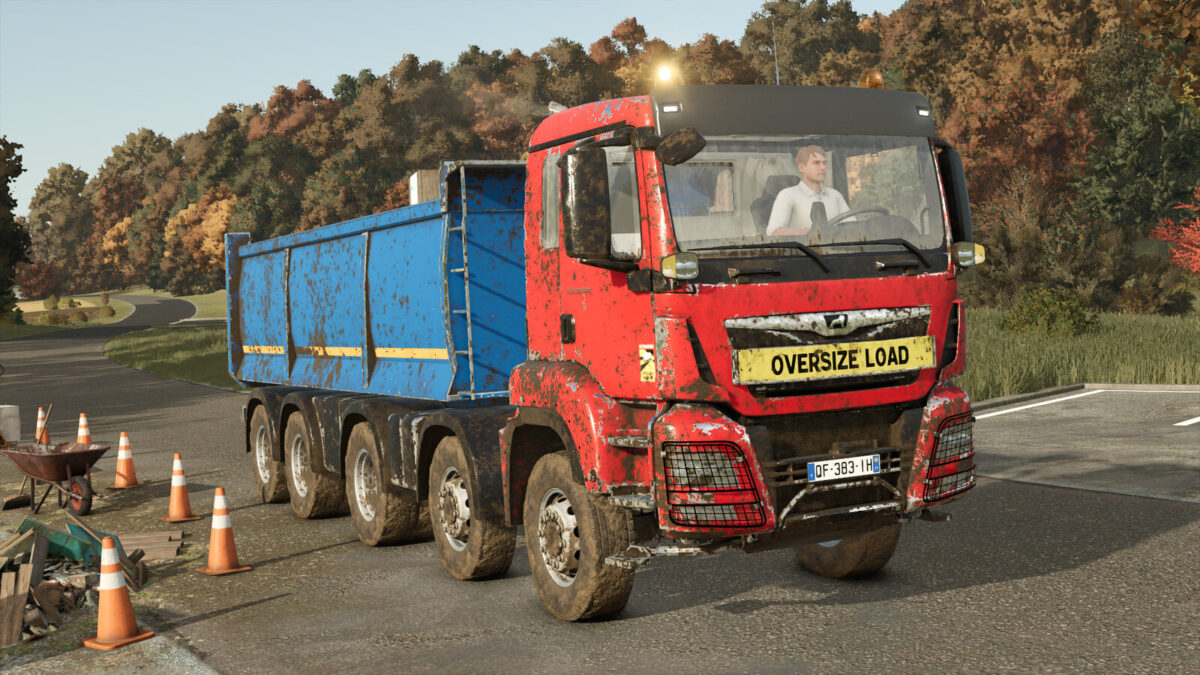
– Front plate (None, Convoi Exceptionnel, Oversize Load, Schwertransport)
– Additional front lights
– Colors (Cabin and tipper)
The MAN TGS 18.500 Kipper is the ideal solution for players looking for a reliable, powerful truck perfectly suited for heavy-duty operations.
Original mod by the NLD Community modding team, 3D by fa285634.
Changelog 2.0.0.0:
– Added a new variant of the 4-axle lorry.
– Added cables for greater visual detail.
– Added a ‘City’ tyre configuration.
– Added 3 headlamp grille designs.
– Added a unique LED rotating beacon to the configurations.
– Added a roof rack configuration.
– Added reflective stickers to the cab and body.
– Added ‘Blind Spot’ stickers.
– Added several colours for the wheel rims.
– Fixed an issue where the truck had difficulty moving forward when it was loaded
– Fixed the rear tow bar.
Credits:
Kaymara, NLD Community, fa285634


