

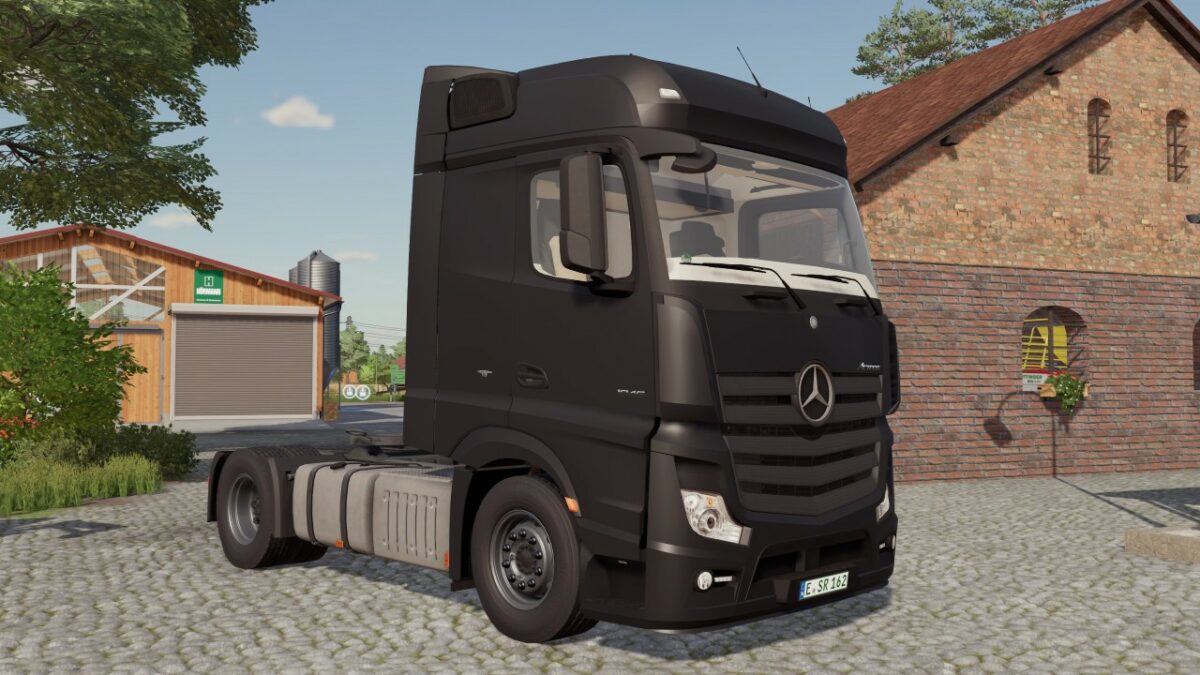
Mercedes MP4 v 1.1


Version 1.1:
* Added new color palette
* Driving behavior improved
* Added deep hitch for tandem with deep drawbar or Krone Dolly
* Deep hitch can be mounted with button K
* Bumper can now be flipped with the right mouse button
* Attacher Joints schema revised
* Added lift axle for steering axle (adjustable with left mouse button)
* Revised light cone
* Light cones now glow even with low graphics settings
* Added lowbar for side fairing (configurable under lamp bar below)
* Added new bull catchers
* Added mud flap configuration
* Warning boards can now be opened/closed with the O key
* Fixed side mirrors (Chrome is now Chrome)
* Color URSUS_OLIVE1 replaced as this is no longer supported in the new version
* Flags have been removed
Credits:
BD_Modding, Sebastian7870


