
FS25 Misc

Animal Waste Control v 1.0

Animal Waste Control v 1.0

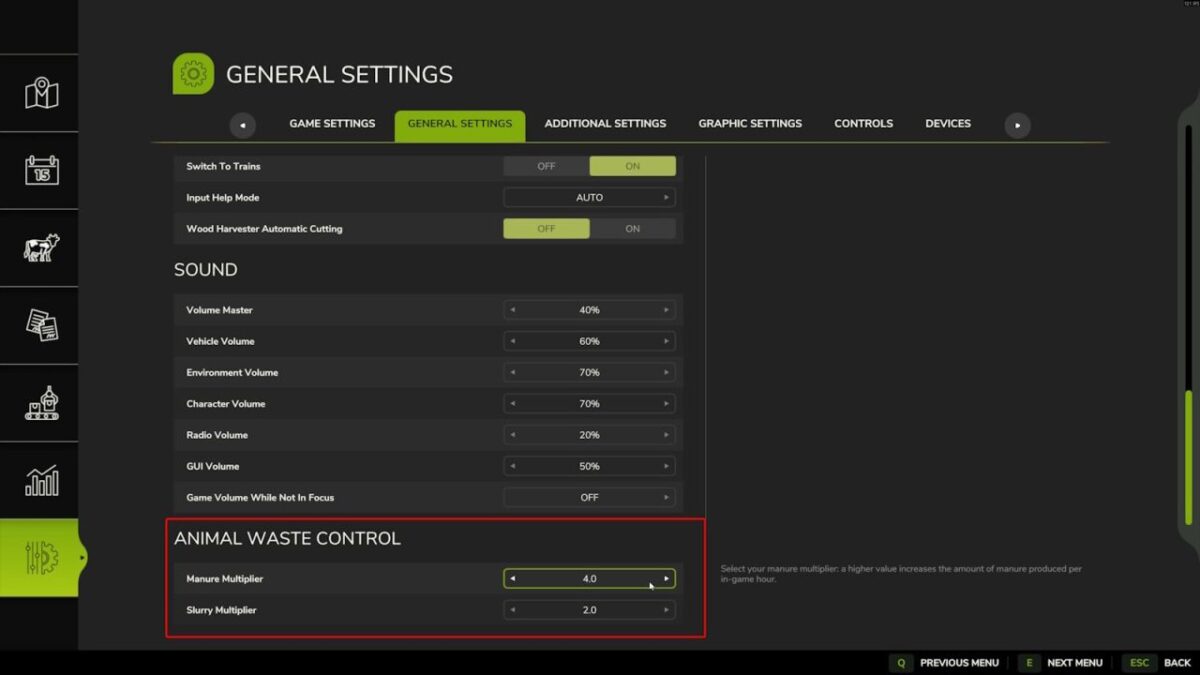
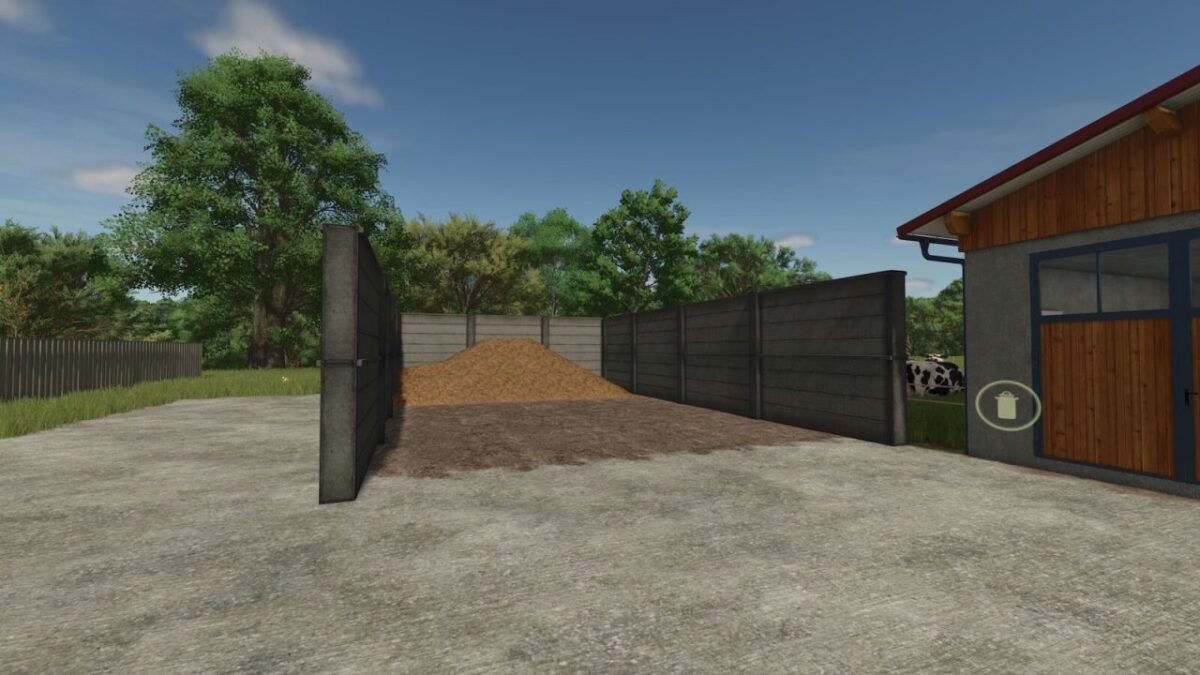
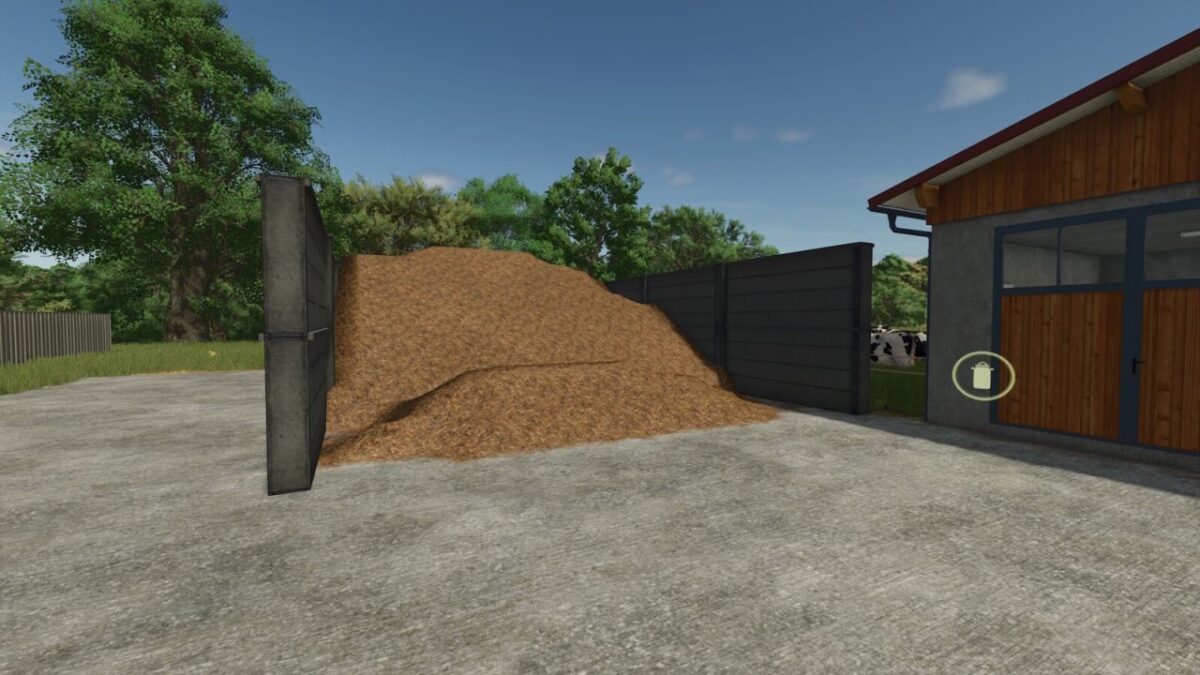
Animal Waste Control allows you to modify the amount of manure and slurry produced by your animals.
The mod adds a configurable multiplier directly in the game’s general settings,
allowing you to easily adjust production to match your gameplay style.
For example, if your animals normally produce 200 liters of manure per hour and the multiplier is set to 2,
production will increase to 400 liters per hour.

By default, the production multiplier is set to 2.

Important:
Animals must have access to straw in order to produce manure.
Slurry does not require straw to be produced.

This mod is fully compatible with multiplayer and dedicated servers.

Credits:

coolfarmer

How to install FS25 Misc?
Firstly find a mod which you like and want to download. Then download a mod to your PC. Mods are usually in .zip format file. But sometimes it can be in .rar. If a mod file is a .zip format no needed additional actions. If a file is in .rar, then you must unarchive mod with software like WinRar or Zip7. Windows 10 users no need to use software for archives, Win10 itself has a feature to unarchive files.
The next step is to find mods folder in your PC. Usually, it is in Documents/My Games/Farming Simulator 25/2025. Open the "mods" folder and put downloaded .zip archive or unarchived .rar file to this folder.
Last step. Enjoy of FS25 mods!

Leave a Reply

Your email address will not be published. Required fields are marked *