

FS25 Maps

Mecklenburg Western Pomerania Map v 1.0

Mecklenburg Western Pomerania Map v 1.0

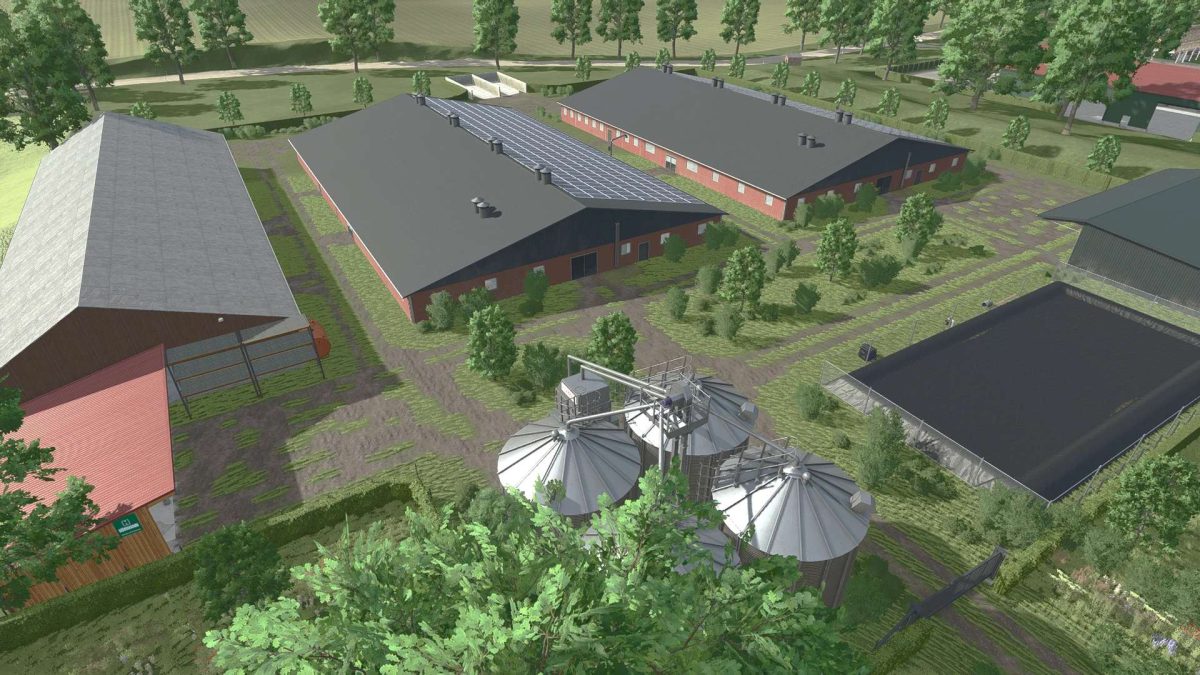
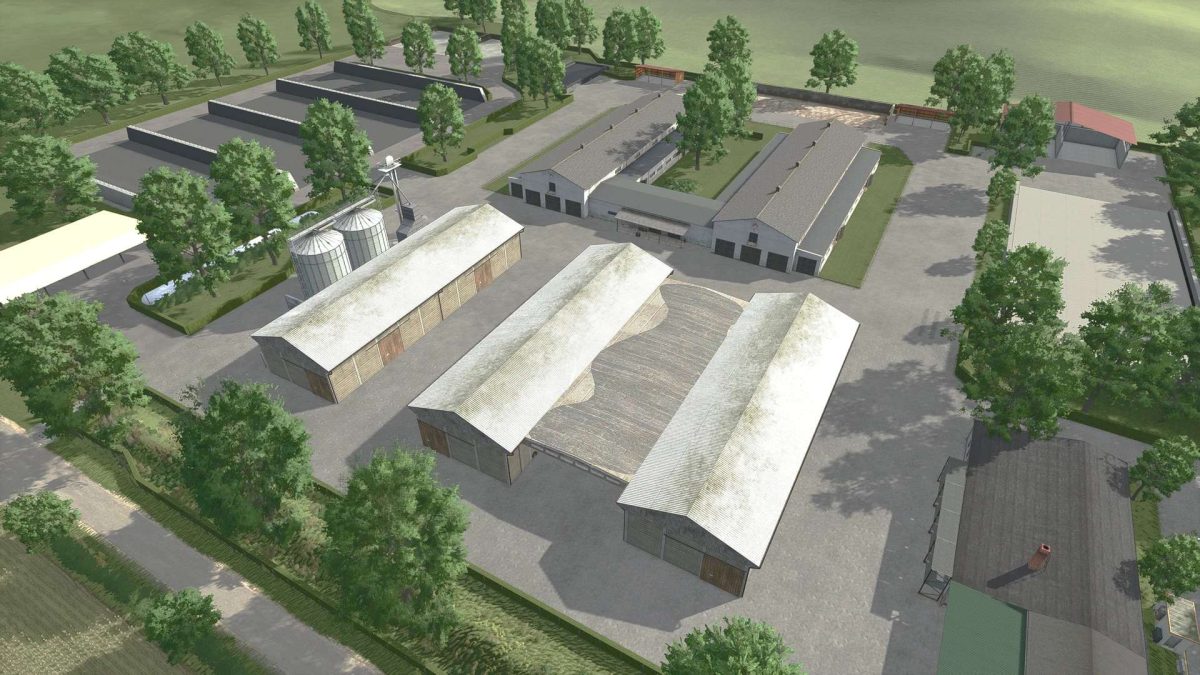
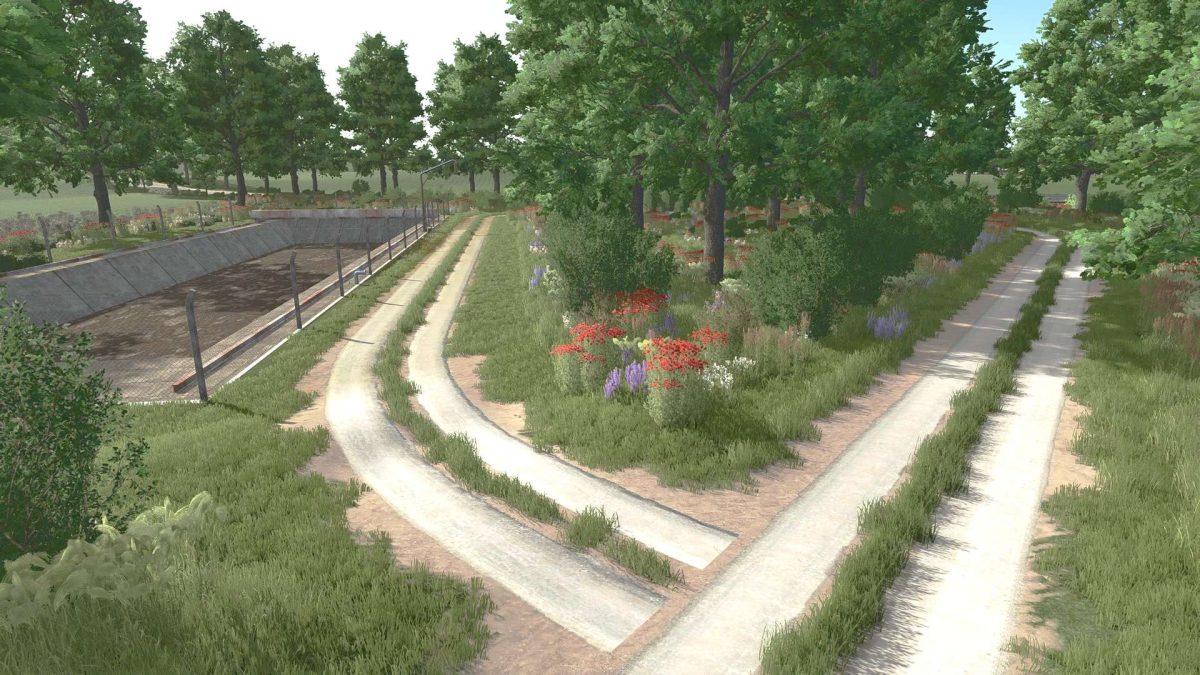
– 4-fold map with a total of 1,187 hectares, including 954 hectares of arable land and 233 hectares of grassland
– Multi terrain angle for realistic soil structure
– Increased soil deformation
– Dedicated soil map for precision farming
– Many new crop varieties: Humus-active, mustard, silage maize, rye, triticale, spelt, viburnum, forage rye, field grass, linseed, flowering cover crop
– Sales outlets and retailers open daily from 8:00 a.m. to 8:00 p.m
– When restarting a save game, the gates do not open until 9:00 a.m
– There may be a slight wait time when loading the game for the first time
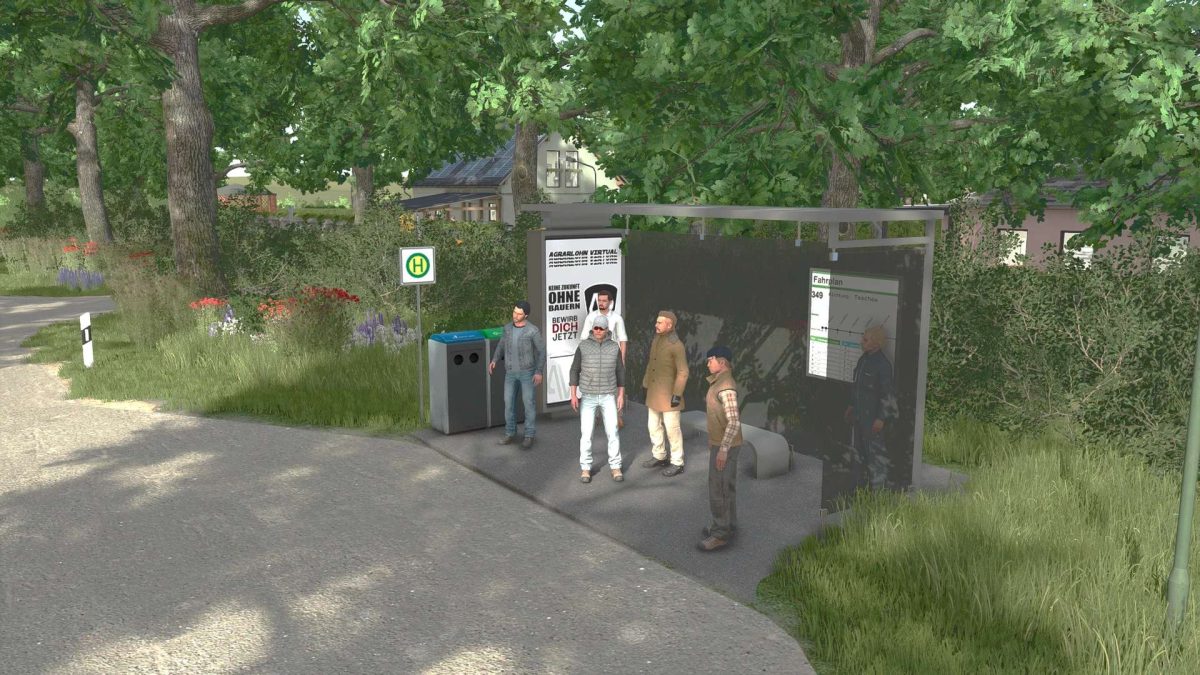
– Includes numerous detailed objects and buildings through over 25 mod dependencies, such as modern stables, silo panels, wind turbines, biogas plants, workshops, and much more – ideal for a Immersive and realistic gaming experience

Credits:

Agrarlohn Virtual

How to install FS25 Maps?
Firstly find a mod which you like and want to download. Then download a mod to your PC. Mods are usually in .zip format file. But sometimes it can be in .rar. If a mod file is a .zip format no needed additional actions. If a file is in .rar, then you must unarchive mod with software like WinRar or Zip7. Windows 10 users no need to use software for archives, Win10 itself has a feature to unarchive files.
The next step is to find mods folder in your PC. Usually, it is in Documents/My Games/Farming Simulator 25/2025. Open the "mods" folder and put downloaded .zip archive or unarchived .rar file to this folder.
Last step. Enjoy of FS25 mods!

Leave a Reply

Your email address will not be published. Required fields are marked *