

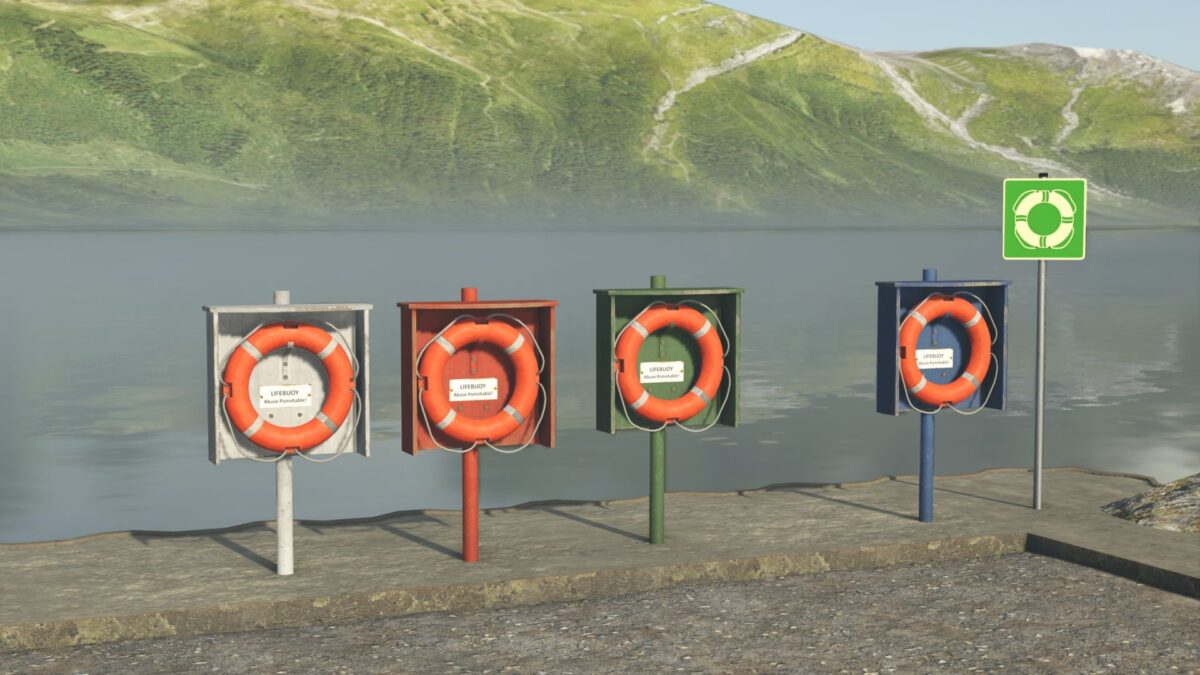
Lifebuoys and Shield v 1.0


The Lifebuoys and Shield mod for Farming Simulator 25 provides a decorative option to enhance your in-game environments such as lakes, ponds, harbors, and beaches. This mod includes a set of four distinctively colored lifebuoy boxes—blue, green, red, and white—as well as a vintage sign from 1956, adding a touch of realism to your settings. Both the lifebuoys and the sign are designed to be easily placed in various locations, creating opportunities for players to make their landscapes feel more complete and authentic.
This mod can be purchased for free, with no associated maintenance costs, allowing players to add to their environment without impacting their in-game finances. You can find these items in the game under the Building/Decoration category. The mod supports multiple languages, making it accessible to a wide range of players.
– 4 lifebuoy boxes in different colors (blue, green, red, white)
– Vintage sign from 1956
– Purchase price: 0 €
– Daily maintenance cost: 0 €
– Available in Building/Decoration category
– Supports multiple languages: German, English, French, Italian, Spanish, Polish
Credits:
Landbauer


