

Mecklenburg Decorative Houses Package v1.1.0.0


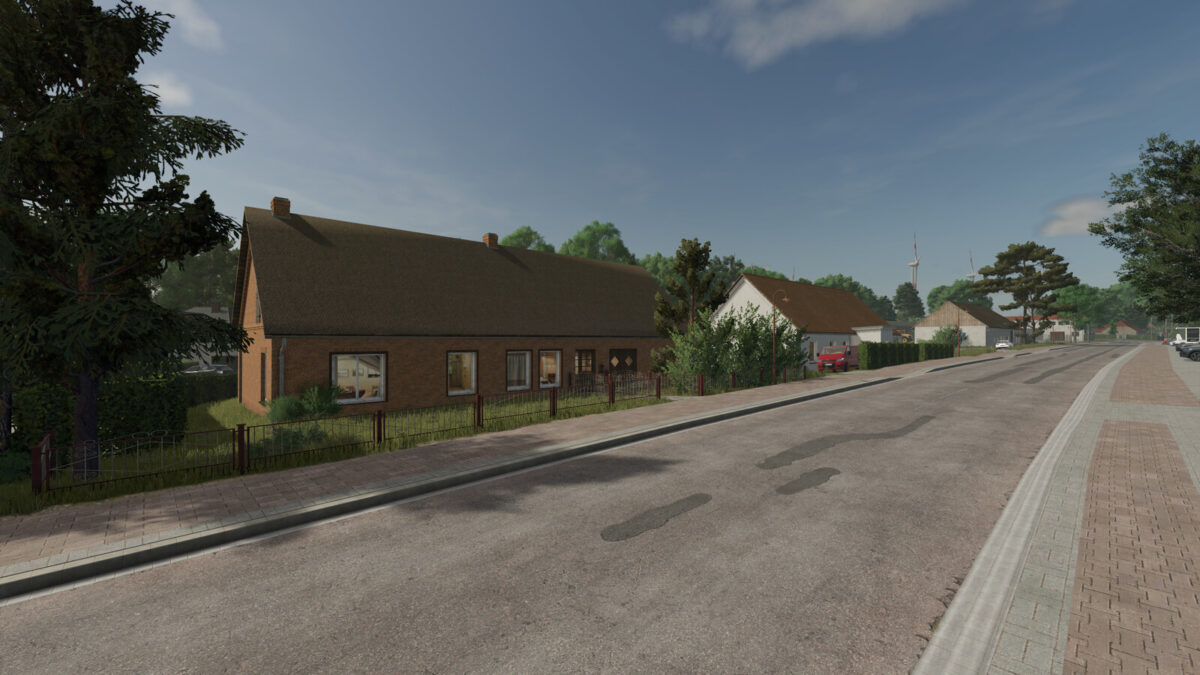
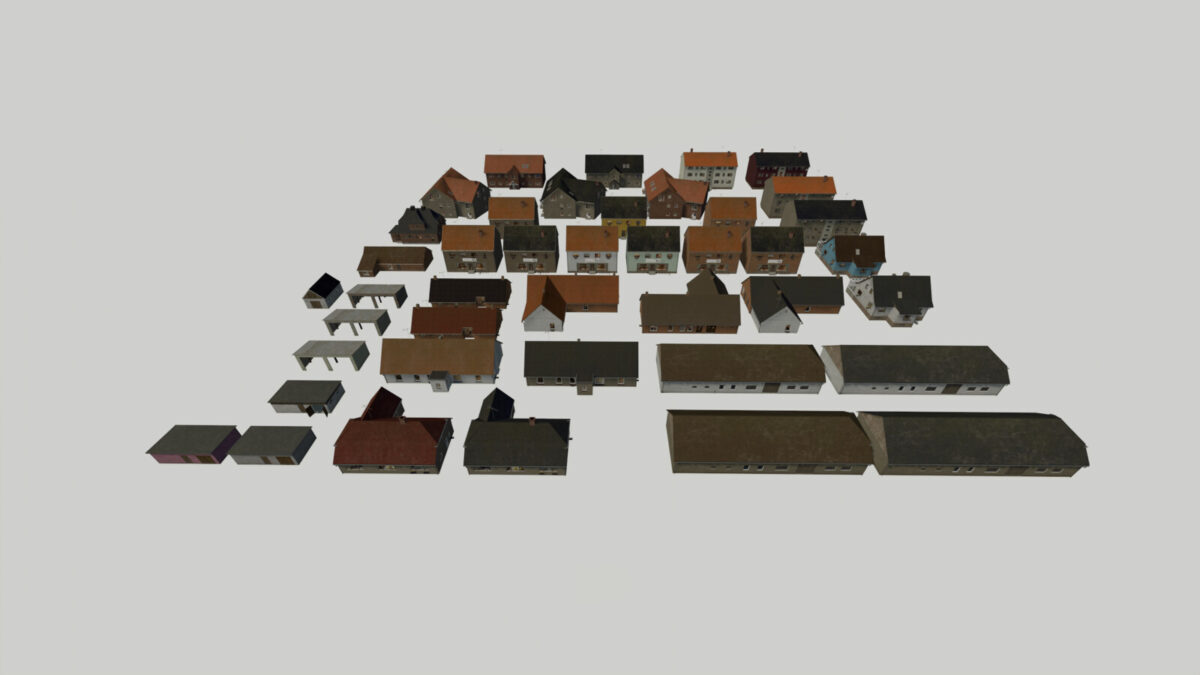
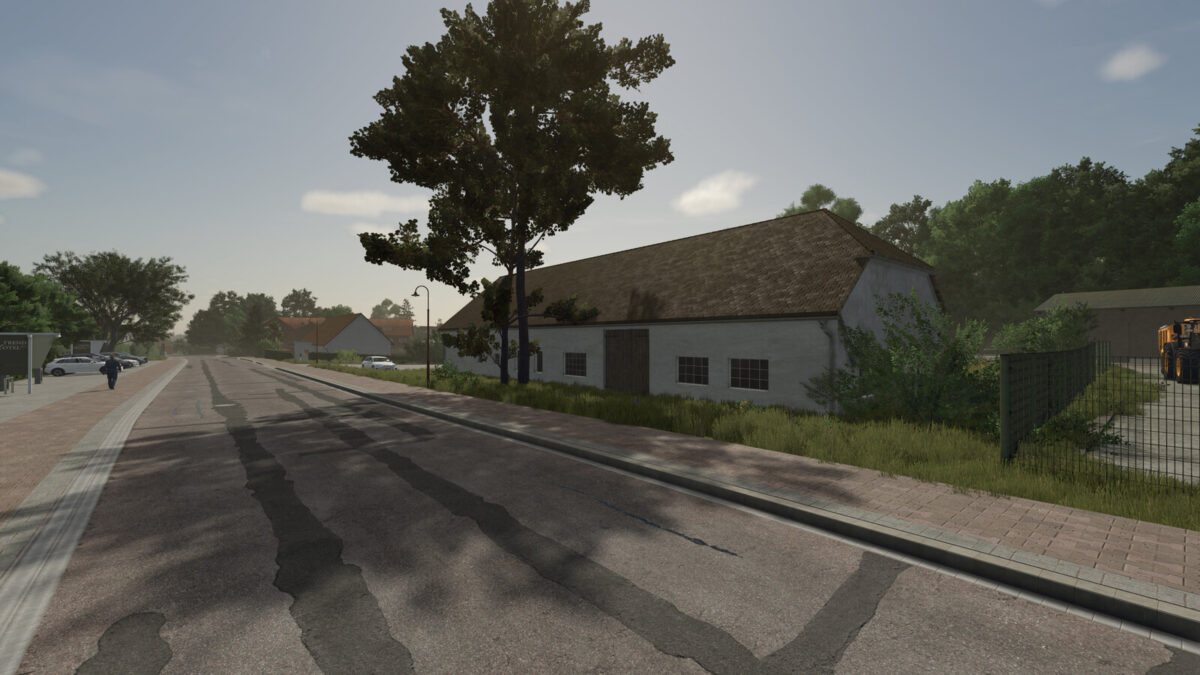
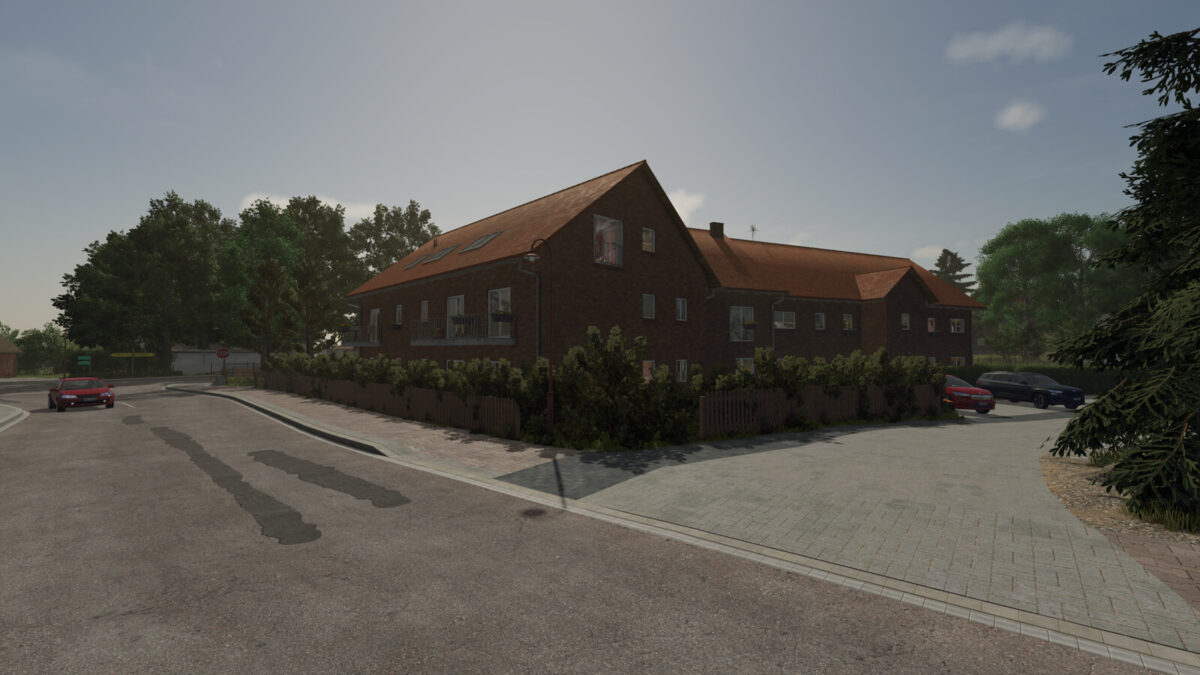
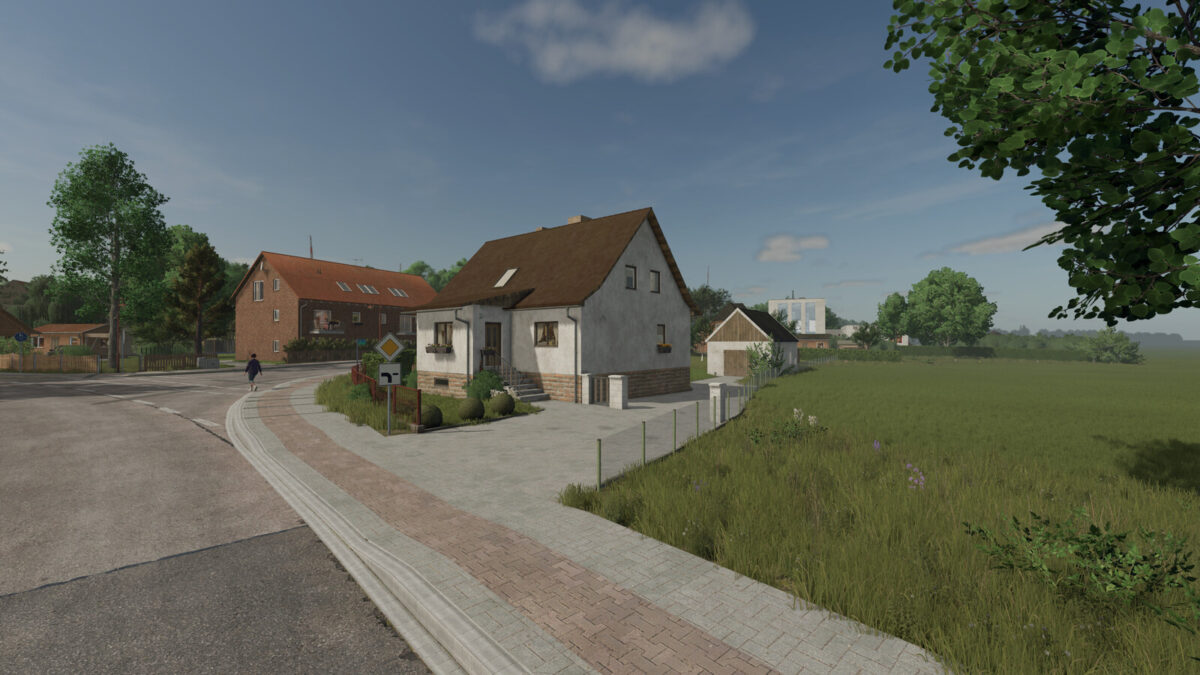
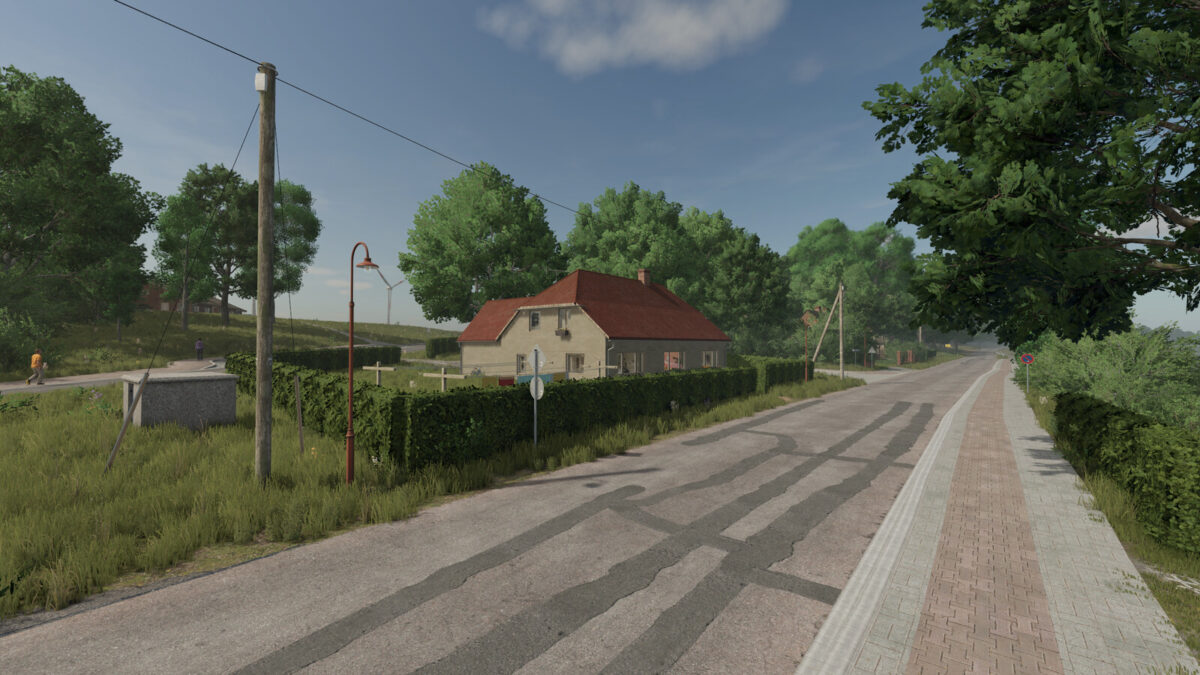
With this pack, you’ll receive a diverse selection of decorative buildings, garages, and barns from the Mecklenburg-Western Pomerania region.
Many of the included buildings are based on real-life models and have been faithfully recreated in detail.
In addition, several variants with different roof colors and, in some cases, customizable wall colors are available, allowing you to customize your village or farm.
Category: Decoration / Miscellaneous
Price: $1
Maintenance: $0/day
Included buildings:
2-story house – 3 variants
3-story apartment building – 2 variants
2-story ice cream parlor – 3 variants
House 01
House 02 – 4 variants
House 03
House 04 – 2 variants
House 05 – 2 variants
House 06
House 09
House 11
Shed
————————————
Garage 1 – 3 variants
Price: $5,000
Maintenance: $5/day
Garage 2
Price: $25,000
Maintenance: $5/day
Garage 3
Price: $25,000
Maintenance: $5/day
Garage 4 – 2 variants
Price: $22,000
Maintenance: $5/day
This package is ideal for designing realistic villages and farms in the style of Mecklenburg-Western Pomerania.
Changelog 1.0.0.1
– Fixed a collision issue with the residential building and ice cream shop
– Added lighting to the garages
Changelog 1.1.0.0
– Added 2 new house
– Added snow to the roofs of all houses
Credits:
Razak


