
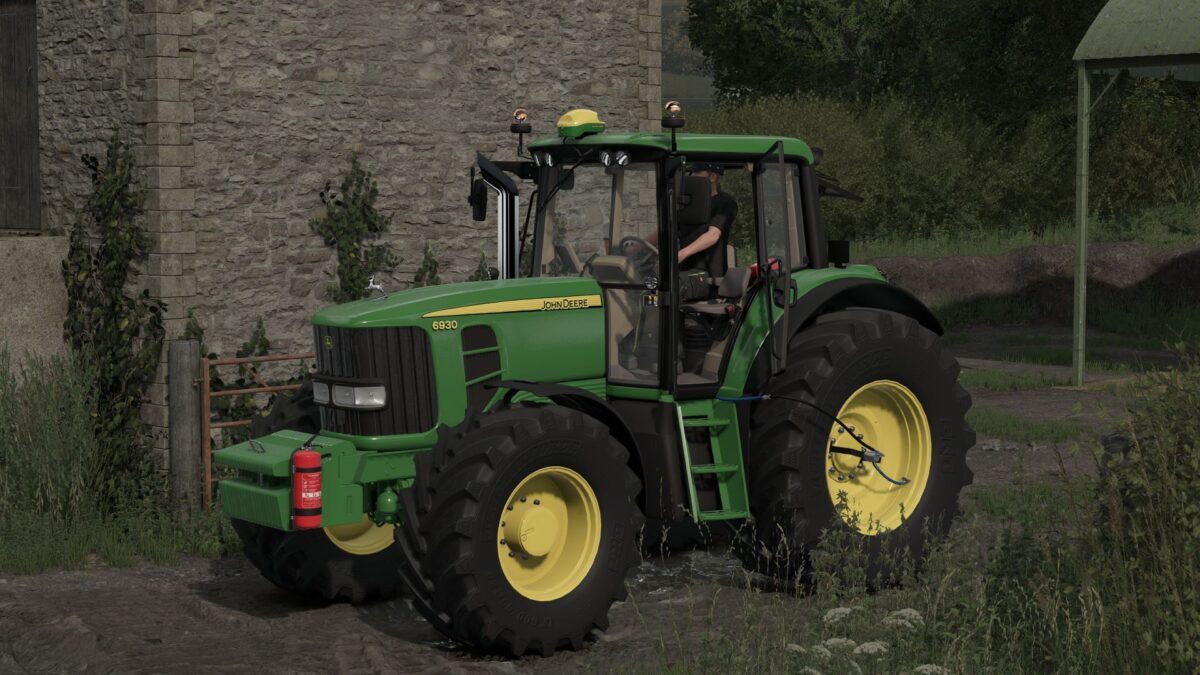
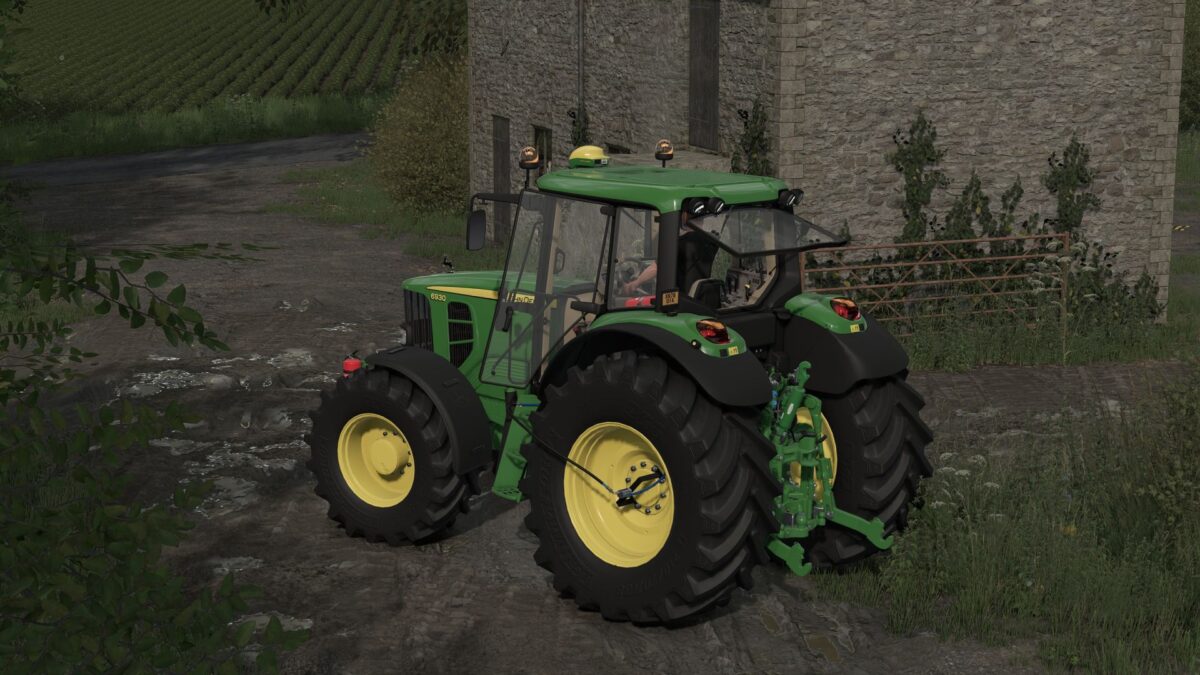

FS25 John Deere Tractors

John Deere 6930 v 1.0

John Deere 6930 v 1.0

Models:
6530 – 125 hp
6630 – 135 hp
6830 – 145 hp
6930 – 155 hp
6930 Chiptuning – 185 hp

Wheels:
Trelleborg
Michelin
Mitas
Nokian
Continental
BKT

Configurations:
Light configuration
Configuration of Beacons
Front weights and front hydraulic configuration
Configuration of the front loader console
GPS configuration (Real GPS)
Asset configuration
Rim color configuration
Sticker configuration
Wheel weight configuration
RDA
Exhaustcon figuration
Realistic Sound
Realistic Physics

Credits:

JACOO B, DB Modding
How to install FS25 John Deere Tractors?
Firstly find a mod which you like and want to download. Then download a mod to your PC. Mods are usually in .zip format file. But sometimes it can be in .rar. If a mod file is a .zip format no needed additional actions. If a file is in .rar, then you must unarchive mod with software like WinRar or Zip7. Windows 10 users no need to use software for archives, Win10 itself has a feature to unarchive files.
The next step is to find mods folder in your PC. Usually, it is in Documents/My Games/Farming Simulator 25/2025. Open the "mods" folder and put downloaded .zip archive or unarchived .rar file to this folder.
Last step. Enjoy of FS25 mods!

Leave a Reply

Your email address will not be published. Required fields are marked *