

LumberJack v 1.5.2.0


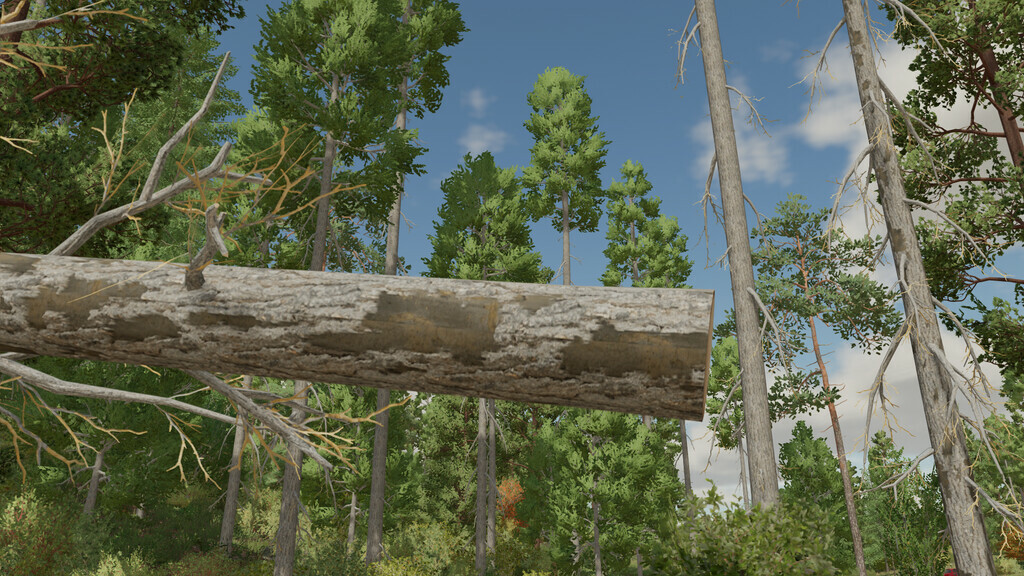
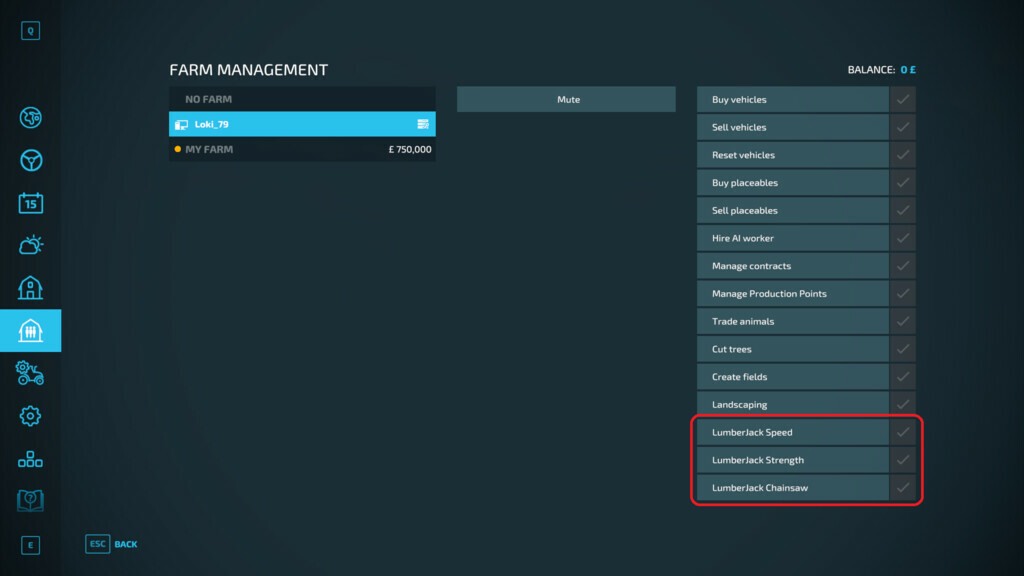
This mod adds some quality of life improvements to make clearing trees with a chainsaw a little bit easier, but still retains enough realism to deserve the payment for selling the wood. The chainsaw can now grind stumps, and the ‘super-strength’ mode also grants the ability to completely delete trees.
Control method to toggle super strength:
– Hold down ALT key for temporary strength
– Double tap ALT key to toggle super strength on/off
Features:
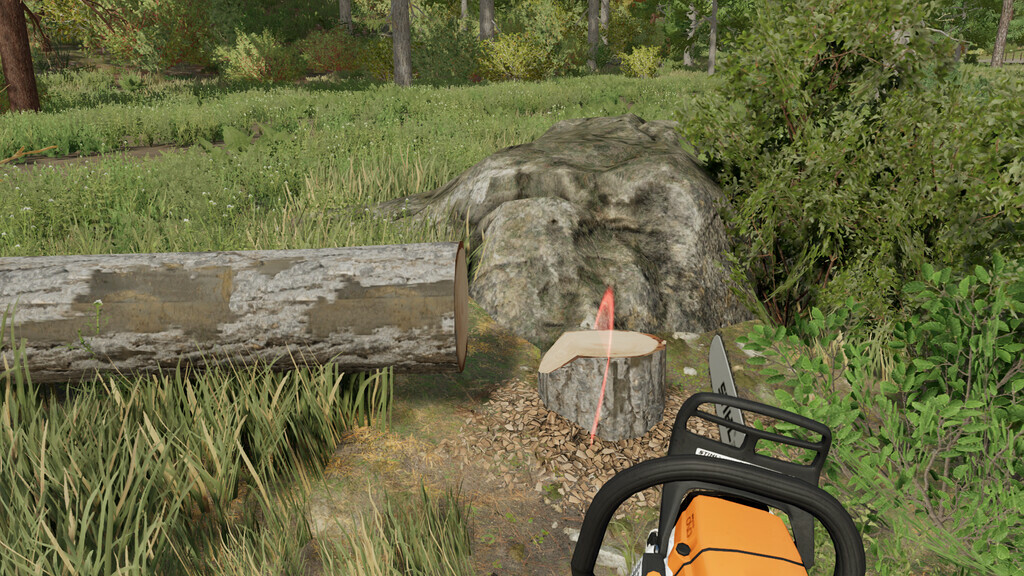
– Targeting marker to identify chainsaw aim point at all times
– Easily destroy small pieces of wood, similar to removing superficial branches
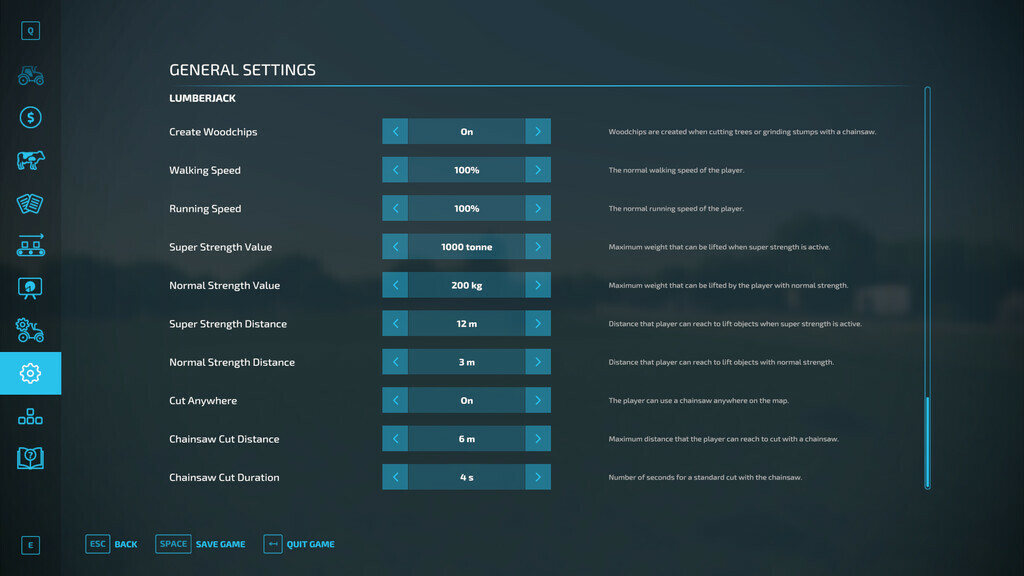
– Adjustable chainsaw cutting speed and range
– Adjustable object mass and pick-up range (only when super strength is active)
– Cut trees anywhere on the map, even on land that cannot be purchased (e.g. the shop)
– Display mass of viewed objects in F1 menu
– Toggle ‘super-strength’ using ALT and increase brightness of targeting overlay to indicate when active
– Chainsaw can remove stumps (grind for 3 seconds)
Version 1.5.2.0:
* Added new ability to remove foliage with the chainsaw (Disabled by default – activate by setting a size in the options)
* Strafe less aggressively with super speed active
* Fixed a bug where superstrength keybind is missing on a brand new game
* Fixed a bug where trees could not be cut on deadwood missions if “cut anywhere” was disabled
Credits:
loki_79


