

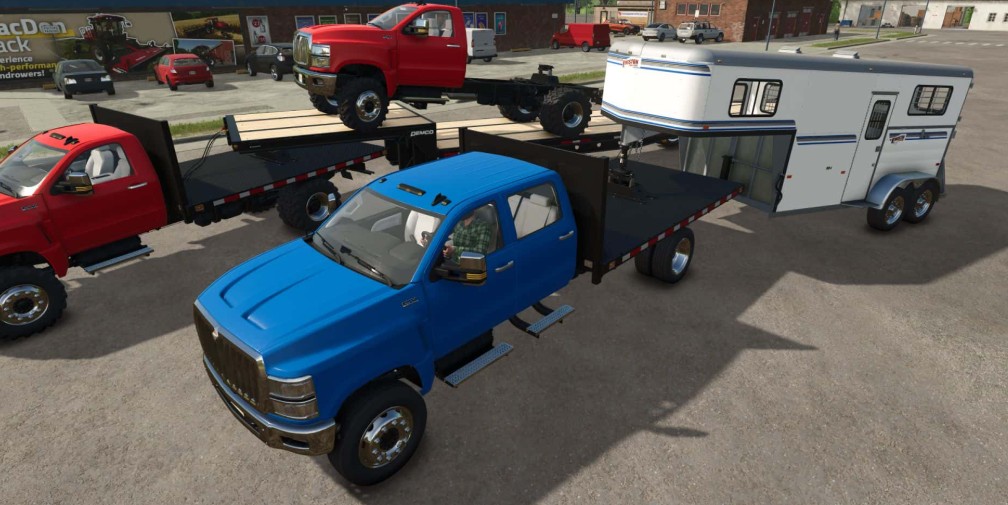
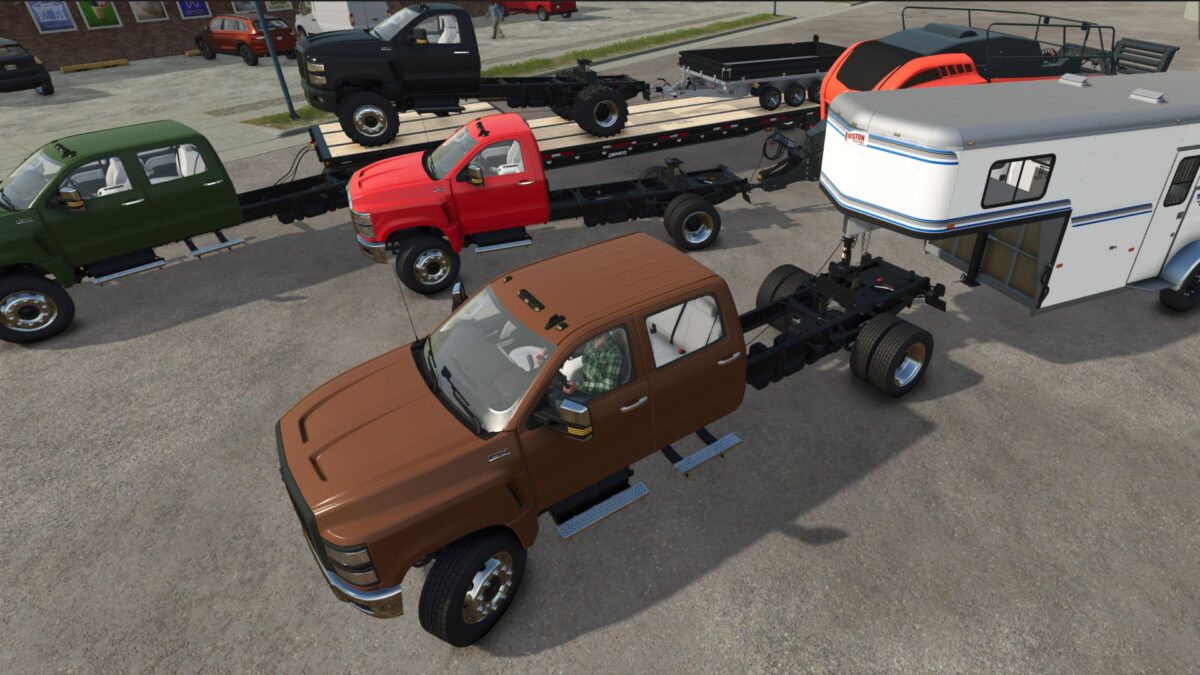
International CV Series Chassis v 1.0.0.3


This is an edit of the Base Game Truck to have all Attacher Types.
– Chassis truck with 5th wheel supports all Semi/Gooseneck Trailers and all bumper pull trailers/implements
– Flatbed/Tipper supports all bumper pull trailers/implements
– Box truck does not support trailers
– Wheel/Tire Option
– Motor Option
Version 1.0.0.3:
* XML/i3d rebuild
* Price of base chassis truck 3500$ less, flatbed now costs 3500$
* Changed 5th wheel to only appear when in use
* Added Gooseneck (will only appear when in use)
* Lowered 5th wheel on flatbed
* Changed semi/gooseneck connections for patch 1.3.0.0
* Removed “Flatbed with 5th Wheel” configuration
* Added Gooseneck and 5th wheel to flatbed (will only appear when in use)
* Added option for no sides to flatbed
* New ties: Michelin Crossgrip, Michelin Multibib & BKT Multimax MP527
* Default colors for rims
Credits:
Frylock364


